
Magnetic Laptop Privacy Screen 15.6"
4.3Editor score
Magnetic attachment for quick install
80 percent blue light filtering
Anti glare and anti fingerprint surface
Modern laptops are essential for work and creativity yet constant screen exposure causes eye fatigue. A magnetic anti blue light laptop screen protector offers a practical solution by filtering harmful rays without blocking your view or requiring sticky adhesives.
We evaluated ten highly rated products based on compatibility optical clarity privacy features and ease of use. Our analysis focuses on real user feedback and technical specifications to ensure you select a filter that matches your device and needs.
Each pick highlights key strengths ideal use cases and tradeoffs you should consider before buying. Note that prices and availability can fluctuate so verify current listings before completing your purchase for the best value.
4.3Editor score
4.3Editor score

4.1Editor score
As an Amazon Associate we earn from qualifying purchases.
The following table provides a side by side overview of the ten top magnetic anti blue light laptop screen protector models. Compare their key specifications compatibility details and standout features at a glance to find the right fit for your device.



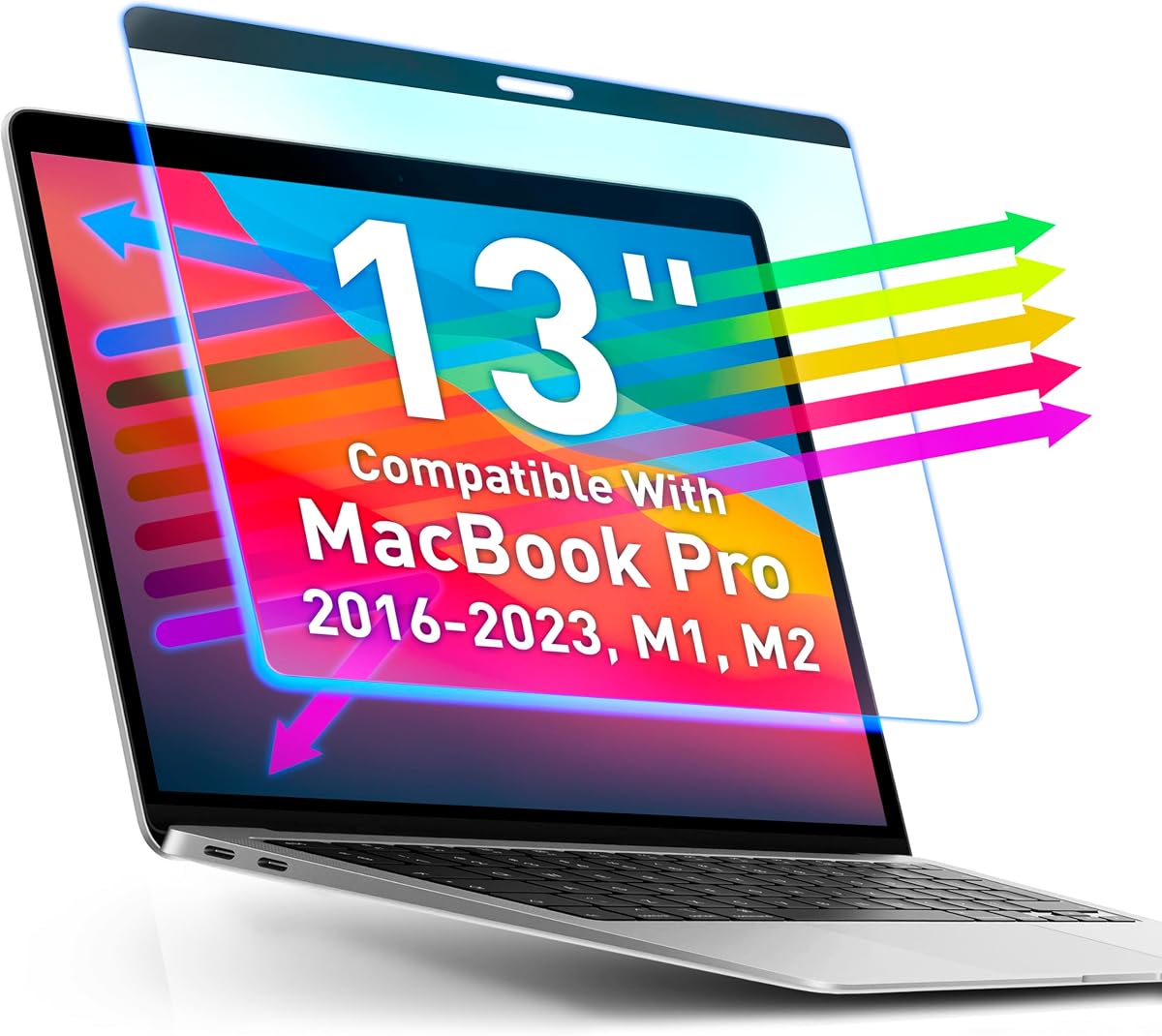
The VINTEZ Magnetic Blue Light Screen Protector stands out as the top choice for MacBook Pro users seeking eye comfort. With a 4.3 rating and 95 percent transparency rate it reduces strain without blurring your work.
We may earn a commission when you buy through this link, at no additional cost to you.
Its magnetic design allows you to snap the filter on and off without adhesives. This prevents residue and ensures your screen stays pristine while you benefit from anti blue light protection.
Some users note the filter is specific to 13 inch Pro models so verify your device before ordering. The precise camera cutout and reinforced edges show attention to durability and fit.
Choose this protector if you need reliable eye strain relief with effortless installation. It balances clarity and protection well for daily laptop use.
Designed for 2016 to 2023 models this protector aligns seamlessly without gaps or bubbles.
VINTEZ offers free replacements for damaged screens ensuring long term value and support.
We may earn a commission when you buy through this link, at no additional cost to you.
This 15.6 inch privacy screen delivers strong value with a 4.3 rating. It combines blue light filtering with privacy protection to support secure and comfortable screen use.
We may earn a commission when you buy through this link, at no additional cost to you.
The magnetic setup ensures quick installation while the bottom adhesive strip keeps it stable. You can remove it easily for washing which extends the filter lifespan significantly.
Note that touch functionality stops when the screen is on. Ensure your laptop uses a 16 to 9 aspect ratio to avoid fit issues and maximize visibility.
Pick this filter for budget friendly privacy and eye care on standard laptops. It is ideal for travelers who need flexible and reliable protection.
Enhanced viewing angles of plus or minus 28 degrees prevent side prying effectively.
The matte finish reduces reflected light and fingerprints for clearer visuals.
We may earn a commission when you buy through this link, at no additional cost to you.
F FORITO offers a magnetic protector designed to preserve vibrant visuals on MacBook Pro screens. Its 98 percent color accuracy ensures photos and designs stay true while reducing eye strain.
We may earn a commission when you buy through this link, at no additional cost to you.
Installation is bubble free thanks to advanced magnetic alignment. The silicone grips hold the filter firmly preventing peeling corners during travel or daily movement.
Because it removes cleanly you can reuse it multiple times without gunk buildup. Just confirm your model number matches the list to avoid compatibility problems.
This protector suits creatives and students who prioritize screen clarity alongside comfort. It is a solid reusable option for long term MacBook use.
Magnetic alignment ensures flawless setup faster than most adhesive alternatives.
Anti blue light tech reduces digital eye strain during long work sessions.
We may earn a commission when you buy through this link, at no additional cost to you.
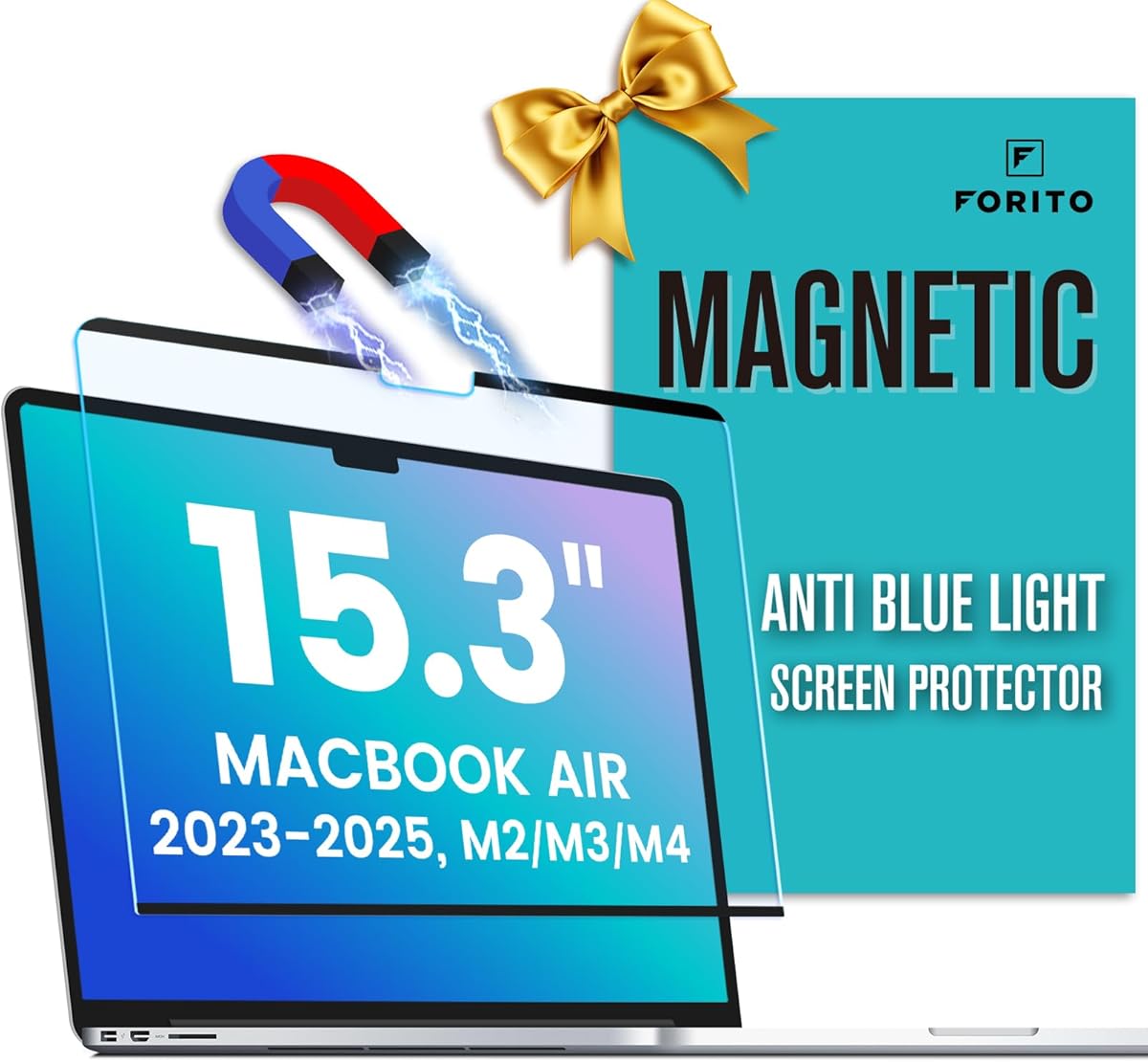
This protector targets the latest 15.3 inch MacBook Air models with tailored magnetic fit. It maintains 98 percent color accuracy while filtering blue light to support extended productivity.
We may earn a commission when you buy through this link, at no additional cost to you.
The bubble free install uses magnetic alignment to avoid bubbles or misalignment. Silicone grips ensure the screen stays secure without adhesive marks when you remove it.
Some buyers found the fit varies by production batch so verifying your model is key. The matte finish helps reduce glare for users who work in bright environments.
Choose this for a reusable and clean protection option for newer Air devices. It balances eye comfort with the screen integrity effectively.
Designed for 2023 to 2025 models with precise dimensions for edge to edge fit.
Matte surface reduces glare and protects against scratches and daily wear.
We may earn a commission when you buy through this link, at no additional cost to you.
This 16 inch filter achieves near perfect edge to edge adhesion without gaps. With a perfect 5.0 rating users praise its clarity and privacy features for work or travel.
We may earn a commission when you buy through this link, at no additional cost to you.
The magnetic suction design completes installation in seconds. You can move it between offices or trips easily thanks to the portable and reusable build.
Make sure to measure your screen width and height excluding bezels. This ensures the 16 to 10 aspect ratio matches your laptop for optimal viewing.
Select this filter if you need a high quality reusable solution with privacy. The perfect score reflects reliability and ease of use.
Designed for zero gaps and zero ghosting for a seamless look.
Magnetic suction allows quick setup and removal anywhere you go.
We may earn a commission when you buy through this link, at no additional cost to you.
This MacBook Air 13.6 inch filter uses micro louver tech to limit side viewing. It offers 93 percent HD clarity so videos and work remain clear while protecting your data.
We may earn a commission when you buy through this link, at no additional cost to you.
Magnetic installation avoids glue and ensures the film sticks securely. The oleophobic layer repels fingerprints and can be rinsed for reuse without losing quality.
It blocks 92 percent of UV rays and 95 percent of blue light. This helps reduce eye fatigue during long sessions in public places like offices or trains.
Pick this if privacy is your priority alongside screen health. It comes with a lifetime policy so support is always available if needed.
Ultra thin louvers narrow viewing angle to protect data on both sides.
Protescreen offers a lifetime policy with solutions for any product issues.
We may earn a commission when you buy through this link, at no additional cost to you.
This MacBook Air filter combines privacy and eye protection with TAA compliance for government and corporate use. A 4.3 rating shows users value its durability and clarity.
We may earn a commission when you buy through this link, at no additional cost to you.
The magnetic attachment snaps on quickly without adhesives. Precision cutouts ensure the camera and speakers remain accessible while the screen stays safe.
Adjusting screen brightness changes privacy angles so you can control visibility as needed. The lifetime replacement policy adds confidence for public or busy environments.
Select this if you need secure and compliant screen protection. It fits well for institutions or travelers needing reliable privacy.
Widely used in public and busy areas for trusted compliance standards.
Free replacements offered for damaged screens ensuring long term satisfaction.
We may earn a commission when you buy through this link, at no additional cost to you.
Mamol offers strong UV and blue light reduction for 15.6 inch 16 to 9 laptops. Its 4.2 rating reflects effective eye strain relief and scratch protection.
We may earn a commission when you buy through this link, at no additional cost to you.
The auto snap on magnets hold the screen securely without glue. A lifetime warranty and cleaning kit make this a durable and supported choice.
Check your width and height before ordering to ensure a perfect fit. The limited viewing angle keeps info private from side viewers effectively.
Choose this if you need robust UV protection and a solid warranty. It serves well for daily screen use and public environments.
Blocks up to 97 percent of harmful UV rays to protect your eyes.
Mamol provides lifetime support with 24 hour response for any issues.
We may earn a commission when you buy through this link, at no additional cost to you.
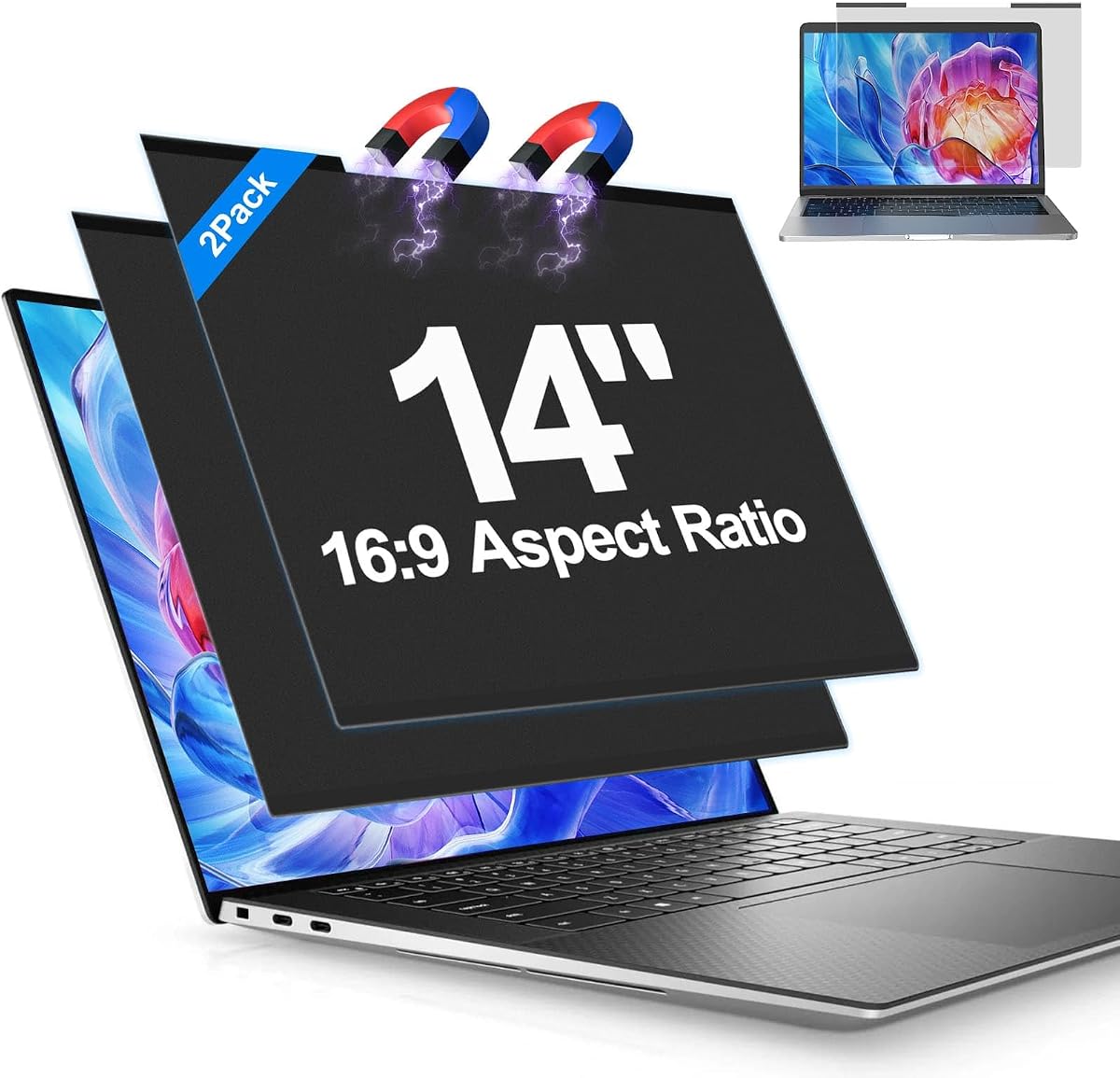
This 14 inch filter uses an aluminum alloy design for exceptional toughness. With a 4.9 rating it offers impact and scratch resistance ideal for rugged travel or daily use.
We may earn a commission when you buy through this link, at no additional cost to you.
Magnetic suction completes installation in seconds. The edge to edge fit eliminates gaps so you get a clean look and maximum privacy from the sides.
It reduces glare and blue light for comfortable long sessions. Just measure your screen width and height to ensure it matches the 16 to 9 ratio.
Select this filter if durability is your top concern. The robust build ensures it stays intact even in harsh environments.
Foldable aluminum alloy ensures toughness against impact and drops.
Near perfect edge to edge adhesion with no gaps or visual distortions.
We may earn a commission when you buy through this link, at no additional cost to you.
Kensington MagPro delivers premium privacy with a slim magnetic strip that allows sleep mode without removal. A 4.1 rating reflects reliable build quality and privacy performance.
We may earn a commission when you buy through this link, at no additional cost to you.
Its low reflective coating enhances clarity while reducing glare. The limited viewing angle of plus or minus 30 degrees keeps sensitive data private in offices or public spaces.
Blue ray reduction filters up to 22 percent of harmful light to ease eye strain. The design supports slim bezel displays for a seamless edge to edge look.
Choose this protector for trusted brand quality and premium features. It suits professionals who need consistent privacy and clarity.
Patented strip allows quick attachment without removing the filter during sleep mode.
Reduces glare and improves clarity for better viewing in bright light.
We may earn a commission when you buy through this link, at no additional cost to you.
Selecting the right magnetic anti blue light laptop screen protector involves evaluating several factors beyond basic fit. Use these criteria to narrow options that suit your device and workflow.
Check your laptop's exact width height and aspect ratio before ordering. Many models use 16 to 9 or 16 to 10 ratios so mismatched sizes leave gaps.
Match your model number or year to the product list. This ensures the cutouts align with cameras and speakers properly.
Look for products that specify a blue light reduction percentage. Higher filtering helps reduce eye strain during long work sessions.
Aim for at least 80 percent reduction to balance clarity and protection effectively.
Privacy filters use micro louvers to limit viewing angles to plus or minus 30 degrees. This blocks side prying without affecting your front view.
Adjust brightness if needed to optimize privacy levels in different environments.
Ensure the filter maintains high transparency to avoid washed out visuals. Many top options promise 95 to 98 percent color accuracy.
High transmittance keeps videos and designs vibrant while reducing eye fatigue.
Magnetic snap on designs allow quick installation and removal without adhesive residue. Silicone grips help the filter stay secure during use.
Removable and reusable filters save money and protect your screen from glue damage.
Matte finishes reduce glare and fingerprints for clearer viewing. Anti scratch coatings extend the life of both filter and screen.
Oleophobic layers make cleaning easier and prevent smudge buildup.
Aluminum alloy or composite designs resist impact and bending. Stronger materials withstand travel and daily wear better.
Check for reinforced edges and corner grips that prevent peeling over time.
Lifetime replacement policies and responsive customer service add value. Ensure the brand offers solutions for wrong sizes or defects.
Clean included kits or storage clips can improve long term use and care.
To install align the magnetic strip with the top of your screen and press lightly until it snaps into place. Ensure edges sit flush without gaps for full coverage.
Remove the filter by lifting one corner gently. If it has silicone grips use them to avoid bending or stretching the material.
Clean the filter with a microfiber cloth and rinse with water if washable. Let it air dry before reattaching to avoid moisture on the screen.
No magnetic protectors attach without adhesive so they do not leave residue. Ensure the magnets are clean before use and avoid pressing hard to prevent pressure marks.
Most privacy filters block touch functionality once installed. Check product specs before purchasing if touch support is essential for your workflow.
Quality filters typically block 80 to 95 percent of harmful blue light. Higher filtering reduces strain but verify clarity matches your usage needs.
Privacy relies on micro louvers that work best at standard brightness. Lower brightness may reduce side visibility further while higher brightness helps front clarity.
Many models feature washable surfaces. Rinse gently with water and dry thoroughly with a microfiber cloth before reuse to avoid residue.
Measure your screen width and height excluding bezels. Compare those dimensions to the filter specs to ensure an edge to edge fit.
These ten magnetic anti blue light laptop screen protector options balance eye comfort privacy and ease of use. The VINTEZ model leads for MacBook Pro users while budget options deliver strong value.
Prioritize compatibility transparency and blue light reduction when choosing. A clear filter with 95 percent plus transparency ensures your work stays vibrant.
Always check current listings and compatibility before purchase. Prices and availability shift but the best models remain reliable for daily screen protection.