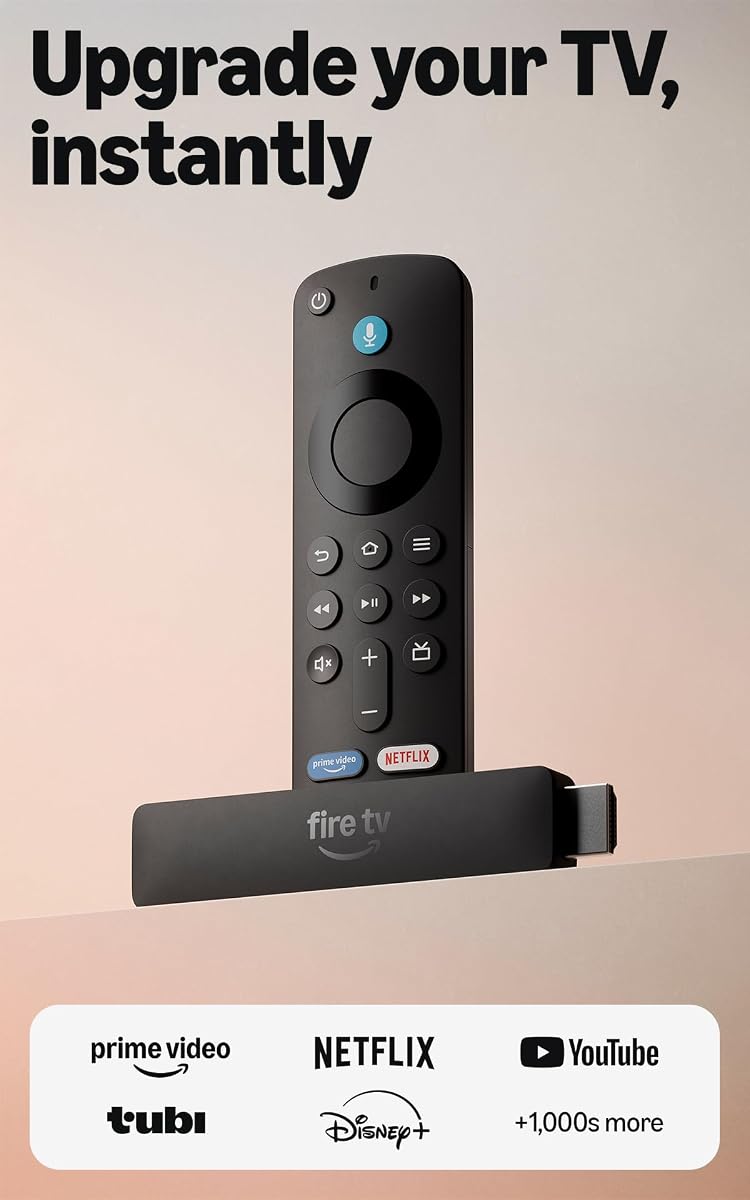
Amazon Fire TV Stick HD
4.1Editor score
Direct power from TV
Alexa Voice Remote
Full HD streaming
This guide compares the top ten HDMI streaming devices for picture quality, performance, and smart features to help you find the right player for your TV.
Streaming devices have transformed how we watch television by turning any HDMI equipped TV into a smart hub. These compact players offer access to thousands of apps and services without needing expensive cable subscriptions or new hardware purchases.
We evaluated ten leading models based on resolution support, interface speed, remote functionality, and overall value. Our analysis focuses on real world performance metrics and user feedback to ensure each recommendation delivers a smooth viewing experience.
Each entry highlights specific strengths and ideal use cases so you can match a device to your setup. Keep in mind that pricing fluctuates frequently so verify current offers before finalizing your purchase decision today.
4.1Editor score

4.4Editor score

4.6Editor score
The following table provides a side-by-side overview of key specifications for every model reviewed in this guide to facilitate quick comparisons.


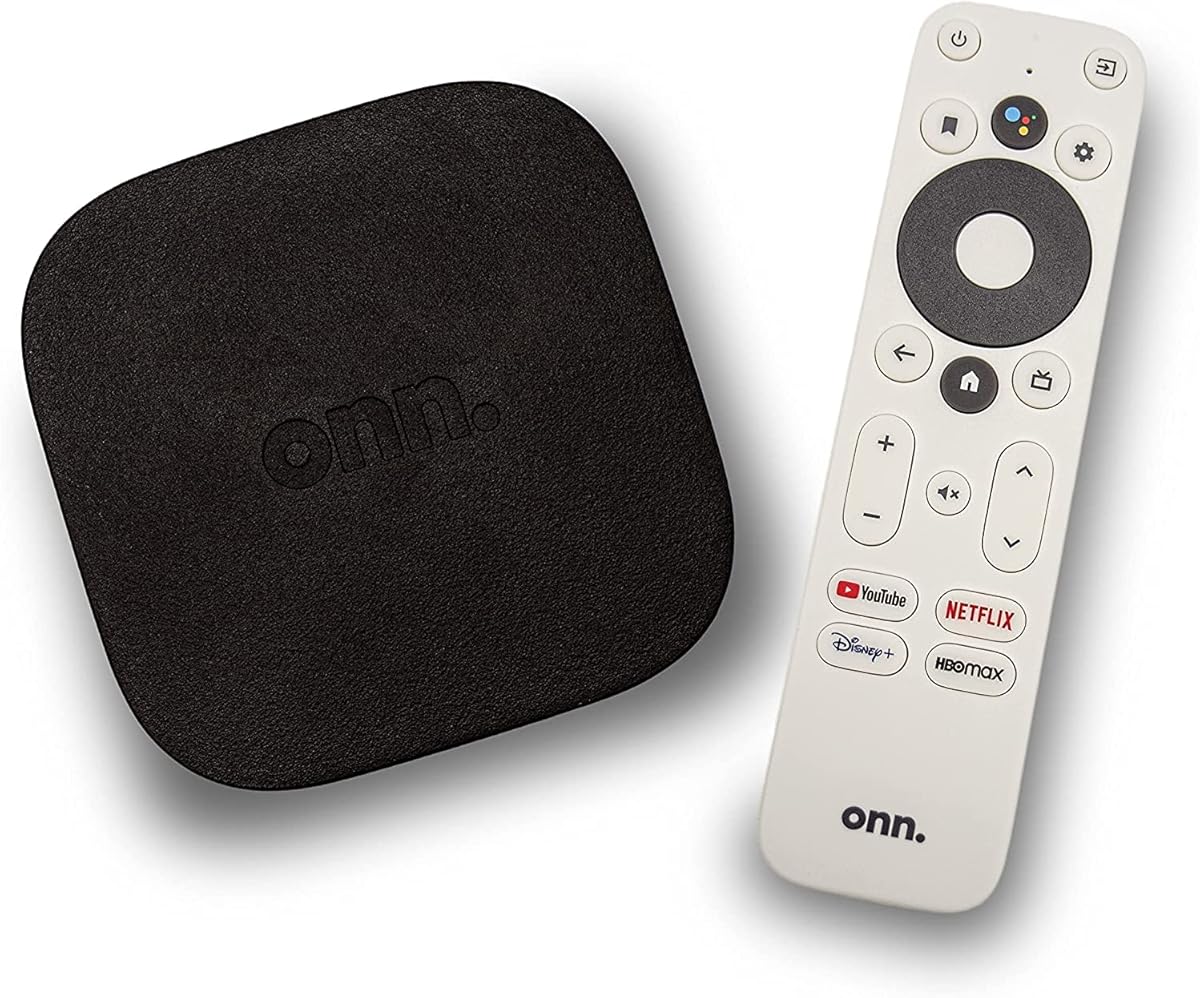

The Roku Ultra stands out as the premier choice for users seeking maximum performance and features. It holds a strong rating and delivers cinematic picture quality with immersive audio capabilities.
We may earn a commission when you buy through this link, at no additional cost to you.
Its interface launches apps rapidly and supports the latest visual standards including Dolby Vision and HDR10+. The included remote offers backlit buttons and hands-free voice control for convenience.
While the price is higher than basic sticks the added speed and Ethernet port justify the cost for demanding households. The rechargeable remote eliminates battery waste effectively.
This device is ideal for home theater enthusiasts who prioritize smooth streaming and high fidelity audio. It ensures every viewing session feels premium and responsive without lag.
The device supports Dolby Atmos and Vision for a theater-like experience at home with rich colors and deep sound.
Find your remote instantly using the built-in finder and avoid batteries with a single charge that lasts for months.
We may earn a commission when you buy through this link, at no additional cost to you.
This stick proves you do not need to spend much to get reliable streaming performance. It offers crisp Full HD visuals and a modern interface powered by Alexa.
We may earn a commission when you buy through this link, at no additional cost to you.
Its ability to draw power directly from the TV reduces cable clutter. The interface is streamlined to jump straight to your favorite content quickly.
While it lacks 4K resolution it covers all major apps and free content options efficiently. It is perfect for smaller TVs or guest rooms where 4K is not essential.
Buy this if you want an affordable upgrade to any standard HD TV. It simplifies your entertainment setup without unnecessary complexity or extra adapters.
Connect directly to your TV via USB without needing a wall adapter which saves outlets and keeps wires tidy.
Use Alexa to find shows across apps or control your smart home devices right from the included voice remote.
We may earn a commission when you buy through this link, at no additional cost to you.
The Ultra LT offers a near full premium experience with essential high-end features at a competitive price point. It delivers stunning 4K visuals and supports Dolby Vision effortlessly.
We may earn a commission when you buy through this link, at no additional cost to you.
Its dual-band Wi-Fi ensures a steady connection even in larger homes or rooms far from the router. The device comes with a full HDMI cable to get you started immediately.
Although it lacks some bells and whistles of the top Ultra model it covers all core streaming needs perfectly. It is a robust choice for those wanting reliability and quality.
Choose this if you want a premium device without paying the highest price tier. It balances cost and performance beautifully for serious streamers.
Dual-band Wi-Fi provides a steady stream to prevent buffering during high resolution content playback in any room.
Includes everything needed for setup so you can start watching your favorite shows without buying extra cables.
We may earn a commission when you buy through this link, at no additional cost to you.
This compact stick is designed to disappear behind your TV while delivering powerful 4K performance. It is rated highly for its ease of use and picture quality.
We may earn a commission when you buy through this link, at no additional cost to you.
Its long-range Wi-Fi receiver helps it connect well even in rooms far from your router. The design ensures it does not block other HDMI ports on your television.
While it cannot offer Ethernet it is perfect for renters or travelers who move their setup frequently. You can take your entertainment profile with you anywhere easily.
This is the ideal pick for anyone who values portability without sacrificing visual fidelity. It turns any TV into a smart hub instantly and discreetly.
Keep your streaming profile and settings with you when traveling so you do not need to log into public devices.
The slender shape sits close to the TV bezel leaving other ports free for soundbars or gaming consoles.
We may earn a commission when you buy through this link, at no additional cost to you.
This device leverages AI to help you find shows faster than ever before across all your apps. It supports 4K and immersive audio for a rich viewing experience.
We may earn a commission when you buy through this link, at no additional cost to you.
Cloud gaming integration allows you to play popular titles without needing a console. This expands its utility beyond just video streaming into interactive entertainment.
The Wi-Fi 6 support ensures it handles multiple connected devices without slowing down your stream. It is a versatile tool for tech savvy users.
Buy this if you want smart search features and the ability to play games on your TV. It keeps your entertainment hub up to date with latest tech.
Use Alexa+ to ask for shows in natural language and get recommendations based on your viewing habits quickly.
Play heavy titles via cloud gaming using an Xbox controller for a gaming experience without extra hardware.
We may earn a commission when you buy through this link, at no additional cost to you.
This model brings 4K streaming to a budget friendly price point without losing key smart features. It handles HDR10+ content well for vibrant images on compatible TVs.
We may earn a commission when you buy through this link, at no additional cost to you.
It acts as a smart home hub allowing you to control lights and cameras from the remote. This centralizes your automation needs alongside video playback.
While it lacks some premium audio features it covers all mainstream apps and gaming requirements effectively. It is a great entry point into 4K streaming.
Choose this if you want 4K resolution but do not want to spend too much. It delivers solid performance for everyday streaming needs reliably.
Control Ring cameras and lights using the remote buttons so you do not need a separate smart home app.
Get four times the resolution of HD for clear details in movies and shows on supported televisions.
We may earn a commission when you buy through this link, at no additional cost to you.
The 4K Max features a powerful processor that makes app starts instant and navigation fluid across the system. It supports the latest Wi-Fi 6E for future ready wireless speeds.
We may earn a commission when you buy through this link, at no additional cost to you.
It offers double the storage of standard models allowing more games and apps. The ambient display mode turns your TV into a canvas when not in use.
While it is a bit pricier the performance boost is noticeable especially in busy smart home networks. It removes friction from the daily streaming routine.
This is the best pick for users who want the fastest stick experience available. It ensures your TV remains responsive for years to come.
Wi-Fi 6E support means less interference and faster download speeds for your 4K streams in crowded networks.
Transform your TV into a digital gallery with over 2000 pieces of art available through the Ambient Experience.
We may earn a commission when you buy through this link, at no additional cost to you.
This device runs full Android TV which grants access to the Google Play Store for a vast selection of apps. It provides crisp 4K Ultra HD visuals for compatible screens.
We may earn a commission when you buy through this link, at no additional cost to you.
Chromecast built-in lets you cast content directly from your phone to the TV effortlessly. The voice remote works with Google Assistant for quick control of playback.
While the interface may not be as snappy as others it covers all major streaming needs well. It is a solid choice for Android phone users.
Buy this if you want a device that plays nicely with Android ecosystems and mobile casting. It simplifies your media access significantly.
Download almost any app from the Play Store to find niche content or specific services easily.
Tap to cast from your phone or tablet to see photos and videos on the big screen without cables.
We may earn a commission when you buy through this link, at no additional cost to you.
This model offers reliable performance with a dedicated Ethernet port for stable wired connections. It supports private listening via a headphone jack on the remote.
We may earn a commission when you buy through this link, at no additional cost to you.
The quad core processor ensures smooth handling of high resolution streams without dropping frames. It is a consistent performer for nightly movie nights.
While it is an older design the features remain relevant for users who need reliability over new gimmicks. It includes a headphone cable to get started.
Select this if you want a stable wired connection and the ability to listen privately at night. It avoids lag and keeps others undisturbed.
Use the included Ethernet port to connect directly to your router for buffer free streaming in all conditions.
Plug headphones into the remote to hear audio privately without waking up others in the room.
We may earn a commission when you buy through this link, at no additional cost to you.
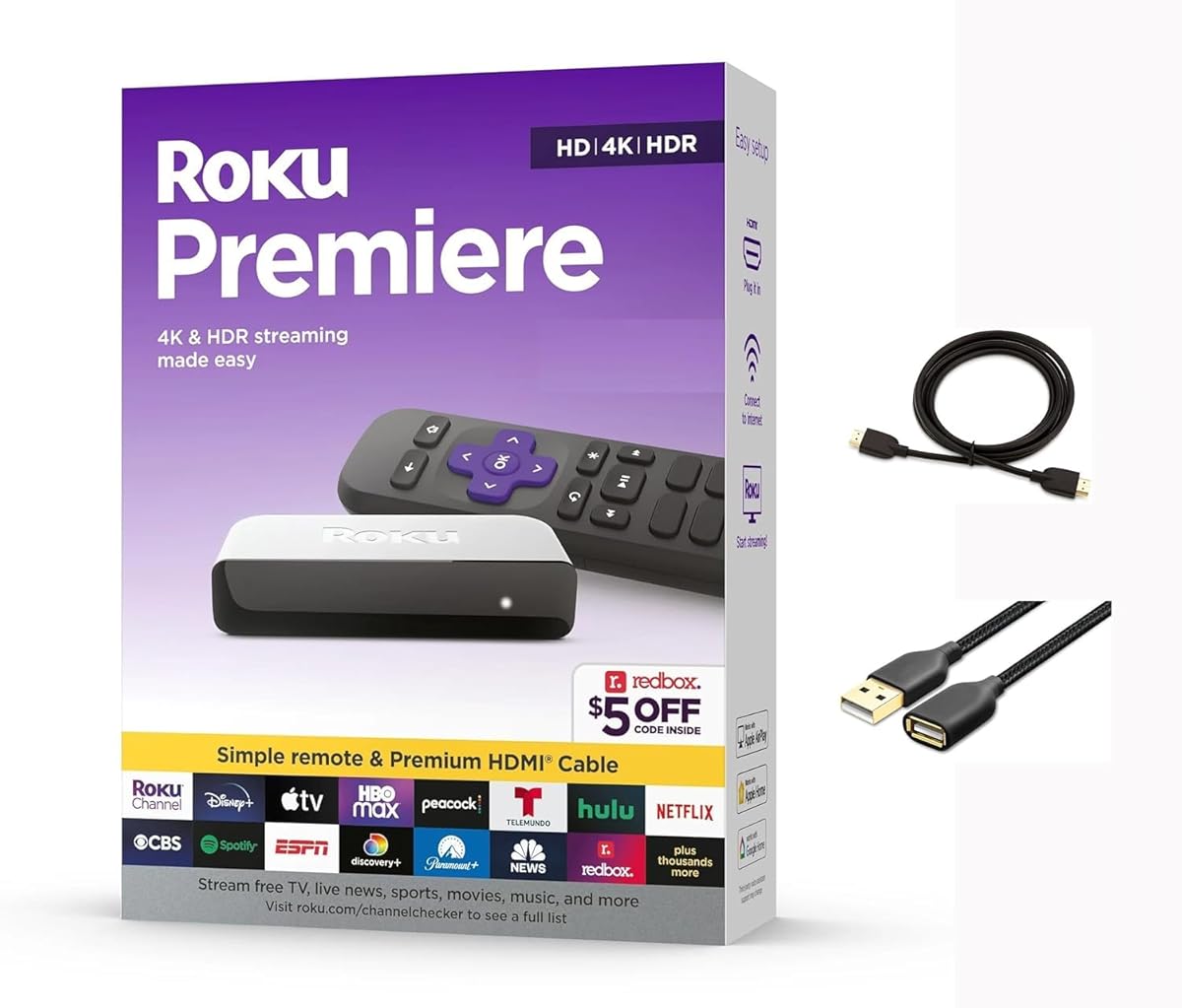
This device is a compact box that delivers 4K HDR content reliably without complexity. It supports Apple AirPlay so iPhone users can share media easily.
We may earn a commission when you buy through this link, at no additional cost to you.
The guided setup uses a included HDMI cable to get you streaming within minutes. It updates automatically to stay secure and feature current.
While the remote lacks voice control it includes shortcut buttons for popular channels. It is perfect for those who prefer simplicity over advanced voice features.
This is a great buy for users who want 4K and AirPlay without a steep price. It keeps things straightforward and efficient.
Send videos and photos from your iPhone to the TV instantly without needing to cast via other apps.
The remote provides all essential buttons and shortcuts so you can navigate easily without voice commands.
We may earn a commission when you buy through this link, at no additional cost to you.
Selecting the right streaming player depends on understanding your display capabilities and usage habits.
Ensure the device matches your TV resolution capabilities such as 4K or Full HD. High Dynamic Range support like HDR10+ or Dolby Vision enhances color and contrast significantly on compatible screens.
Prioritize 4K and HDR support if you own a modern large screen to get the most out of your investment.
A faster processor means quicker app loading times and smoother navigation menus. Look for devices with modern Wi-Fi standards like Wi-Fi 6 to avoid buffering when other devices are online.
Choose models with up to processors to ensure the interface remains responsive over years of regular use.
Streaming devices that support immersive formats like Dolby Atmos provide better sound for compatible setups. This creates a more engaging experience compared to standard stereo audio options.
Check for advanced audio support if you have a sound system that can utilize these formats.
Most devices rely on Wi-Fi but some offer Ethernet ports for a more stable connection. This is crucial for large homes or rooms far from the router where wireless signals may weaken.
Select a device with Ethernet if you experience frequent drops or need maximum reliability.
Voice remotes allow you to search for content using natural language. Backlit buttons or rechargeable batteries add convenience and reduce the hassle of replacing cells frequently.
Look for remotes that include power and volume buttons to control your TV from a single device.
The operating system determines how content is organized and which apps are available. Choose a platform that supports your most used streaming services and fits your existing ecosystem preferences.
Verify that your favorite apps are available on the specific platform before purchasing the hardware.
Internal storage allows you to install more apps or play cloud games without running out of space. Devices with higher storage capacities are better for users who download many channels or gaming titles.
Opt for models with higher storage if you plan to use the device for gaming or installing many applications.
Many modern devices function as hubs to control lights cameras and thermostats via voice commands. This adds value beyond just media consumption by centralizing control of your connected home devices.
Consider a device that supports your preferred smart home ecosystem for seamless automation.
Begin by plugging the device into an available HDMI port on your television. If the port is difficult to reach use the included USB extension cord to route power from a side socket.
Connect to your Wi-Fi network and log into your accounts. Keep your device away from direct sunlight and heat sources to prevent overheating and maintain performance longevity.
Regularly check for software updates to ensure security and access to new features. Cleaning the exterior with a dry cloth removes dust and keeps the device looking clean over time.
No you do not need a subscription to use the hardware itself. You can access free ad supported content and apps. However accessing premium channels requires their individual subscription fees.
Yes as long as your TV has an HDMI port you can use these devices. If it does not have HDMI you may need an adapter. Otherwise they work great on any standard modern television.
Most reputable brands implement strong encryption and security updates. Avoid installing unverified apps to protect your data. They are generally safe for family use when you update software regularly.
Fire TV excels in smart home integration while Roku offers a neutral interface. Both support 4K and similar apps. Choose based on your preference for voice assistant or platform simplicity.
They work alongside consoles by using separate HDMI ports on your TV. You can switch between them easily on your remote. They complement consoles by offering streaming when you are not gaming.
Most apps take minimal space so standard storage works for basic streaming. If you install many games choose a model with more capacity. It ensures you never run out of space for your apps.
Updates can eventually impact older hardware but modern devices stay fast longer. Regular updates keep the system optimized for new apps. High performance models resist slowdown better than budget sticks.
At least 5 Mbps is recommended for HD and 25 Mbps for 4K streams. Faster speeds help if multiple people stream at once. Strong Wi-Fi 6 devices handle busy networks better.
We have covered ten top models ranging from budget picks to high end players. Each device offers distinct benefits depending on your specific home theater needs and budget constraints.
Focus on resolution support and interface speed when making your decision. The right choice depends on how you watch and what features you value most in a daily driver.
Always check current pricing and availability before finalizing your purchase. Deals change frequently so waiting for the right moment can save you money on your next upgrade.