
Frameo Digital Picture Frame 10.1 Inch
4.6Editor score
32GB internal memory storage
10.1 inch HD touch screen
Non-WiFi USB transfer support
Keeping loved ones connected across distances is more important than ever. A digital picture frame offers a simple way to share photos and videos without needing technical expertise. For grandparents, these devices bring warmth and joy directly to their living room. The best frames feature large screens, intuitive interfaces, and reliable connectivity to ensure memories are displayed beautifully.
We have carefully evaluated ten leading models on the market to find the best options for seniors. Our analysis focuses on setup simplicity, display quality, storage capacity, and the ability to share content remotely. We considered frames that support multiple sharing methods, including Wi-Fi apps and physical media like SD cards. This ensures every family member can contribute to the memory display effortlessly.
Each recommendation in this guide highlights specific strengths such as touch sensitivity, video support, or premium build quality. You will find options ranging from budget-friendly picks to high-end displays with unlimited storage. Prices and availability change frequently so we recommend checking current listings before making a final decision. Use this guide to find a frame that keeps your family connected every day.
4.6Editor score
4.7Editor score

4.7Editor score
As an Amazon Associate we earn from qualifying purchases.
The following table provides a side by side comparison of the top ten digital picture frames suitable for grandparents. Each entry includes key specifications such as screen size, resolution, storage capacity, and unique features to help you differentiate between models quickly.


This digital picture frame stands out as a top choice for grandparents due to its generous 15.6 inch Full HD display. With a rating of 4.5 stars it delivers high quality visuals that make family photos look lifelike. The 64GB internal memory ensures thousands of images are stored locally without needing external cards.
We may earn a commission when you buy through this link, at no additional cost to you.
The Frameo app provides a secure and private way for family members to send photos and videos directly to the frame. This feature is ideal for long distance relationships where staying connected matters most. Additionally the frame supports USB and SD card expansion for those who prefer physical media transfers.
While the frame offers impressive features it requires careful attention when inserting SD cards to avoid formatting issues. The dependency on 2.4GHz WiFi may limit setup in homes with dual band networks but connectivity remains stable once configured. Overall the benefits far outweigh these minor setup considerations.
Grandparents who value large screens and easy sharing will find this frame perfect. It combines high resolution display quality with robust storage and reliable connectivity options. Whether placed on a mantel or desk it serves as a warm reminder of loved ones nearby.
The 15.6 inch screen provides ample space for photos to be seen clearly even from a distance across the room.
The Frameo app allows family members to share memories privately without needing to use social media platforms.
We may earn a commission when you buy through this link, at no additional cost to you.
For families seeking an affordable option without sacrificing functionality this 10.1 inch frame delivers excellent value. It holds over 50,000 photos with its 32GB internal memory. The Frameo app integration allows instant sharing from anywhere making it easy for relatives to stay connected with grandparents.
We may earn a commission when you buy through this link, at no additional cost to you.
One of its strongest features is the support for non-WiFi transmission. If the user finds app setup challenging they can load photos directly via SD card or USB drive. This flexibility ensures that tech hesitant seniors can still enjoy digital photos without struggling with network settings.
The frame lacks some advanced features like high definition video or automatic brightness adjustment found in premium models. Additionally the USB-C cable is not included in the package which is a minor inconvenience. However these trade offs are reasonable given the low cost and solid performance.
This frame is ideal for gifting to grandparents who need a simple and cost effective solution. It balances screen size and connectivity well enough to keep memories flowing. The magnetic stand allows easy switching between portrait and landscape orientations to fit any home decor.
Priced lower than competitors this frame still offers robust storage and reliable app sharing capabilities.
Support for USB and SD cards means photos can be loaded even if WiFi access is unavailable.
We may earn a commission when you buy through this link, at no additional cost to you.
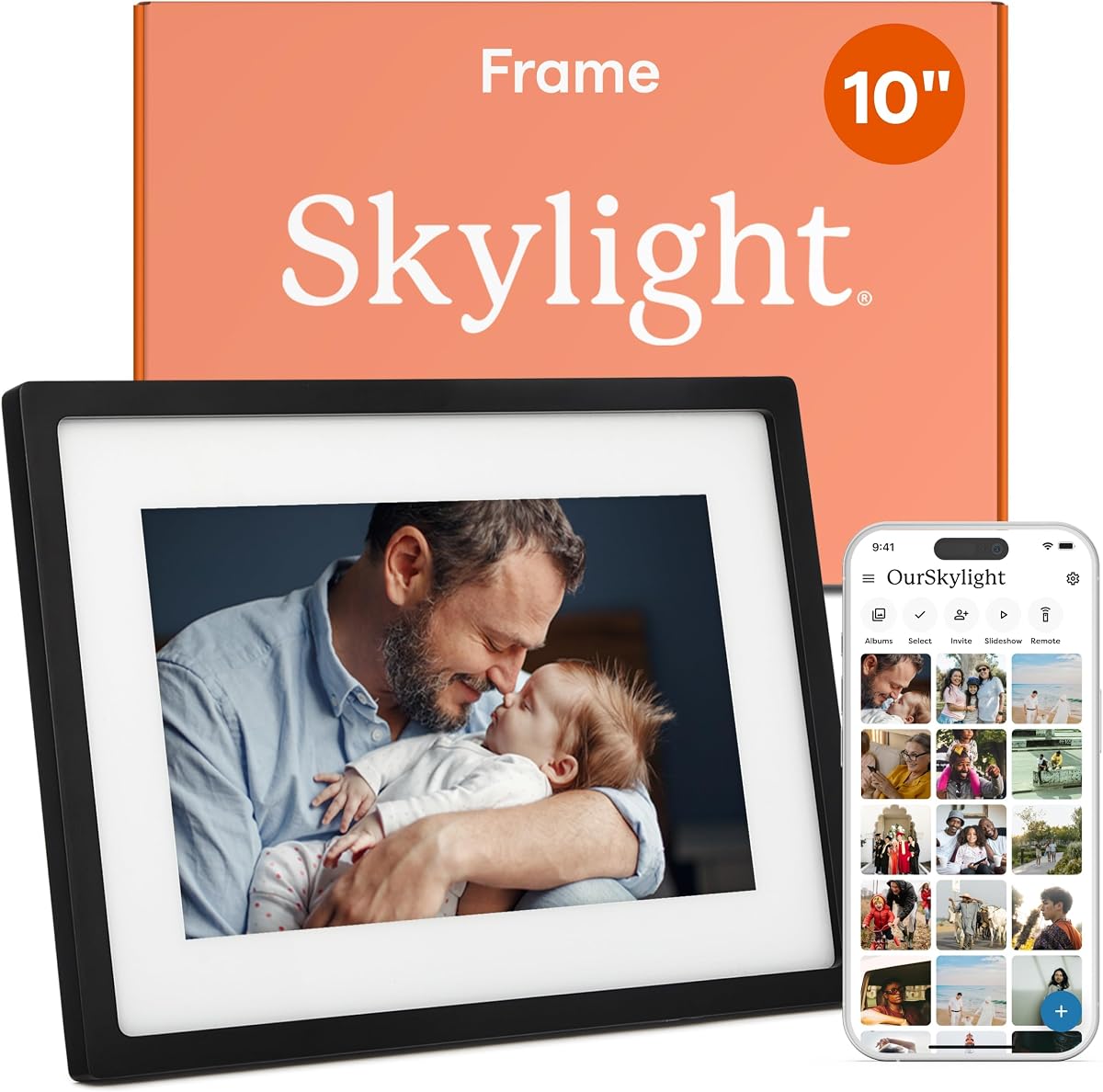
The Skylight frame is renowned for its effortless setup experience making it a top choice for tech novice grandparents. Once plugged in and connected to WiFi you can simply send photos to a unique email address. This eliminates the need for complex apps or pairing codes which simplifies the gift giving process significantly.
We may earn a commission when you buy through this link, at no additional cost to you.
Its standout feature is the ability to use email for sharing. Family members can attach photos to an email just like they would to any contact. This intuitive method means anyone with a phone or computer can contribute to the memory display without downloading new software or creating accounts.
However the frame relies entirely on cloud connectivity and does not support local media inputs like USB drives. This limits flexibility if internet access is interrupted or if users prefer offline storage options. Additionally the price is higher than many competitors which may be a consideration for budget conscious buyers.
For those prioritizing simplicity and ease of use this frame is unmatched. It removes technical barriers so grandparents can focus on enjoying photos. The gift mode allows you to preload images before giving so the frame is ready to use right out of the box.
Sending photos to an email address is familiar to most users requiring no new app learning curves.
Preloading photos before delivery ensures the recipient sees immediate value without any setup frustration.
We may earn a commission when you buy through this link, at no additional cost to you.
The Aura frame distinguishes itself with unlimited free cloud storage which means users never need to worry about running out of space. It supports sharing from iCloud Google Photos and other major apps. The design is sleek and modern fitting beautifully into any home decor without looking like a gadget.
We may earn a commission when you buy through this link, at no additional cost to you.
Setup is remarkably quick taking about a minute to connect to WiFi and start adding photos. The gift ready packaging ensures the unboxing experience feels special and thoughtful. It includes features like automatic brightness adjustment which keeps the screen visible without manual tweaking day or night.
A key limitation is that it relies heavily on WiFi and does not support local media inputs like SD cards. If internet access is unstable photos may not load. The higher price tag reflects the premium build and unlimited storage but might not suit every budget.
This frame is perfect for families who want a beautiful device with zero maintenance for storage limits. It is an excellent choice for grandparents who appreciate quality design and need a reliable way to view photos without technical interruptions.
Never delete old photos to make room for new ones with the generous unlimited storage policy.
Gift ready packaging makes giving this frame a delightfully polished experience for the recipient.
We may earn a commission when you buy through this link, at no additional cost to you.
This model offers a large 15.6 inch display that is ideal for viewing photos with clarity. It supports high definition images and has 32GB of internal storage for thousands of memories. The Frameo app allows family members to send photos and videos securely ensuring everyone stays connected.
We may earn a commission when you buy through this link, at no additional cost to you.
One engaging feature is the React function which lets grandparents send emoji responses to photos received. This adds a fun interactive element to the experience making it feel more like a social conversation. The frame also supports non-WiFi transfers via SD card for those who prefer physical media.
The frame can be slightly heavy making it less portable if you need to move it frequently. Additionally video uploads via the app are limited to 15 seconds which may restrict longer family clips. These limitations are minor compared to the large visual experience it provides.
It is a great option for grandparents who want a big screen to display family photos prominently. The combination of size interactivity and storage options makes it a versatile choice for keeping memories visible in living areas.
Send emojis back to family members to show appreciation for the photos they share on the frame.
Set a sleep mode to automatically turn off the screen when not needed to save energy.
We may earn a commission when you buy through this link, at no additional cost to you.
This frame features a 10.1 inch HD touchscreen with an auto rotate function that adjusts photos based on how the frame is placed. It comes with 32GB of storage which is ample for most families. The AiMOR app enables easy sharing from anywhere keeping grandparents updated with daily life moments.
We may earn a commission when you buy through this link, at no additional cost to you.
The light sensor automatically adjusts screen brightness to match ambient lighting conditions. This prevents glare during the day and reduces brightness at night for comfortable viewing. The inclusion of weather and clock displays adds a practical element to the device beyond just showing photos.
Photos must be imported into the frame storage rather than played directly from SD cards which adds a step. There is no video playback from SD cards limiting the media types supported physically. However these constraints do not significantly impact the overall user experience.
It is suitable for grandparents who want a modern frame with automatic orientation and smart brightness controls. The combination of display quality and smart features ensures that photos are always presented correctly regardless of the frame placement.
Built-in light sensor adjusts screen brightness automatically to reduce glare and eye strain.
Gravity sensor automatically rotates photos to fit the screen whether the frame is vertical or horizontal.
We may earn a commission when you buy through this link, at no additional cost to you.
This frame stands out with its calendar sync feature that displays daily schedules alongside favorite photos. It integrates with iCloud Google and Outlook to show appointments which helps grandparents stay organized. The display is sharp and supports multiple photo formats and videos for a rich viewing experience.
We may earn a commission when you buy through this link, at no additional cost to you.
Collage mode allows up to six photos to be displayed at once in vibrant layouts. This feature is great for summarizing a day or event in one view. The frame also supports auto rotate to ensure photos are always aligned correctly with the frame position.
Setting up the calendar sync requires internet access which may be a hurdle for some users. There is no support for offline music playback which limits the device to visual media only. Despite these limits it remains a highly functional tool for organization and memory keeping.
Grandparents who value organization will appreciate the calendar integration that keeps their day visible alongside memories. The combination of visual and functional features makes it a practical addition to any living space.
Integrated calendar syncs with major providers to show daily schedules alongside photo memories.
Collage mode lets you display multiple photos at once to capture entire events efficiently.
We may earn a commission when you buy through this link, at no additional cost to you.
This frame boasts a large 15.6 inch Full HD display that brings every memory to life with stunning clarity. It includes a unique Greeting feature that lets you send themed pictures for birthdays or special occasions. This adds a personal touch to digital communication making it feel more like a traditional card.
We may earn a commission when you buy through this link, at no additional cost to you.
The frame supports non-WiFi transmission via SD card or USB drive for those who prefer physical transfers. Auto rotate ensures photos look correct regardless of the frame's orientation. Sleep mode helps save energy and avoid brightness when the room is dark.
Care must be taken when inserting USB cables to avoid damaging the port. Additionally app video uploads are limited to short clips which may restrict longer sharing. These minor constraints do not detract from the frame's overall reliability and visual quality.
It is a warm and thoughtful gift for grandparents who enjoy seeing memories displayed clearly. The combination of large screen quality and unique greeting features makes it stand out as a meaningful device.
Send themed picture greetings for birthdays and holidays directly to the frame from your phone.
A 15.6 inch screen ensures photos are visible and vibrant from anywhere in the room.
We may earn a commission when you buy through this link, at no additional cost to you.
This model serves as a standard digital frame option for those needing basic functionality. It supports WiFi connectivity to allow photos to be sent remotely. The interface is simple and intuitive making it accessible for users who prefer minimal technical interaction.
We may earn a commission when you buy through this link, at no additional cost to you.
While specific details are not fully documented it supports SD card inputs for local storage. Adjustability settings allow users to tailor brightness to their viewing environment. It works with standard photo formats ensuring compatibility with most files.
Limited available information may make it harder to predict long term performance. Lack of detailed support documentation is a consideration for those who need help. Still it offers essential features at a basic level.
It is a suitable choice for grandparents needing a simple photo display without extra features. The focus on core functionality ensures it can perform its main task effectively.
Basic connectivity and storage options meet the fundamental needs of digital photo viewing.
Supports common image formats ensuring most files can be displayed without conversion.
We may earn a commission when you buy through this link, at no additional cost to you.
As an entry level option this frame provides essential features for viewing digital photos. It supports cloud uploads making it easy to receive photos from family. The control layout is designed to be straightforward and easy to navigate.
We may earn a commission when you buy through this link, at no additional cost to you.
Users can upload multiple file formats without needing to convert images beforehand. The brightness settings allow for adjustment to avoid glare during daytime viewing. These features ensure a usable experience for basic photo display needs.
Resolution is standard rather than high definition which may limit detail clarity. Documentation is minimal so users may need to rely on trial and error for setup. These factors should be weighed against the low cost.
It is a practical option for grandparents who want an affordable way to view digital memories. While basic it fulfills the core purpose of displaying photos effectively.
Low cost makes it accessible for those needing a simple digital photo display solution.
Straightforward layout ensures that navigating the menu is easy and intuitive for seniors.
We may earn a commission when you buy through this link, at no additional cost to you.
Selecting the right digital picture frame involves considering several key factors that affect usability and performance. This guide explains the most important aspects to evaluate before purchasing to ensure you choose a device that fits your needs and budget.
The size and quality of the screen determine how clearly photos are displayed. Larger screens like 10 inches or more are easier to view for seniors with vision issues. Look for at least 1280×800 resolution to ensure sharp and vibrant images.
A good frame should be simple to set up and operate without frustration. Models with plug-and-play features or one-minute setup are ideal. Touchscreen interfaces and physical buttons should be intuitive and responsive to minimize confusion.
Internal memory or cloud storage determines how many photos the frame can hold. Options with at least 32GB internal storage or unlimited cloud storage are preferable. Support for SD cards or USB drives adds flexibility for offline backup and transfers.
Reliable WiFi connectivity ensures that photos can be sent remotely. Some frames also support non-WiFi transfers via USB or SD cards which is helpful if internet access is limited. Check for compatibility with 2.4GHz networks as many devices do not support 5GHz.
If you plan to share videos, check whether the frame supports playback with sound. Most frames allow short video clips but some have time limits. Built-in speakers enhance the experience for watching clips but may not be available on all models.
The physical design should fit well in a home setting and be durable. Look for frames with premium finishes and stable stands that support both portrait and landscape orientations. Wall mounting options can also be useful for decorative placement.
Some frames require monthly fees for cloud storage or advanced features. Choose models with free unlimited storage or clear pricing to avoid unexpected costs. This ensures long term affordability for both you and your grandparents.
Access to reliable customer service and a good warranty is essential for peace of mind. Look for brands that offer technical support and clear return policies. A warranty of at least one year covers manufacturing defects and ensures longevity.
Start by placing the frame on a stable surface away from direct sunlight to avoid glare. Connect it to a power outlet and plug it in to ensure consistent operation without interruptions.
Follow the on-screen instructions to connect the frame to your home WiFi network. Use the associated app or email address to begin sending photos securely and keep the login details safe for future access.
Regularly update the firmware to ensure optimal performance and security. Clean the screen with a soft dry cloth to remove dust and fingerprints without scratching the display.
Some frames allow loading photos via SD cards or USB drives without internet access. However most features like remote sharing require a WiFi connection. Check if the model supports non-WiFi transmission if needed.
Storage varies by model with internal memory ranging from 32GB to 64GB. Cloud-based frames may offer unlimited storage. This translates to tens of thousands of photos depending on file size.
Yes many frames support video playback with sound up to a specific duration. Most allow short clips from 15 seconds to 30 seconds. Longer videos might not be supported depending on the frame's limits.
Many popular frames do not require a subscription for basic photo viewing. However some advanced features or cloud storage plans might have fees. Always check the specific product details before purchasing.
Most frames use a dedicated app or unique email address to receive photos. Family members can install the app or simply email photos to the assigned address. Access rights ensure only invited people can upload.
A 10 to 15 inch screen is generally ideal for ease of viewing. Larger screens make photos more visible without straining the eyes. Consider where the frame will be placed to choose the right size.
Many modern frames offer plug-and-play setup taking only a few minutes. Follow the guide to connect to WiFi and share photos. Some models have special gift modes to simplify the initial experience.
Most frames do not integrate directly with social media for privacy reasons. Instead you save photos from social media and send them via email or app. This keeps the display private and controlled.
Choosing a digital picture frame is a meaningful way to keep grandparents connected with family. The top picks offer a mix of large screens easy setup and generous storage to suit different needs.
Prioritize features like touch interfaces cloud storage and non-WiFi options if your grandparents prefer simplicity. A frame that is easy to use will be enjoyed more and require less maintenance over time.
Remember to check current prices and availability before buying to get the best deal. This guide provides a solid starting point to find a gift that brings warmth and joy to their home.