
SOYO GeForce GT 740 4GB DDR3 Low Profile Graphics Card
4.5Editor score
4GB VRAM for Smooth Multitasking
Triple Display Versatility
Low Power Plug-and-Play
Explore our expert guide comparing the best Linux graphics cards for gaming, workstation tasks, and AI inference to find the right GPU for your system.
Choosing the right Linux graphics card can be challenging due to driver support and hardware compatibility. Whether you need power for gaming, professional workloads, or simple office tasks, selecting a GPU with strong open-source support ensures a smooth experience on your distribution.
We have evaluated ten distinct graphics cards based on performance, compatibility, and feature sets relevant to Linux users. Our comparison covers entry-level options for basic display output as well as high-performance models designed for complex computational tasks and modern gaming environments.
Each pick below highlights specific strengths and trade-offs to help you make an informed decision. Remember that prices and availability fluctuate frequently, so verify current listings before purchasing to ensure you get the best value for your specific requirements.
4.5Editor score

4.7Editor score

3.9Editor score
This side-by-side comparison highlights the key specifications and features of each graphics card to help you quickly identify the best fit for your Linux setup and budget constraints.




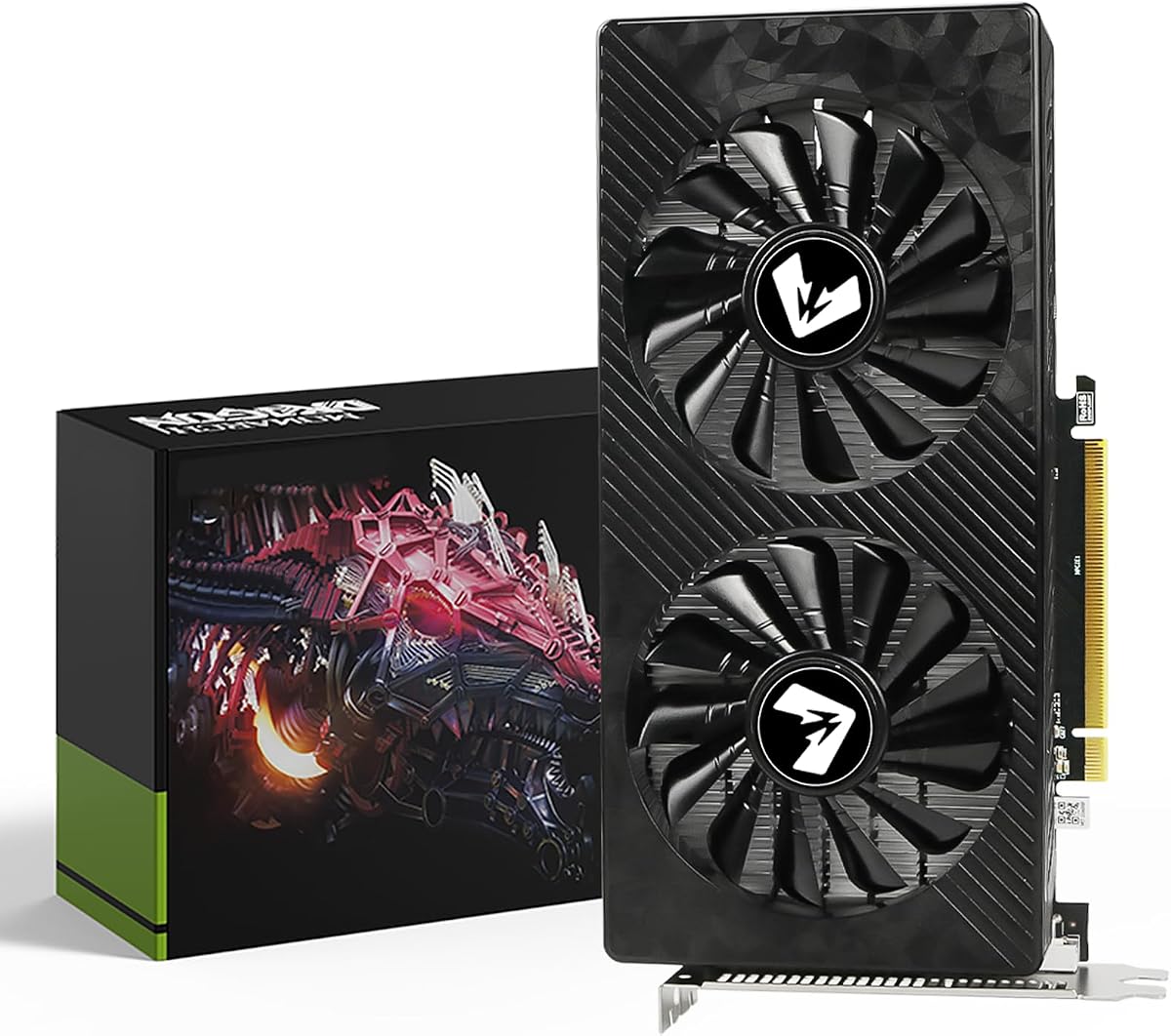
This graphics card stands out as a top contender for Linux users seeking a balance of performance and compatibility. With a high rating from verified buyers, it delivers smooth gaming and media playback experiences on various distributions.
We may earn a commission when you buy through this link, at no additional cost to you.
The NVIDIA Ampere architecture provides significant throughput improvements while maintaining power efficiency. Features like 2nd Generation RT Cores and 3rd Generation Tensor Cores enable modern ray tracing and AI-driven upscaling technologies like DLSS.
While the 6GB memory is sufficient for most games, it may limit performance in extremely demanding professional applications. However, the compact form factor makes it an ideal choice for small form factor builds without sacrificing too much capability.
For users looking to upgrade from integrated graphics without breaking the bank, this card offers a reliable path forward. The Axial-tech fan design ensures quiet operation even under load, making it suitable for both office and gaming environments.
The inclusion of advanced RT and Tensor cores allows for realistic lighting effects and smoother frame rates in supported titles on Linux.
Designed with a 2-slot profile and steel bracket, this card fits into tighter cases while maintaining durability and effective heat dissipation.
We may earn a commission when you buy through this link, at no additional cost to you.
This alternative from Gigabyte offers comparable performance to other RTX 3050 models with a focus on thermal management. It receives positive feedback for its stability and efficiency in Linux environments.
We may earn a commission when you buy through this link, at no additional cost to you.
Powered by the same NVIDIA Ampere architecture, it delivers strong performance for 1080p gaming and productivity tasks. The WINDFORCE cooling system helps maintain low temperatures during extended usage sessions.
The 6GB VRAM configuration aligns with modern game requirements but may require settings adjustments in newer titles. Its compact size ensures it fits well in most mid-tower cases.
Users seeking a no-fuss graphics card with proven hardware support will find this option appealing. The combination of solid build quality and reasonable pricing makes it a strong recommendation.
The dual WINDFORCE fan setup provides ample airflow to keep the GPU cool, ensuring consistent performance without thermal throttling.
With standard PCIe connectivity and Linux driver support, it integrates seamlessly into various system configurations.
We may earn a commission when you buy through this link, at no additional cost to you.
Designed for professional workflows, this card excels in stability and compatibility with CAD and design software on Linux. It is highly rated for its ability to handle complex scenes and assemblies smoothly.
We may earn a commission when you buy through this link, at no additional cost to you.
The Turing architecture ensures support for the latest graphics standards including OpenGL and Vulkan. This makes it an ideal choice for users needing reliable hardware-accelerated video encoding and decoding.
While not intended for high-end gaming, it provides smooth performance for office tasks and creative applications. The ability to drive multiple high-resolution displays is a significant advantage for productivity setups.
For professionals prioritizing stability over raw gaming power, this card offers exceptional value. The certification with over 100 professional applications ensures peace of mind for critical workloads.
Support for DisplayPort 1.4 allows connection to multiple 5K displays, enhancing productivity with expansive screen real estate.
Dedicated encode and decode engines enable efficient video production workflows without taxing the main system resources.
We may earn a commission when you buy through this link, at no additional cost to you.
This workstation GPU is tailored for demanding workloads including AI inference and 3D rendering on Linux. It features a massive 24GB memory pool which is crucial for large language models and complex simulations.
We may earn a commission when you buy through this link, at no additional cost to you.
Built on Intel's Xe2-HPG architecture, it offers substantial compute capabilities optimized for professional applications. The support for PCIe 5.0 ensures maximum bandwidth for data-intensive tasks.
While the rating is slightly lower due to new hardware adoption, the specific focus on Linux multi-GPU scaling makes it unique. ISV certified drivers aim to provide stability for engineering and manufacturing software.
For users building high-performance Linux AI clusters or rendering farms, this card provides the necessary scale. The blower-style cooling also aids in multi-GPU configurations by directing heat out of the chassis.
The 24GB VRAM allows local execution of larger AI models without relying on cloud services or complex memory swapping.
PCIe 5.0 support ensures compatibility with the latest workstation platforms and provides headroom for future hardware upgrades.
We may earn a commission when you buy through this link, at no additional cost to you.
This card is specifically designed for multi-monitor setups and home theater PCs on Linux. Its four HDMI ports allow direct connection of multiple displays without additional adapters, simplifying cabling significantly.
We may earn a commission when you buy through this link, at no additional cost to you.
With 4GB of GDDR5 memory, it handles daily graphics tasks and smooth 1080p video playback with ease. The low profile design makes it perfect for small form factor cases and compact office PCs.
Although it lacks modern gaming features, it delivers reliable performance for web browsing and office applications. The silent fan ensures it operates quietly, maintaining a calm work environment.
For users needing to connect multiple screens efficiently, this card offers a straightforward solution. Its wide compatibility and stable driver support ensure a hassle-free installation process.
Having four HDMI ports eliminates the need for DVI or DisplayPort adapters, streamlining connections for trading desks and digital signage.
Engineered with silent cooling, it is ideal for environments where noise levels must be kept to a minimum.
We may earn a commission when you buy through this link, at no additional cost to you.
This budget option is excellent for reviving older desktops with dedicated graphics support. It scores high for ease of use and compatibility with Linux systems without needing complex configuration.
We may earn a commission when you buy through this link, at no additional cost to you.
Equipped with 4GB of DDR3 memory, it improves performance over integrated graphics significantly for multitasking and media consumption. The triple output interfaces support diverse monitor types without adapters.
The card draws power directly from the PCIe slot, eliminating the need for additional power connectors. This simplicity makes it accessible even for users with older power supplies.
Ideal for home theater PCs or office upgrades, it provides a reliable visual experience without breaking the budget. The included brackets ensure it fits various form factor cases effortlessly.
Support for VGA and DVI alongside HDMI makes it a versatile choice for connecting older monitors and projectors.
Low power draw ensures it can run in systems with minimal power supply requirements, extending system utility.
We may earn a commission when you buy through this link, at no additional cost to you.
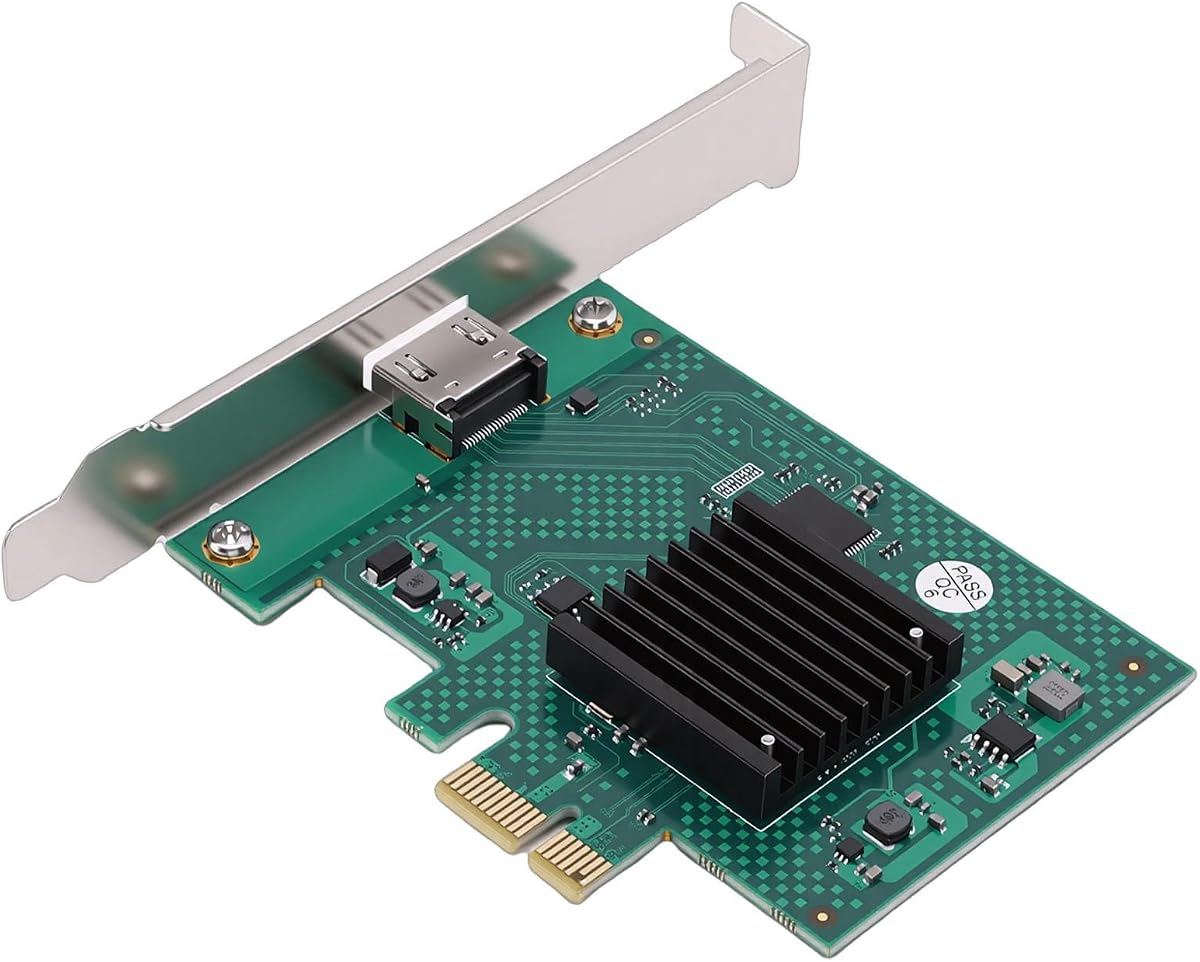
Designed for industrial and specialized applications, this card delivers robust 2D graphics acceleration. It is suited for systems requiring reliable display output in harsh environments.
We may earn a commission when you buy through this link, at no additional cost to you.
Supporting screen rotation at multiple angles enhances usability in kiosks or POS setups. The wide operating temperature range ensures it functions correctly in challenging conditions.
While not suitable for gaming or heavy compute tasks, it excels at simple, reliable display tasks. Its compact PCIe x1 interface makes it easy to install in slots reserved for expansion.
For users needing a dedicated card for specific 2D workloads where stability is paramount, this option offers unique benefits. Its niche focus makes it a valuable addition to specialized Linux deployments.
The wide operating temperature range allows deployment in industrial settings where standard components might fail.
Quick rotation capabilities support various mounting orientations for optimal user interaction in specialized setups.
We may earn a commission when you buy through this link, at no additional cost to you.
This AMD card is well-received for its open-source driver support on Linux. It delivers smooth performance for entry-level gaming and media consumption without needing excessive power.
We may earn a commission when you buy through this link, at no additional cost to you.
With 4GB of GDDR5 memory, it handles 1080p gaming and 4K video playback effectively. The unique 9cm fan provides ample airflow while keeping noise levels low.
The solid capacitors and PCB design contribute to better stability and temperature management. Support for DirectX 12 ensures compatibility with modern titles on supported hardware.
For Linux users looking for a budget-friendly GPU with broad open-source support, this card is a strong contender. It balances performance and efficiency well for casual use cases.
AMD graphics cards are known for excellent open-source driver support, ensuring seamless integration with Linux distributions.
Hardware acceleration for video decoding enhances multimedia experiences without overloading the system CPU.
We may earn a commission when you buy through this link, at no additional cost to you.
This NVIDIA card offers stable performance for basic Linux desktop tasks and light media use. Its single fan design keeps the unit compact and quiet, fitting well in small cases.
We may earn a commission when you buy through this link, at no additional cost to you.
With 4GB DDR4 memory, it provides sufficient VRAM for desktop environments and basic applications. Support for HDMI and DisplayPort ensures compatibility with modern monitors.
HDCP support is critical for streaming content on protected platforms. This card ensures that users can access premium video services without compatibility issues.
Ideal for office PCs or media centers, it delivers a reliable experience without unnecessary complexity. The MSI build quality ensures consistent operation over time.
HDCP support is essential for protected content streaming, ensuring smooth playback on platforms like Netflix.
The single fan cooling solution reduces physical size, making it ideal for compact ITX or SFF builds.
We may earn a commission when you buy through this link, at no additional cost to you.
This card offers significant performance with 8GB memory, making it suitable for 3D rendering and gaming on Linux. It is highly compatible with open-source drivers which simplifies installation and configuration.
We may earn a commission when you buy through this link, at no additional cost to you.
The dual fan system manages heat effectively, ensuring stability during extended use. With support for multiple displays, it is well-suited for productivity and creative workflows.
Although it is an older architecture, the performance remains strong for many titles and applications. The large memory buffer helps avoid bottlenecks in memory-intensive tasks.
For users prioritizing raw performance per dollar, this card remains a compelling option. The balance of features and price makes it a popular choice for budget-conscious builders.
At a competitive price point, the 8GB memory capacity offers superior value for rendering and gaming.
Efficient cooling ensures the card maintains stable clock speeds even under heavy loads.
We may earn a commission when you buy through this link, at no additional cost to you.
Selecting the right graphics card for Linux requires balancing performance with driver support and specific use cases. This section explores key factors to help you make an informed decision.
Linux users rely heavily on community-driven open-source drivers for AMD and NVIDIA. AMD generally offers seamless support out of the box, while NVIDIA requires proprietary drivers for full performance and stability.
Check if your distribution supports the card's drivers natively to avoid complex setup processes.
Graphics memory (VRAM) is crucial for gaming and professional rendering tasks. More memory allows for higher resolutions and complex textures without performance drops.
Choose cards with at least 4GB for modern workflows, with 8GB or more recommended for serious workloads.
Physical dimensions determine if the card fits your case. Single fan or low-profile cards are ideal for small form factor builds but may generate more heat.
Ensure your case has sufficient clearance and airflow to accommodate the card's cooler.
Power draw affects which power supply is needed. High-performance cards often require external PCIe power connectors, while entry-level models may run solely from the motherboard slot.
Verify your PSU capacity before purchasing to ensure stable operation without additional upgrades.
Monitor ports determine how you connect displays. HDMI, DisplayPort, and DVI offer different bandwidths and refresh rate support. Multi-monitor setups need cards with multiple video outputs.
Match your monitor's interface to the card's available ports to avoid needing adapters.
Consider whether you prioritize gaming, 3D rendering, or simple office work. Specialized cards like the T1000 excel in professional tasks while consumer cards are better for gaming.
Align your choice with your primary activities to maximize performance and value.
Install the card securely into the PCIe slot and connect any required power cables. Ensure the case is grounded properly to prevent static discharge during installation.
Update your Linux system and install the necessary drivers for optimal performance. This often involves enabling the appropriate repository or using software tools for driver management.
Monitor temperatures regularly using tools like lm-sensors or nvtop. Keep vents clear of dust and consider repasting the card every few years to maintain cooling efficiency.
Yes, NVIDIA cards work well with Linux, especially with proprietary drivers installed. Open-source drivers exist but may not offer full performance for gaming or professional tasks.
AMD generally provides the best open-source driver support on Linux. Most models work out of the box with standard kernel updates.
For entry-level gaming at 1080p, 4GB is often sufficient. However, newer titles may require 6GB or 8GB for optimal settings and performance.
Low-profile and entry-level cards often draw power directly from the PCIe slot. High-performance cards usually require additional PCIe power connectors.
Yes, Linux supports multiple GPUs for rendering or compute tasks. Ensure your motherboard and power supply can handle the configuration.
Look for HDMI 2.0 or DisplayPort 1.4 for modern monitors. Multiple ports are essential if you plan to use multiple screens.
The best choice depends heavily on your specific needs. The ASUS RTX 3050 offers balanced performance while the SOYO GT 740 suits tight budgets.
Prioritize driver support and physical dimensions to ensure a smooth integration with your Linux distribution and case.
Always check current availability and pricing as the market changes frequently to find the best deal available today.