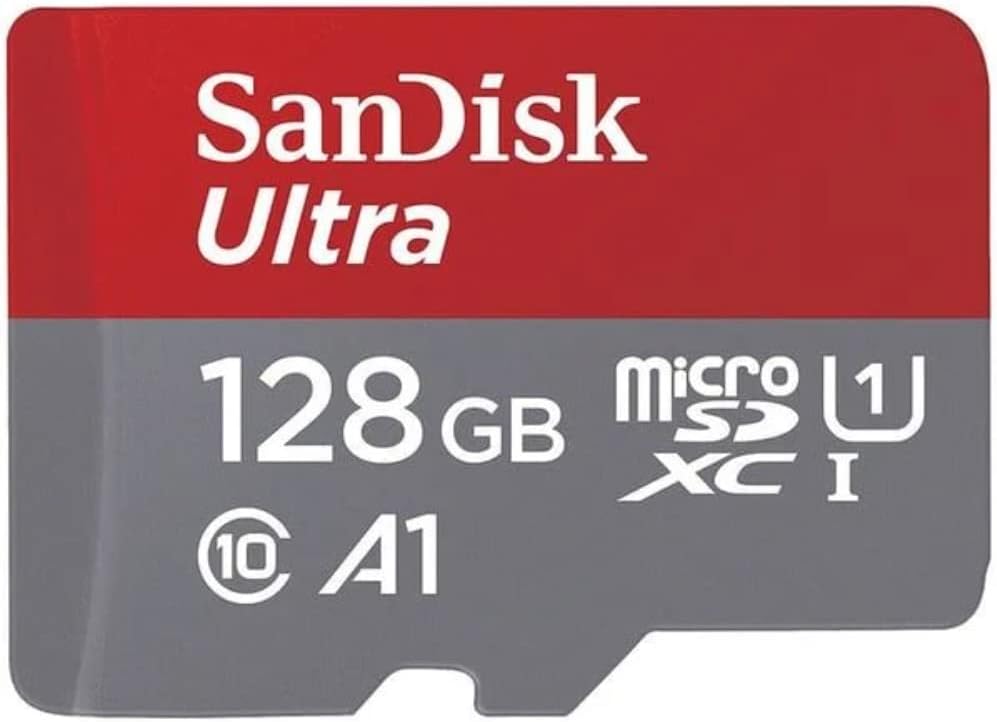
SanDisk 128GB Ultra microSDXC
4.7Editor score
Up to 140MB/s speeds
A1 rated app performance
10 year limited warranty
Explore the top extra storage for tablet options including SD cards USB drives and SSDs to boost capacity and performance for your mobile devices effectively.
Finding the right extra storage for tablet solutions ensures you never run out of space for apps media and important documents while on the go effectively.
We compared ten top rated products based on speed compatibility capacity and durability to help you choose the perfect expansion option for your specific tablet model.
Each pick below highlights key features pros and cons to guide your decision while remember that prices and availability may change over time on retailer sites.
4.7Editor score

4.5Editor score

4.5Editor score
This side by side comparison breaks down the key specifications and unique features of each top rated storage expansion option to help you decide quickly.



The SSK Portable SSD offers massive storage capacity paired with blazing fast speeds making it an ideal choice for power users who need reliable extra storage for tablet expansion.
We may earn a commission when you buy through this link, at no additional cost to you.
With read speeds up to 1050MB/s and write speeds up to 1000MB/s this drive handles large files like 4K video effortlessly without slowing down your workflow or causing delays.
While it is more expensive than standard flash drives the speed and capacity justify the cost especially for professionals who transfer files frequently and need consistent performance.
If you need the fastest and most reliable storage solution for your tablet this SSK SSD is the top recommendation for anyone serious about mobile productivity and media management.
The 10Gbps interface ensures you can access large files instantly without waiting for slow transfers that waste valuable time on the go.
The aluminum alloy case keeps the drive cool and protects it from drops making it suitable for daily carry and travel use cases.
We may earn a commission when you buy through this link, at no additional cost to you.
The SanDisk Ultra microSDXC card provides excellent value for money offering fast speeds and a solid 128GB capacity that fits most Android tablets and Chromebooks easily.
We may earn a commission when you buy through this link, at no additional cost to you.
Its A1 rating means apps load faster when stored on the card while the 140MB/s transfer speed ensures photos and videos move quickly between devices for sharing.
Although it is not a universal solution for every tablet model the warranty and reliability make it a safe budget choice for general storage expansion needs.
Budget conscious buyers who need reliable internal expansion should consider this card first as it balances cost performance and durability better than most alternatives.
The A1 rating ensures that apps installed on the card run smoothly without lag which is essential for a good user experience on limited RAM devices.
Backed by a 10 year limited warranty this card offers peace of mind that your data is safe and the drive will last for years of daily use.
We may earn a commission when you buy through this link, at no additional cost to you.
Samsung delivers a premium USB C drive with 256GB capacity and rugged build quality that protects data against water shocks and other environmental hazards reliably.
We may earn a commission when you buy through this link, at no additional cost to you.
With read speeds up to 400MB/s this drive handles large file transfers with ease making it perfect for photographers and video editors who work directly on tablets.
The higher price reflects the superior durability and brand reputation ensuring your data is safe even if you drop the drive or get caught in the rain.
For users who prioritize reliability and design alongside performance this Samsung drive is the best premium choice to keep your tablet storage secure and fast.
Waterproof shockproof and X-ray proof features ensure your data survives accidents and travel conditions that would ruin standard storage devices.
The 256GB capacity fits 63000 photos or 12 hours of 4K video in a pocket sized device that is always ready when you need it.
We may earn a commission when you buy through this link, at no additional cost to you.
This SD card is exclusively tested and certified to work perfectly with Fire Tablets ensuring seamless integration without compatibility issues or performance lag.
We may earn a commission when you buy through this link, at no additional cost to you.
It supports Full HD video recording and playback while allowing you to download apps directly to the card freeing up precious internal storage for system files.
Although it is limited to Amazon devices the optimization ensures maximum performance for those users making it a risk free choice for Fire Tablet owners.
If you own a Fire Tablet this is the safest expansion option since it guarantees compatibility and smooth operation across all supported apps and media.
Being the only card tested and certified for Fire Tablets means you avoid the headaches of unverified hardware that might crash or perform poorly.
The Class 10 performance ensures smooth playback of high definition videos without buffering even when running other background tasks simultaneously.
We may earn a commission when you buy through this link, at no additional cost to you.
This dual drive offers 256GB of space with both USB C and USB A connectors allowing you to move files between modern tablets and older computers easily.
We may earn a commission when you buy through this link, at no additional cost to you.
The retractable design protects the connectors from dust and damage making it more durable than cap based drives while keeping everything in one compact unit.
While transfer speeds are lower than dedicated SSDs it is fast enough for documents photos and videos making it ideal for general backup and sharing needs.
Users who need a versatile drive that works on both tablets and laptops should pick this model for its convenience and generous storage capacity options.
The reversible USB Type C connector plus traditional USB port means you can connect to almost any device without needing separate adapters or dongles.
Sliding the connectors back keeps them safe when not in use reducing the risk of breaking the connectors while carrying the drive in your bag.
We may earn a commission when you buy through this link, at no additional cost to you.
This Ultra Dual Drive Go is designed for portability offering a tiny footprint that fits easily in a pocket while still providing 128GB of useful storage space.
We may earn a commission when you buy through this link, at no additional cost to you.
It supports fast USB 3.1 performance up to 150MB/s read speeds and includes the Memory Zone app to automatically back up your photos with minimal effort.
While the small size might feel fragile the durable construction ensures reliability for everyday transfers between your USB C smartphone tablet and laptop computer.
Travelers and daily commuters who need quick access to files without carrying bulky hardware will appreciate the convenience and speed of this tiny drive.
The SanDisk Memory Zone app helps you automatically back up photos ensuring your memories are safe without manual intervention every time you connect.
The compact form factor makes it easy to keep in your wallet or keychain ensuring you never forget to take your storage with you when traveling.
We may earn a commission when you buy through this link, at no additional cost to you.
This 2-in-1 drive is designed to work with both Type C devices like Android phones and iPhone 15 as well as traditional USB A computers and laptops.
We may earn a commission when you buy through this link, at no additional cost to you.
With optimized USB 3.0 technology it transfers photos and videos significantly faster than older USB 2.0 drives without requiring any software installation to use.
While the write speed is lower than read speed the compact size and durable design make it a great value for students and casual users needing backups.
Budget shoppers who need reliable dual connectivity will find this JOIOT drive offers all the necessary features at a price that beats major brand competitors easily.
From Android phones to Macs and Windows PCs this drive works across all your devices without needing extra drivers or complicated setup steps.
Measuring just under 2.5 inches it fits easily into a pocket or bag making it a convenient option for carrying data in your daily essentials.
We may earn a commission when you buy through this link, at no additional cost to you.
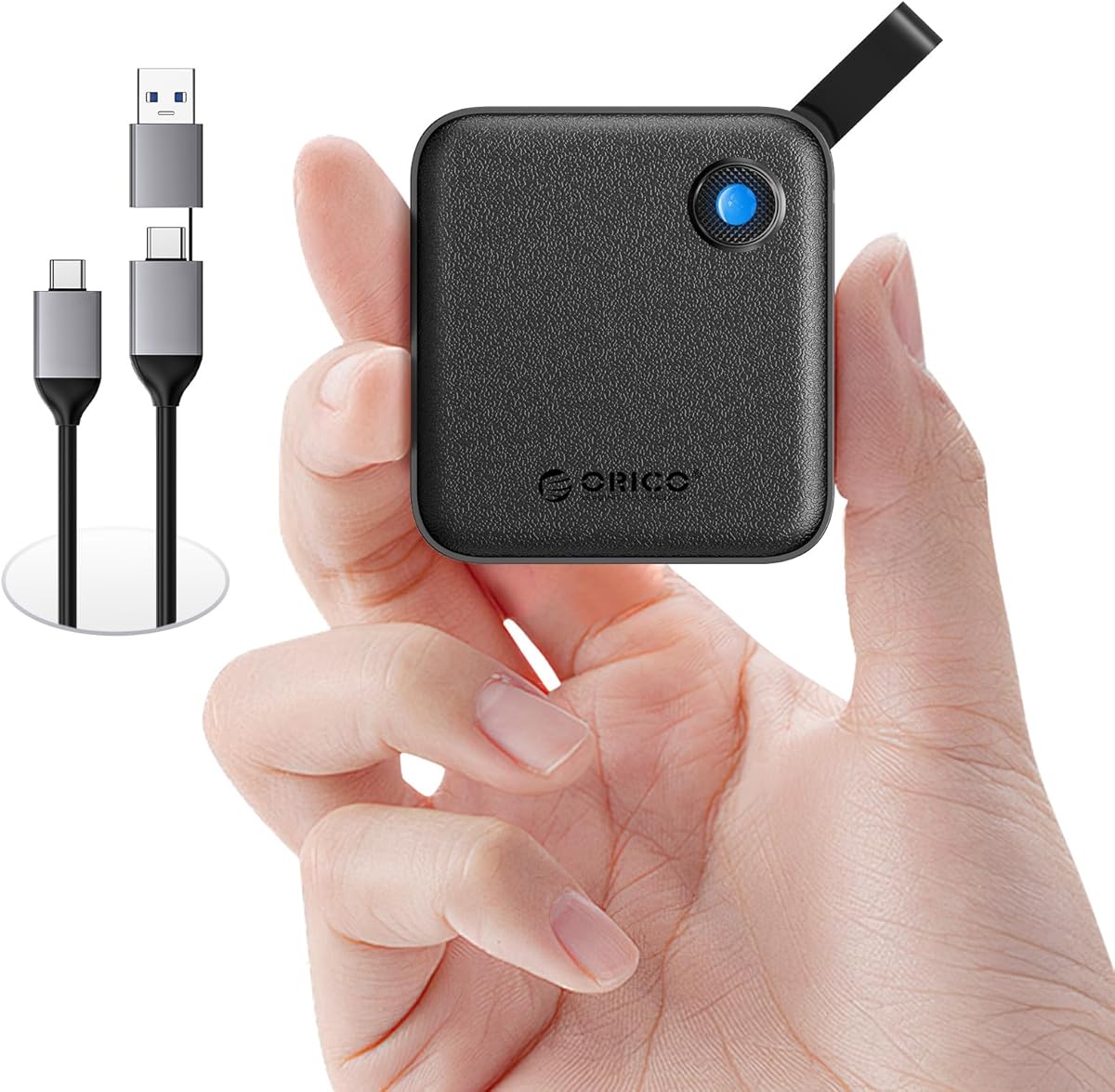
This ORICO portable SSD provides an affordable entry into external solid state storage with speeds up to 460MB/s that beat standard USB flash drives significantly.
We may earn a commission when you buy through this link, at no additional cost to you.
The included 2-in-1 USB C and USB A cable means you have everything needed to connect to modern tablets and older computers immediately after purchase.
While it is slightly less rugged than premium models it offers excellent performance for general backup and media storage at a price that fits most budgets well.
Users looking for SSD speed without the high cost will appreciate this ORICO drive as a practical and efficient solution for tablet storage expansion.
Up to 460MB/s speeds ensure you spend less time waiting for large files to copy and more time enjoying your content or working on projects.
The included cable allows you to connect to both USB C and A ports without buying extra adapters saving you money and time upfront.
We may earn a commission when you buy through this link, at no additional cost to you.
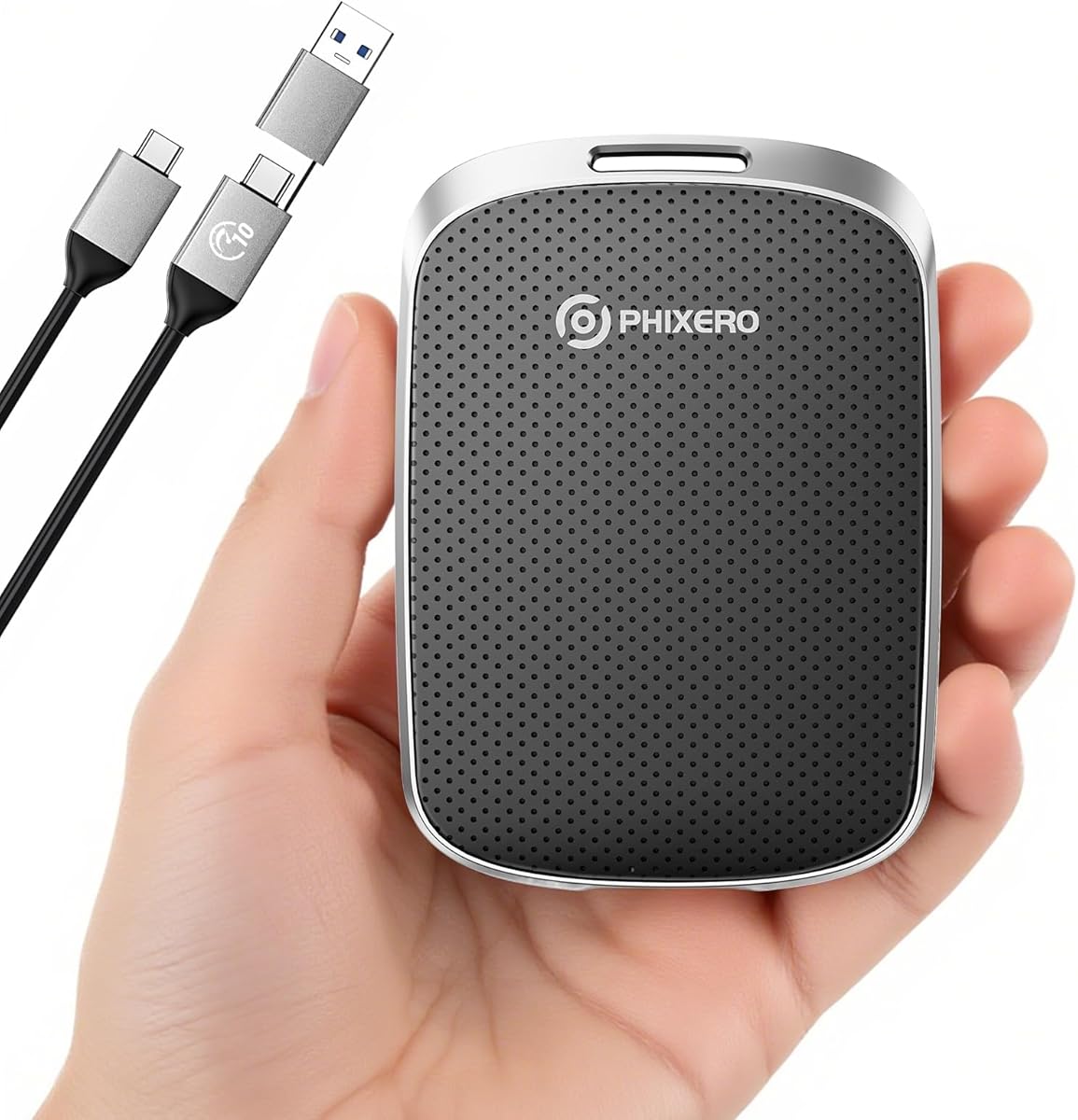
PHIXERO offers a robust SSD with a one-piece aluminum frame that protects against drops and vibrations making it ideal for creative professionals on the move.
We may earn a commission when you buy through this link, at no additional cost to you.
With read speeds up to 550MB/s and write speeds up to 500MB/s this drive handles 4K video recording and large file transfers with impressive efficiency.
The anti-drop and anti-dust features ensure reliability in tough environments while the silent operation prevents distracting noise when working in quiet spaces.
Anyone needing a durable fast drive for video editing or frequent travel should choose this PHIXERO model for its combination of speed and physical protection.
The solid aluminum alloy frame protects the internal components from drops and vibrations ensuring your data stays safe even during active use.
Because it is a solid state drive with no moving parts it runs silently which is perfect for recording audio or working in quiet environments.
We may earn a commission when you buy through this link, at no additional cost to you.
This Vansuny drive includes a built-in keychain loop ensuring it stays attached to your keys so you never lose your data when you are out and about.
We may earn a commission when you buy through this link, at no additional cost to you.
It supports USB 3.0 speeds for faster transfers and works with most Android phones and computers directly without needing extra software or complicated drivers.
While the performance is not as high as premium options it provides essential backup capabilities at a very low cost for casual users on a budget.
Students and casual users who want a simple cheap storage solution that won't get lost will find this keychain drive practical and easy to use.
The attached keychain loop secures the drive to your keys or bag making it much harder to misplace during travel or daily commuting.
Plug and play functionality means you can start transferring files immediately without downloading drivers or installing software on your device.
We may earn a commission when you buy through this link, at no additional cost to you.
Selecting the right storage involves considering capacity speed and compatibility to match your tablet model and usage needs perfectly.
Consider how much space you need based on your apps media and files. 128GB is great for general users but 1TB or more suits pros.
Choose capacity that grows with your needs to avoid needing upgrades too soon.
Look for USB 3.0 or higher and SSDs for fast data movement. Slower drives cause delays when transferring large videos or photos.
Prioritize speed if you edit files directly on your tablet or work with 4K media.
Check your tablet ports. Modern tablets use USB C while older ones may need SD cards or adapters. Ensure the drive works with your OS.
Always verify OTG support if using flash drives with Android devices.
If you travel often choose waterproof shockproof or metal builds. Plastic drives can break easily in bags or during daily carry.
Look for warranty length as a sign of reliability and build quality.
Decide between internal SD cards or external USB drives. SD cards save space while USB drives are easier to swap and connect to other devices.
Smaller drives are easier to carry but may be harder to find or handle.
Budget drives offer basic storage while premium options bring speed and durability. Decide what matters most for your workflow before buying.
Balance cost with expected lifespan to get the best value over time.
Insert the SD card or connect the USB drive to your tablet port. Ensure it is pushed in gently until you feel a secure click.
Use your tablet file manager to copy or move files between internal storage and your new external drive easily.
Safely eject drives before unplugging to prevent data loss. Keep devices clean and dry to extend their lifespan and performance.
Most modern tablets support USB C drives while many Android tablets have SD card slots. iPhones generally do not support external storage unless using specific Lightning or USB C adapters.
SD cards install inside the tablet while USB drives plug in externally. USB drives are easier to transfer between devices but SD cards are more discreet.
Some Android tablets allow installing apps on SD cards but performance may be slower. iPhones do not support installing apps on external USB drives.
Check your device specifications online or look for an OTG icon in settings. Most modern Android tablets support On-The-Go for USB drives.
Use encryption features or password protected drives for sensitive files. Regularly back up data to cloud services to prevent permanent loss.
Yes many tablets support portable SSDs via USB C. Ensure the drive is bus powered so it does not require an external power source.
Our top picks include the SSK SSD for speed the SanDisk Ultra for budget and the Samsung Type-C for premium durability across various tablet needs.
Prioritize capacity and speed if you work with media but choose budget options for simple file backups and photo transfers on a budget.
Remember to check current prices and compatibility before buying to ensure you get the best value and performance for your specific device.