
Canon PIXMA TR4720
3.9Editor score
Compact wireless 4-in-1 design
Auto 2-sided printing capability
Built-in fax functionality
This guide compares the top all in one printer with fax models for home and office use, evaluating speed, features, and reliability to help you choose.
Finding a reliable all in one printer with fax can streamline your workflow efficiently. These devices combine printing, scanning, copying, and faxing into a single unit that saves space and reduces clutter on your desk while maintaining professional output quality.
We compared ten leading models based on print speed, connectivity options, ink costs, and fax capabilities. Our analysis focuses on real-world performance metrics and user feedback to ensure each recommendation meets diverse professional and home office needs effectively.
Each pick highlights specific strengths like wireless connectivity or high capacity trays. Note that product availability and pricing may fluctuate regularly. Check current listings for the most accurate details before making your final purchase decision today.
3.9Editor score

3.9Editor score

4.0Editor score
Below is a side-by-side comparison of all ten models to help you quickly identify the best fit for your specific printing and faxing requirements.






The HP OfficeJet Pro 9125 earns our Editor's Choice for its balance of speed and smart features. With a 3.9 rating from users, it delivers professional-quality color documents ideal for presentations and flyers.
We may earn a commission when you buy through this link, at no additional cost to you.
Its standout strength lies in the 22 ppm black print speed and HP AI formatting that removes unwanted web content before printing. The 2.7-inch touchscreen offers a phone-like interface making navigation straightforward for any team member.
While the instant ink trial is a nice bonus, be aware that cartridge restrictions may limit third-party ink use. Additionally, firmware updates enforce original chip usage which could increase long-term operating costs slightly.
This model is perfect for small offices needing reliable color printing and fax capabilities. Its robust security features protect network data effectively while the large input tray minimizes paper refills during busy days.
HP AI optimizes print formatting by removing unnecessary content from web pages ensuring precision without wasted paper or awkward layouts.
HP Wolf Pro Security bolsters network defense helping keep your office data protected from cyber threats effectively during daily operations.
We may earn a commission when you buy through this link, at no additional cost to you.
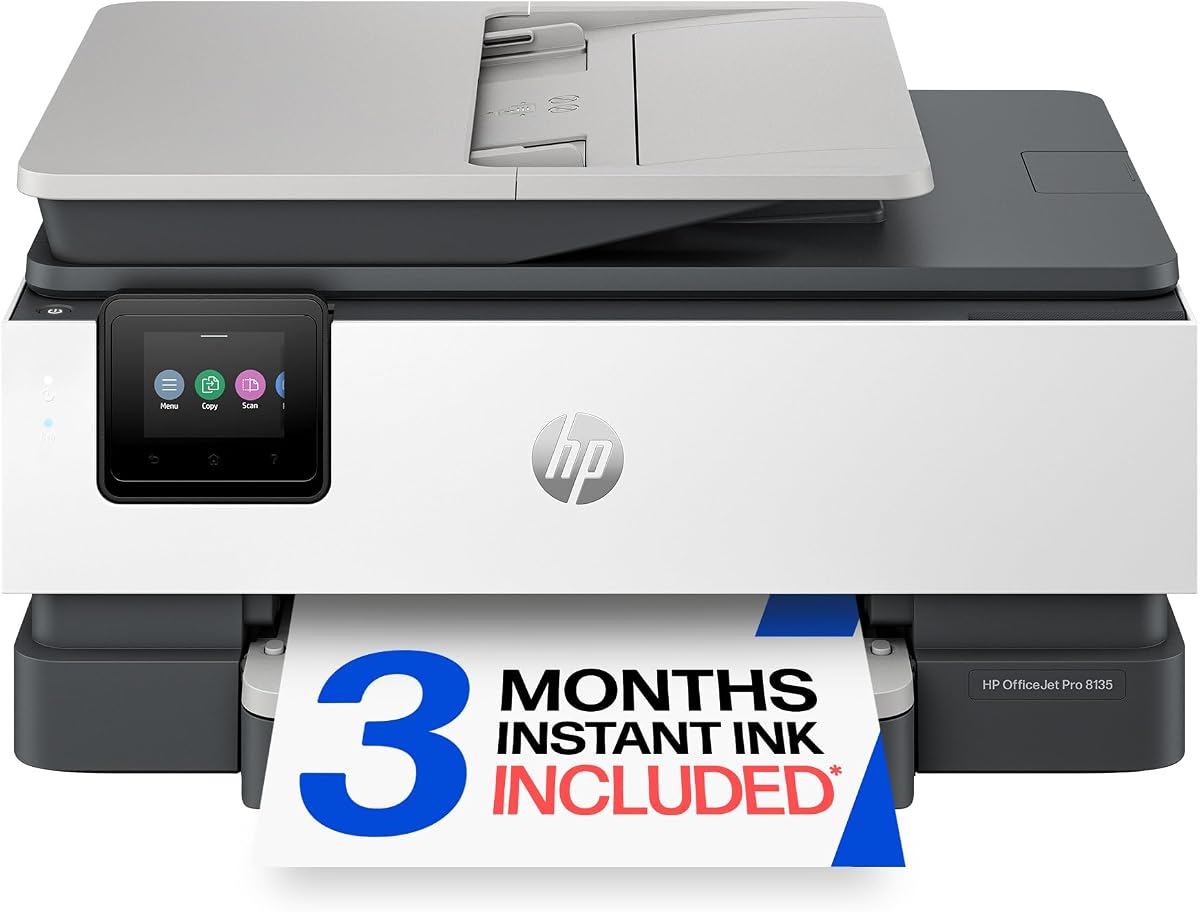
The HP OfficeJet Pro 8135 suits home offices needing consistent color printing and faxing. It scores well with users for producing professional-quality business reports and presentations reliably.
We may earn a commission when you buy through this link, at no additional cost to you.
Key strengths include the 20 ppm black speed and auto document feeder for multi-page tasks. The HP app lets you print and fax directly from your smartphone adding convenience to daily workflows.
Color printing is slower at 10 ppm which might slow down high-volume photo tasks. Also note the instant ink subscription applies a monthly fee after the trial period ends.
Ideal for home professionals prioritizing security and ease of use. Its sustainable design reduces environmental impact while the dual-band Wi-Fi ensures stable connectivity without interruptions.
The HP app allows direct printing scanning copying and faxing from your mobile device enhancing flexibility and accessibility anywhere.
HP Wolf Essential Security helps keep your network protected from cyber threats ensuring safe document handling at home.
We may earn a commission when you buy through this link, at no additional cost to you.
The Epson EcoTank ET-4800 stands out for its cartridge-free printing system reducing waste and ink costs significantly. It offers a solid alternative to traditional inkjet models for high-volume needs.
We may earn a commission when you buy through this link, at no additional cost to you.
Unique Micro Piezo Heat-Free Technology produces sharp text and impressive color photos. The innovative EcoFit ink bottles make filling easy and worry-free without mess.
While the upfront cost is higher it pays off over time by eliminating expensive cartridges. However, color print speeds may lag behind some competitors for urgent jobs.
Best for users prioritizing long-term savings and sustainability. The zero cartridge waste feature aligns with eco-friendly goals while the high-capacity tanks support large batch printing.
By using an EcoTank printer you can help reduce the amount of cartridge waste ending up in landfills globally.
Ink bottles make filling easy and worry-free eliminating the need for tiny cartridges and reducing operational costs.
We may earn a commission when you buy through this link, at no additional cost to you.
The HP OfficeJet Pro 8125 provides excellent value for home offices needing faxing and color printing. It matches higher models in reliability while offering a smaller footprint.
We may earn a commission when you buy through this link, at no additional cost to you.
Fast color printing and scanning with auto 2-sided printing reduce paper use. The HP AI optimizes formatting to prevent wasted pages and awkward layouts during daily tasks.
Color speeds are modest at 10 ppm which might delay large graphic jobs. Also consider the proprietary cartridge system that limits third-party ink options significantly.
Suitable for small teams or solo professionals. The wireless features and app support allow flexible printing from anywhere while the touchscreen simplifies daily operation.
Dual-band Wi-Fi stays connected reliably automatically detecting and resolving connection issues to maintain seamless operation.
HP AI removes unwanted content from web pages ensuring your prints are just the way you want without manual edits.
We may earn a commission when you buy through this link, at no additional cost to you.
The HP Smart Tank 7603 offers up to 3 years of ink included in the box making it a top choice for high-volume printing. It delivers reliable performance for home offices.
We may earn a commission when you buy through this link, at no additional cost to you.
Mess-free refill system allows easy replenishment without squeezing or spilling. You get up to 8,000 color or 6,000 black pages right out of the box.
While the initial cost is higher the savings over time are substantial. However, it may take up more desk space than cartridge-based alternatives.
Perfect for households or small offices printing frequently. The magic touch control panel and wireless options ensure convenience while the cartridge-free system reduces waste.
Best for low-cost high-volume printing with up to 3 years of HP Ink included saving money over time.
Simply plug the ink bottles into this cartridge-free ink tank and let them drain without squeezing or spilling.
We may earn a commission when you buy through this link, at no additional cost to you.
The HP OfficeJet Pro 9135 is a premium option for offices needing high-speed printing and faxing. It offers superior performance with 25 ppm black speed and a large display.
We may earn a commission when you buy through this link, at no additional cost to you.
Key strengths include single-pass 2-sided scanning which saves time on document processing. Two 250-sheet input trays reduce the need for frequent refills during busy periods.
The higher cost reflects the advanced features like Pro Security and faster speeds. Ensure your network supports the security protocols to maximize the benefits of this model.
Ideal for busy offices handling large volumes of documents. The touchscreen interface enhances usability while the security features protect sensitive data from external threats.
Print speeds up to 25 ppm black and 20 ppm color ensure quick turnaround for presentations and flyers.
HP Wolf Pro Security bolsters security and helps keep your network protected from cyber threats effectively.
We may earn a commission when you buy through this link, at no additional cost to you.
The Canon PIXMA TR4720 earns the Best Budget badge for its affordability without sacrificing core functions. It handles print, copy, scan, and fax tasks effectively for home use.
We may earn a commission when you buy through this link, at no additional cost to you.
Design features easy cartridge installation and replacement while Alexa notifications keep you informed about ink levels. You can even enable smart reorders automatically for seamless supply management.
Speeds are modest compared to HP models but acceptable for occasional use. The auto document feeder simplifies multi-page scanning and copying tasks significantly.
Recommended for students or light home office users. Its compact size fits easily into small spaces while the wireless options allow printing from any device.
Connect your printer to Alexa and receive notifications when you're running low on ink or toner supplies.
Produce quality documents photos and borderless prints up to 8.5 x 11 inches for versatile output needs.
We may earn a commission when you buy through this link, at no additional cost to you.
The Canon PIXMA TR8620a combines voice control with robust paper handling for home offices. It features a 200 sheet capacity allowing more continuous operation without refills.
We may earn a commission when you buy through this link, at no additional cost to you.
Print with your voice using Alexa commands to discover your printer and send jobs easily. The Micro SD slot offers convenient direct printing from cameras without a computer.
While more expensive than basic models the added features like the rear feed and SD slot enhance flexibility. Initial setup might require some patience to get voice features working.
Great for users who need versatile input methods and voice commands. Its Energy Star rating and EPEAT Silver certification make it an eco-friendly choice as well.
Print with your voice by saying Alexa discover my printer to streamline job submission quickly.
With 100 cassette and 100 rear feed capacity you get 200 sheets ready for any paper type.
We may earn a commission when you buy through this link, at no additional cost to you.
The HP OfficeJet Pro 8139 stands out with a one-year Instant Ink trial offering more time to evaluate costs. It earns a solid 4-star rating for consistent home office performance.
We may earn a commission when you buy through this link, at no additional cost to you.
Features include fast color printing and the 2.7-inch touchscreen for easy navigation. HP AI helps optimize formatting to reduce waste and improve document presentation efficiency.
Be aware of the cartridge chip restrictions and the fee after the trial year. However the included trial provides significant value over the first year of use.
Ideal for those wanting a longer trial period to test ink costs. The recycled design and security features support both eco-friendly and professional requirements.
Subscribe to the Instant Ink delivery service and save up to 50 percent on ink for a full year.
HP AI easily removes unwanted content so your prints are just the way you want without manual effort.
We may earn a commission when you buy through this link, at no additional cost to you.
The Brother MFC-L2820DW claims the Best Premium badge for its speed and reliability. With a 4.3 rating it delivers dynamic laser print quality for small offices.
We may earn a commission when you buy through this link, at no additional cost to you.
Produces black and white documents quickly at up to 36 ppm. The 50-page auto document feeder allows time-saving multi-page copy scan and fax operations.
While limited to monochrome the speed and reliability justify the choice for text-heavy environments. The Refresh Subscription trial ensures you never run out of toner again.
Ideal for offices focused on document output speed. Secure dual-band wireless and mobile app support make it a versatile and secure choice for modern workspaces.
Produces black and white documents quickly with print speeds up to 36 ppm for high-volume daily tasks.
With Refresh EZ Print Subscription Service you will never worry about running out of toner again.
We may earn a commission when you buy through this link, at no additional cost to you.
Choosing the right all in one printer with fax involves evaluating speed connectivity ink costs and fax capabilities.
Look for black print speeds of at least 20 ppm for efficient document processing. Faster speeds reduce wait times especially when handling large batches.
Prioritize models with high ppm ratings if you frequently print reports or presentations.
Consider the cost per page and whether the printer uses cartridges or tanks. Tank systems often save money over time for high-volume users.
Check if the model offers trial subscriptions to offset initial operating costs.
Ensure the printer supports dual-band Wi-Fi and mobile apps for flexible printing. Wireless options allow multiple devices to connect without wires.
Models with Bluetooth or Ethernet can provide more stable connections for critical tasks.
Check that the fax function supports both sending and receiving documents clearly. Look for fax storage features to handle incoming messages when offline.
A dedicated fax button on the touchscreen can simplify sending faxes quickly.
Input tray capacity affects how often you need to refill paper. Aim for at least 200 sheets to minimize interruptions during busy workflows.
Dual trays allow different paper types to be loaded simultaneously for diverse tasks.
Modern printers often include security suites to protect network data and prevent unauthorized access. This is critical for business environments handling sensitive documents.
Look for features like secure print or user authentication to limit access.
An automatic document feeder (ADF) enables scanning of multi-page documents without lifting each sheet. This is essential for efficient archiving and faxing.
Duplex scanning saves time by capturing both sides of a page in one pass.
The physical size should fit comfortably on your desk without obstructing movement. Compact designs are better for smaller home offices with limited space.
Consider the depth and height to ensure it fits under shelves or in cabinets if needed.
Set up your printer using the included app to connect to Wi-Fi and install drivers. Ensure the paper trays are loaded correctly to prevent jams during initial tests.
Regularly print test pages and run cleaning cycles to maintain print head health. This prevents streaks and ensures consistent color output for professional documents.
Keep firmware updated through the manufacturer's app to benefit from security patches and new features. This maintains reliable performance and protects your network from emerging threats.
Most manufacturers restrict third-party cartridges through firmware updates. While some models may accept generic inks initially, official chips are required for full warranty support.
Yes, many industries like healthcare and law still require faxing for compliance. Having built-in fax capabilities ensures you can communicate securely without additional equipment.
Standard inkjet cartridges range from 8 to 12 cents per black page. Tank systems lower this cost significantly often to under 2 cents per page over time.
Most modern all-in-one printers support mobile printing through dedicated apps or AirPrint. Always check compatibility with your specific device before purchasing a new unit.
Change default passwords and enable WPA3 security on your router. Use manufacturer security suites like Wolf Security to protect the device from unauthorized access.
Duplex printing automatically prints on both sides of the paper to save material. It also reduces physical document size which is beneficial for filing and archiving.
The HP OfficeJet Pro 9125 and Brother MFC-L2820DW lead the list for office efficiency. These models provide robust features to handle high volumes of fax and print tasks.
Prioritize speed and paper capacity if you work in a busy environment. For home offices focus on ease of use and ink trial subscriptions to save on costs.
Always verify the latest pricing and warranty terms before making your purchase. Prices change frequently so check current listings for the most accurate details today.