
Tablet Android 7 inch
4.0Editor score
Lightweight portable design
GMS certified apps
HD touchscreen display
Finding a reliable Cheap WiFi Tablet does not have to break the bank. Today we explore top models that balance performance with affordability for everyday tasks.
We compared ten popular tablets based on screen quality, battery life, and connectivity standards like Wi-Fi 6 to ensure you get the most value for your money.
Each pick highlights key strengths and potential trade-offs to guide your decision. Please note that availability and promotional pricing can change frequently online.
4.0Editor score

5.0Editor score

4.5Editor score
As an Amazon Associate we earn from qualifying purchases.
This side-by-side comparison highlights the core specifications and unique selling points of each device to help you identify the best fit for your needs.


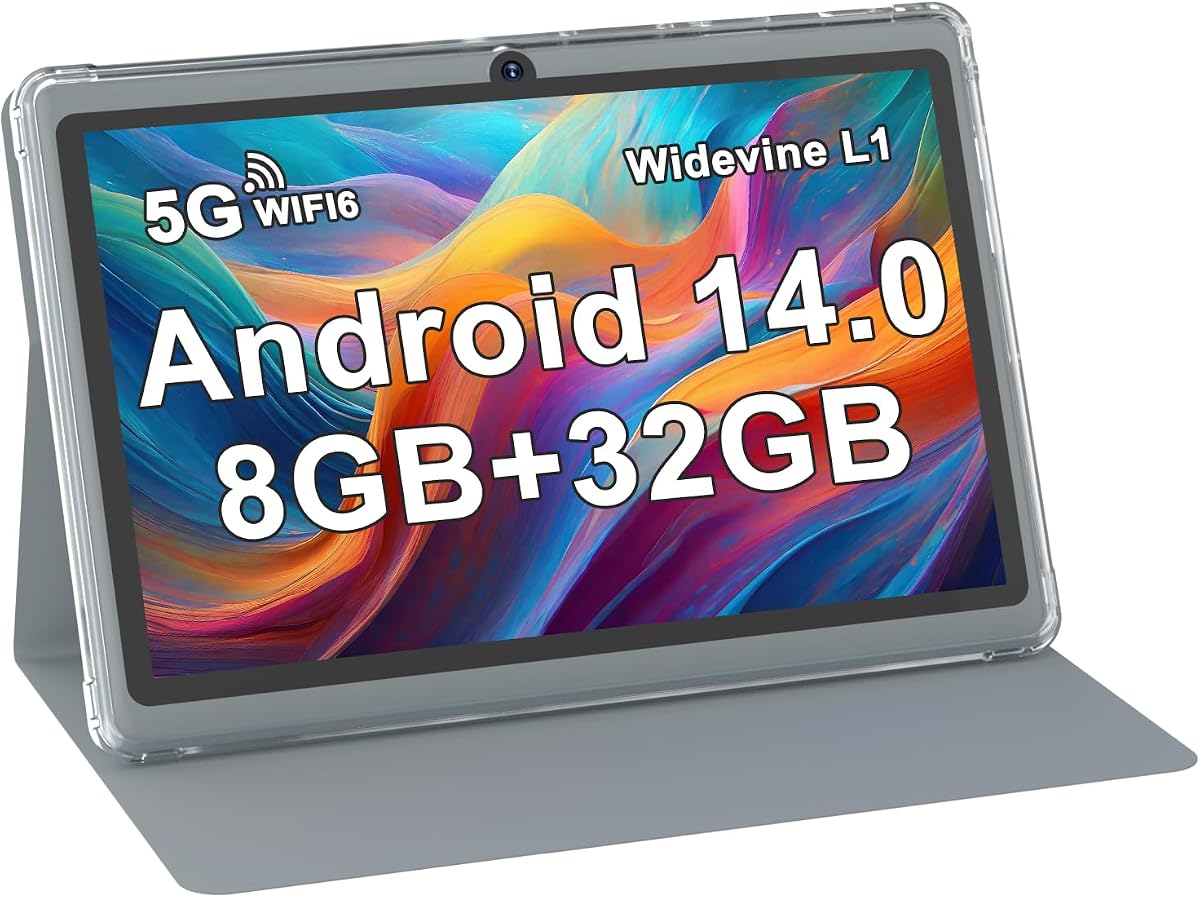


This model stands out with a perfect user rating and modern Android 16 software that supports the latest apps and security updates.
We may earn a commission when you buy through this link, at no additional cost to you.
Its standout feature is the massive 20GB RAM which ensures smooth multitasking even with several heavy applications running at once.
While it costs more than basic models the widevine L1 certification guarantees high quality video playback on popular streaming services.
It is ideal for users who want a reliable device for media consumption and productivity without spending premium prices.
Widevine L1 support ensures Netflix and Prime Video play in HD without dropping to lower resolutions due to DRM restrictions.
Wi-Fi 6 and Bluetooth 5.4 provide faster and more stable connections for gaming and video calls.
We may earn a commission when you buy through this link, at no additional cost to you.
This is one of the most affordable options available making it perfect for basic tasks like web browsing and social media.
We may earn a commission when you buy through this link, at no additional cost to you.
Its small form factor and lightweight build make it incredibly portable for travel or daily commutes.
The main trade-off is limited RAM which might cause slowdowns when switching between many apps simultaneously.
It is the perfect choice for students or families needing a secondary device for simple entertainment and reading.
At just over a pound this tablet fits easily into a backpack or large jacket pocket.
GMS certification means you can install standard Android apps like WhatsApp and Gmail without issues.
We may earn a commission when you buy through this link, at no additional cost to you.
While slightly higher in price the screen quality and battery life offer a premium experience that rivals more expensive devices.
We may earn a commission when you buy through this link, at no additional cost to you.
The Full HD display is crisp and bright making it ideal for watching movies and reading text clearly.
Users should note that it runs Fire OS which requires sideloading for some Google apps.
It is the top recommendation for anyone deeply invested in the Amazon ecosystem who wants reliability.
With up to thirteen hours of use you can travel all day without needing a charger.
Reinforced glass and drop test ratings ensure the device can handle accidental bumps.
We may earn a commission when you buy through this link, at no additional cost to you.
This device offers impressive RAM specs that allow for seamless switching between multiple applications without lag.
We may earn a commission when you buy through this link, at no additional cost to you.
The inclusion of Wi-Fi 6 ensures that you get the fastest possible internet speeds from modern routers.
Users might find the physical weight slightly higher than other lightweight options in this category.
It is a strong candidate for power users who need performance for work and entertainment.
Wi-Fi 6 technology reduces congestion in busy networks for smoother streaming.
With twenty-four gigabytes of RAM background apps stay active longer without reloading.
We may earn a commission when you buy through this link, at no additional cost to you.
This tablet is perfect for those who prefer a smaller device that fits easily in one hand for reading.
We may earn a commission when you buy through this link, at no additional cost to you.
The included protective case adds value by saving the need for extra purchases right out of the box.
Battery life is moderate so frequent charging might be required for heavy daily use.
It serves well as a secondary device for quick browsing or casual gaming at home.
Eye protection technology reduces blue light to help prevent strain during long sessions.
Dual band WiFi allows connection to faster 5GHz networks when available.
We may earn a commission when you buy through this link, at no additional cost to you.
Offering a balance between storage and performance this tablet is a solid choice for general media consumption.
We may earn a commission when you buy through this link, at no additional cost to you.
The battery life is strong enough to get you through a full day of mixed usage without issues.
While the processor is adequate for browsing it may struggle with heavy gaming tasks.
It is a great option for families needing multiple devices at an affordable price point.
Six thousand milliamp hours provide hours of continuous reading and video streaming.
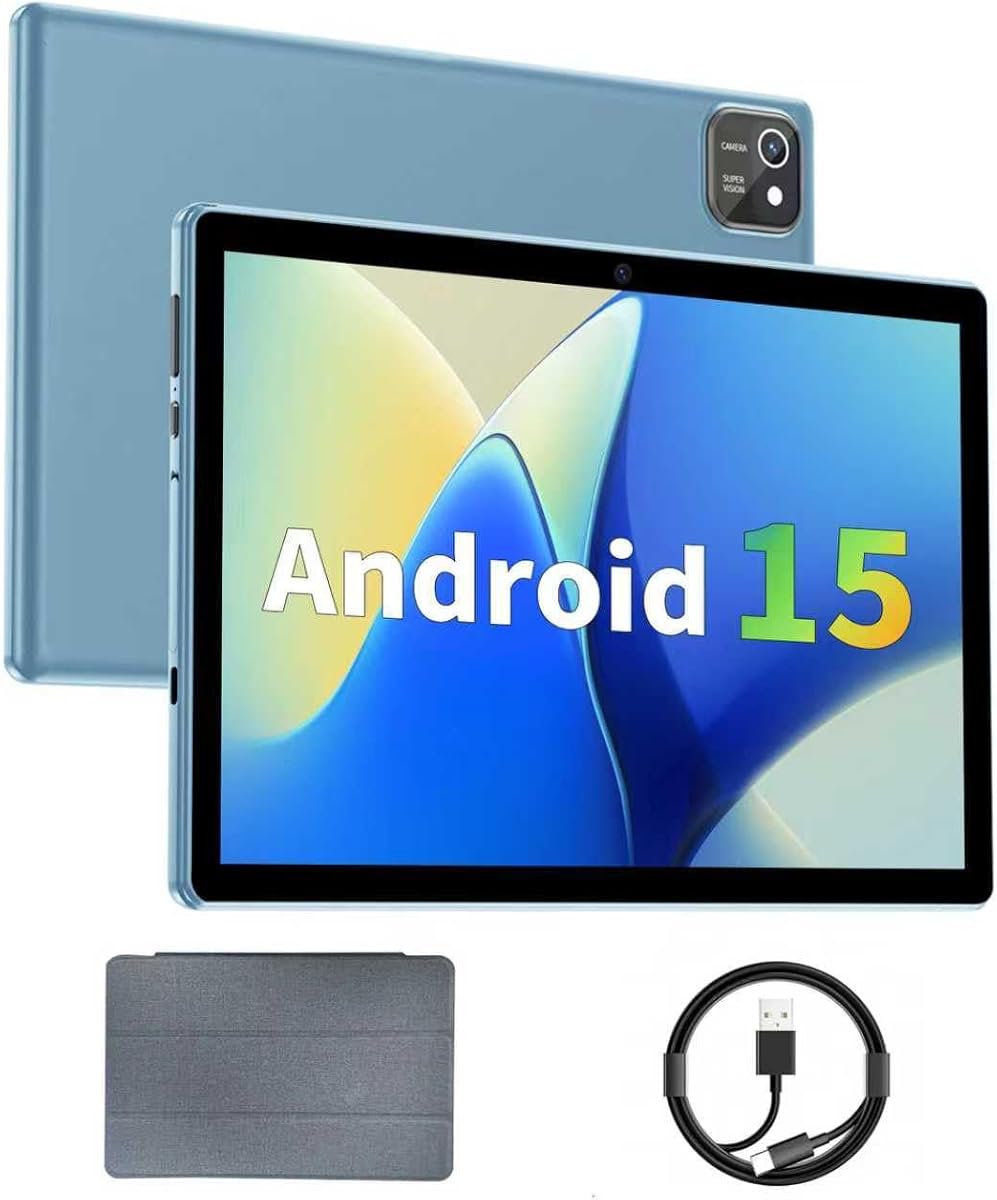
Android 15 brings improved security and smoother interface animations.
We may earn a commission when you buy through this link, at no additional cost to you.
With twelve gigabytes of RAM this device handles multiple tabs and apps comfortably for most daily tasks.
We may earn a commission when you buy through this link, at no additional cost to you.
The sixty-four gigabytes of internal space combined with a slot for a SD card offers plenty of room for content.
It lacks the latest Wi-Fi 6 standard which means peak internet speeds will be slightly lower.
This makes it a practical pick for users who prioritize storage over maximum network speeds.
Sixty-four gigabytes is enough for hundreds of apps and videos without immediate cleanup.
The 6000mAh cell ensures consistent power for long periods of use.
We may earn a commission when you buy through this link, at no additional cost to you.
This model brings modern Wi-Fi 6 speeds to a compact form factor that is easy to carry anywhere.
We may earn a commission when you buy through this link, at no additional cost to you.
The bundled protective case ensures the device is safe from bumps during transit which is great for travelers.
The battery capacity is modest so you may need to recharge it after a day of heavy use.
It is ideal for students who need a portable device for reading and quick online sessions.
Support for Wi-Fi 6 means faster downloads and better performance in crowded areas.
Getting a quality case included saves money and ensures protection from day one.
We may earn a commission when you buy through this link, at no additional cost to you.
At just fifteen ounces this tablet is incredibly easy to hold in one hand for extended periods without fatigue.
We may earn a commission when you buy through this link, at no additional cost to you.
The slim profile and lightweight build make it perfect for reading or browsing while standing up.
Some users might find the build quality feels a bit fragile due to the thinness.
It is a great choice for anyone prioritizing comfort and portability over heavy durability.
The feather light design means you can hold it longer without hand strain.
The 12GB RAM ensures smooth operation even when running several apps.
We may earn a commission when you buy through this link, at no additional cost to you.
This model stands out with a smoother 90Hz display that makes scrolling and animations look fluid.
We may earn a commission when you buy through this link, at no additional cost to you.
Samsungs One UI software is polished and user friendly providing a better experience than generic Android skins.
Being an international model means warranty support might be limited in some regions.
It is an excellent pick for users who want a reputable brand and a high quality screen.
A 90Hz refresh rate makes navigating menus and web pages feel noticeably smoother.
One UI 7 brings useful features and a clean look that is easy to use.
We may earn a commission when you buy through this link, at no additional cost to you.
Selecting the right device requires understanding which features matter most for your specific usage patterns.
Look for tablets running at least Android 14 or 15 to ensure you have access to modern apps and security patches. Newer versions of the operating system usually offer better privacy controls and smoother animations. While budget devices might ship with older versions checking if the manufacturer promises updates is a smart move for longevity. Always verify GMS certification so you can download apps from the Play Store without issues.
RAM is crucial for running multiple apps at once without slowdowns. For basic tasks 4GB is often enough but if you plan on browsing with many tabs open look for 8GB or more. Some models advertise virtual RAM which helps but physical memory is always more reliable. If you want a fast experience check the total RAM count before purchasing.
Internal storage determines how many apps and videos you can keep installed. Aim for at least 32GB if you download a lot of content but check if the device supports SD card expansion. Many cheap tablets allow you to expand up to 1TB which is excellent for media libraries. If you stream most of your content internal storage matters less but having some space is still good.
Since you are looking for WiFi tablets ensure the model supports dual band standards. Modern devices with Wi-Fi 6 will connect faster and stay stable in crowded areas. Older models might only support older standards which could limit your internet speeds. Also check Bluetooth versions if you plan to connect headphones or speakers.
A good tablet should last a full day of use without constant charging. Look for capacities around 6000mAh which typically provide 8 hours or more of mixed usage. Check for fast charging support if you are often on the go. Longer battery life means more freedom to watch videos or read anywhere.
Resolution and panel type matter for how text and video look. An IPS screen offers better viewing angles than standard TN panels. For movies aim for Full HD or at least high definition resolution. Eye care features like low blue light are also important if you use the tablet for long reading sessions.
Cheap tablets can feel flimsy so check for reinforced glass or sturdy frames if you plan to use it daily. Some models come with protective cases included which adds value and protection. Look for reviews that mention drop resistance to ensure the device can handle accidental bumps.
While generic brands offer great value established names often provide better support. If you choose a lesser known brand check for warranty terms and customer service availability. Brands like Samsung and Amazon have reliable support which can be helpful if issues arise later.
Start by setting up your device securely with a strong password or biometric unlock. Install essential apps from the official store to ensure safety and performance.
Manage your storage regularly by deleting unused apps and clearing cache to keep the device running fast. Use cloud services for photos to save internal space.
Protect your device from extreme heat and moisture while storing it in a safe case when not in use. Charge using the original cable to prevent battery damage.
Yes modern budget tablets offer enough speed for web browsing social media and video streaming. While they may not handle heavy gaming like premium devices they are excellent for daily tasks.
Most Android tablets in this list support Google Play due to GMS certification. Just check the product details to confirm compatibility with the Play Store.
The models reviewed are WiFi only meaning they do not have cellular data capabilities. They connect to the internet via home or public WiFi networks.
Most budget tablets provide between six and twelve hours of mixed usage on a single charge. Battery life varies based on screen brightness and active apps.
Many of these models include a microSD card slot allowing storage expansion up to 1TB. This is useful for storing large video or photo libraries.
Students should look for a model with long battery life and enough RAM for research apps. The tablets with WiFi 6 support offer faster downloads for papers and resources.
Choosing the right device depends on your specific needs whether that is streaming performance or portability. Our top picks balance price with reliable features for most users.
Focus on factors like RAM and connectivity to ensure the tablet stays useful for a long time. A model with modern standards will serve you better than one with outdated specs.
Always check current availability and promotions as deals can change quickly. With the right choice you can enjoy a powerful digital experience without overspending.