
Canon CanoScan LiDE 300
4.2Editor score
Auto Scan Mode detection
USB connectivity
Compact design
Finding the right flatbed scanner can transform how you preserve memories and manage documents. Modern scanners offer high resolution and smart software to digitize photos, artwork, and paper efficiently without hassle.
We evaluated ten models based on optical resolution, scanning speed, software features, and compatibility with Windows and Mac systems. Each product offers unique strengths for home, office, or creative workflows requiring reliable digitization.
Every pick below highlights key specs and ideal use cases to guide your decision. Remember that stock and pricing change frequently, so verify current availability and deals before purchasing your preferred scanner model online.
4.2Editor score

3.7Editor score

3.8Editor score
As an Amazon Associate we earn from qualifying purchases.
The following table presents a side-by-side overview of the top ten flatbed scanners. It highlights key specifications such as resolution, scan area, and notable features to help you compare options quickly and effectively.




The Epson Perfection V39 II stands out as a powerful tool for home users wanting detailed photo scans. Its high 4800 dpi resolution ensures vibrant results while the compact design fits easily on any desk.
We may earn a commission when you buy through this link, at no additional cost to you.
Key strengths include the Easy Photo Fix technology that restores color to faded memories with a single click. The high-rise removable lid allows scanning of thicker items like photo books without removing pages.
While it lacks an auto feeder for bulk documents, the manual process ensures precise control over each image. The USB power requirement means fewer cables but depends on port availability on your computer.
This scanner is ideal for photographers and families preserving legacy albums. If you prioritize image quality over volume scanning speed, this model delivers reliable performance for personal digitization projects.
The 4800 dpi optical resolution captures fine details in photos and artwork, allowing for digital enlargements without quality loss.
One-touch scanning buttons simplify the workflow, making it easy for anyone to digitize documents or images without complex setup steps.
We may earn a commission when you buy through this link, at no additional cost to you.
The Canon CanoScan LiDE 300 offers an excellent entry point for users needing reliable document and photo scanning. Its simple design and automatic detection features make it accessible for all skill levels.
We may earn a commission when you buy through this link, at no additional cost to you.
Strengths lie in its ability to detect scan content automatically, reducing manual configuration. The USB power and compact form factor ensure it fits in small home offices or dorm rooms effortlessly.
Trade-offs include limited advanced editing tools and lack of network connectivity. For basic scanning needs these limitations are acceptable given the low cost and consistent performance output.
This model is perfect for students or small offices managing daily paperwork. If you need a dependable scanner without extra costs this Canon option meets essential digitization requirements efficiently.
Auto Scan Mode identifies document types and adjusts settings automatically streamlining the scanning process without user intervention.
The lightweight build and USB power allow for easy transport between desks or locations without needing an external power outlet.
We may earn a commission when you buy through this link, at no additional cost to you.
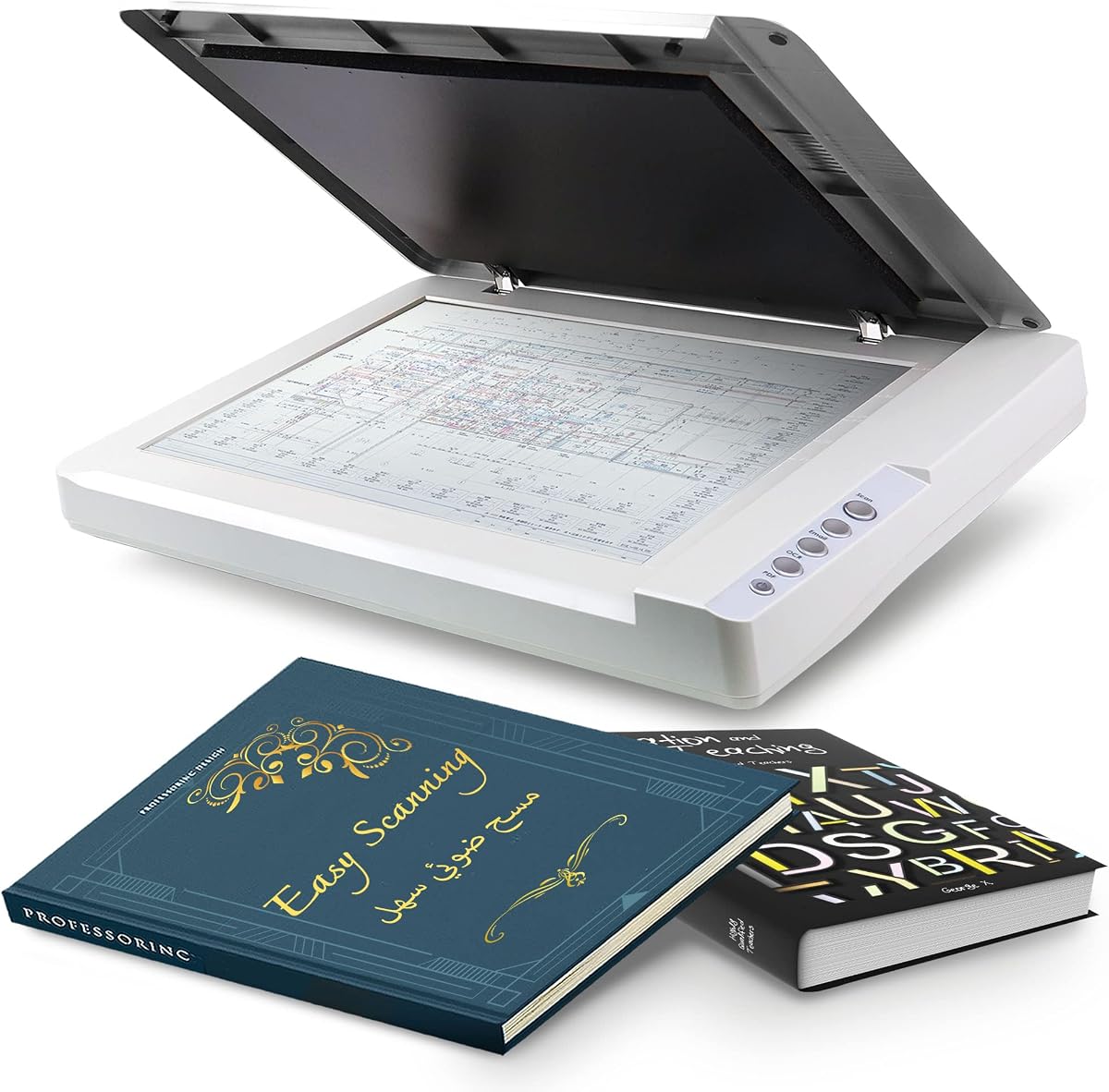
The VIISAN 3120 A3 is designed for professionals needing to scan oversized documents like blueprints or magazines. Its frameless design allows edge to edge captures without trimming borders manually.
We may earn a commission when you buy through this link, at no additional cost to you.
It features an Auto Scan function that activates when the lid closes, speeding up workflows. The 1200 dpi resolution delivers clear text and graphics suitable for archives or educational use.
However, the CIS sensor works best on flat items and may struggle with thick 3D objects. Mac users should note driver limitations for maximum DPI settings compared to Windows performance.
This scanner suits libraries or design studios handling large paper formats. If you need speed and size flexibility for regular document digitization this model provides strong value for the features.
The narrow boundary allows scanning large items like photo albums and books without cutting edges or damaging the original.
Scanning an A3 page takes only eight seconds at standard resolution which helps manage high volumes of digital archives quickly.
We may earn a commission when you buy through this link, at no additional cost to you.
The VIISAN VF3240 A3 delivers exceptional speed for large format scanning with a four second scan time for A3 pages. Its high resolution support ensures detailed outputs for engineering or artistic work.
We may earn a commission when you buy through this link, at no additional cost to you.
Key strengths include the frameless glass for borderless scanning and universal power compatibility. The control panel simplifies common tasks like emailing or printing directly after scans finish quickly.
Windows users may find resolution limited to 1200 dpi for A3 unless using specific software. This limitation might affect professionals needing maximum detail but is acceptable for standard document workflows.
Ideal for architects or offices digitizing large blueprints regularly. If time and size are your main concerns this scanner balances speed with quality for demanding business environments.
Achieving full color A3 scans in seconds drastically reduces wait times during batch processing of large documents or projects.
The high resolution output captures fine lines in technical drawings ensuring accuracy for engineers and designers reviewing digital files.
We may earn a commission when you buy through this link, at no additional cost to you.
The Epson Perfection V19 II offers a compact design ideal for small desks while maintaining high resolution for photo scanning. Its built-in kickstand allows vertical storage saving valuable counter space effectively.
We may earn a commission when you buy through this link, at no additional cost to you.
Features include ScanSmart software and OCR for converting scans into editable Word documents. This functionality helps users organize digital files quickly without needing extra software tools or subscriptions.
It lacks network connectivity which may limit sharing options in larger offices. However for home use the USB connection remains simple and reliable for transferring files to personal computers.
This model is perfect for individuals managing personal photo albums. If space is limited and image quality matters this scanner provides excellent performance without requiring a dedicated desk area.
The vertical storage stand allows you to tuck the scanner away when not in use keeping your workspace tidy and organized.
Optical character recognition transforms text scans into editable files streamlining workflows for reports or study notes digitally.
We may earn a commission when you buy through this link, at no additional cost to you.
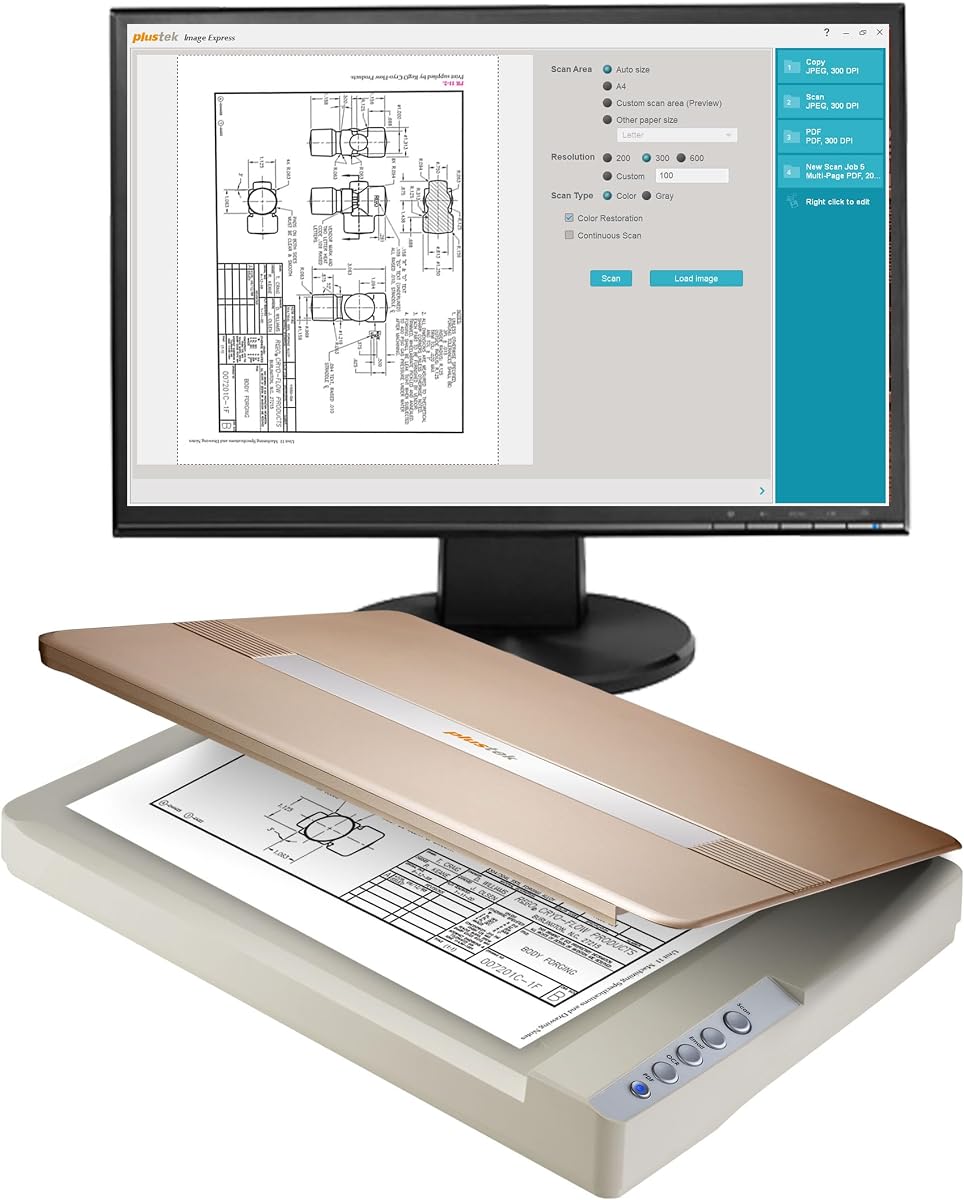
The Plustek OpticPro A320E provides professional grade large format scanning for maps and large books. Its 12 by 17 inch area accommodates oversized items that standard home scanners cannot handle easily.
We may earn a commission when you buy through this link, at no additional cost to you.
DocAction software enables flexible file management with direct FTP and email options. This feature is useful for businesses needing to archive documents securely in cloud folders or remote servers automatically.
Linux users may need to contact support for driver availability. While Windows and Mac support is robust the cost and complexity might be higher than average for casual home users.
This scanner is best for offices or schools managing extensive archives. If you need reliable handling of large documents and advanced file routing this model offers premium capabilities.
DocAction allows direct upload to servers and printers reducing manual steps after scanning for faster office productivity.
Multiple images can be scanned and saved as separate files in one run which simplifies digitizing pages of multi page documents.
We may earn a commission when you buy through this link, at no additional cost to you.
The Plustek OpticSlim 1680 combines high speed with a large scanning area for efficient document processing. It handles tabloid sized pages in seconds which is ideal for busy work environments.
We may earn a commission when you buy through this link, at no additional cost to you.
One key buttons allow custom actions like copying or saving to PDF instantly. The dual view interface helps users check image adjustments before finalizing scans for better accuracy.
It lacks an auto feeder meaning manual handling is required for multiple pages. Despite this the speed and ease of use make it a strong candidate for office digitization tasks.
This scanner suits small businesses or offices with frequent large document needs. If speed and ease of use are priorities this model provides reliable performance for daily workloads.
Pre-configured buttons eliminate software navigation allowing users to scan and save to destinations with a single touch.
The 11 by 17 inch glass bed supports full spread scanning of magazines and reports without cutting edges.
We may earn a commission when you buy through this link, at no additional cost to you.
The Plustek OS1180 is optimized for A3 documents with a fast nine second scan time. Its LED light source requires no warm up which means immediate use for urgent document needs.
We may earn a commission when you buy through this link, at no additional cost to you.
It includes an ABBYY OCR bundle that ensures high accuracy for text conversion. This software makes it easy to create searchable PDFs and editable files from scanned business documents.
While it relies on manual feeding for multiple pages the speed and size make it efficient for office archives. The lack of network features limits remote access but local performance remains solid.
This model is great for schools or offices needing frequent A3 scanning. If you prioritize quick turnaround and reliable text recognition this scanner fits daily professional needs well.
LED technology eliminates warm-up time allowing you to scan documents immediately after turning on the device.
The bundled OCR software ensures scanned text is searchable and editable improving usability for digital document management.
We may earn a commission when you buy through this link, at no additional cost to you.
The Epson DS-1630 features an auto document feeder and duplex scanning for high volume digitization. It handles up to 25 pages per minute which is faster than many flatbed-only models.
We may earn a commission when you buy through this link, at no additional cost to you.
Network connectivity allows multiple users to access the scanner without plugging it into a specific PC. This makes it ideal for shared office spaces where document intake happens throughout the day.
It lacks an A3 flatbed so oversized items must be split manually. For standard office documents this trade-off is worth the speed and convenience offered by the automated feeding system.
This scanner is best for busy offices managing large document streams. If you need automatic double-sided scanning and network integration this model supports efficient workflow operations.
The auto document feeder handles stacks of paper at high speeds reducing manual effort for bulk processing tasks.
Built-in network ports allow multiple users to send documents to the scanner simultaneously without needing local cables.
We may earn a commission when you buy through this link, at no additional cost to you.
The Plustek OpticSlim 2700 is one of the fastest scanners available with a three second scan time. Its compact design and simple buttons make it accessible for quick document digitization tasks.
We may earn a commission when you buy through this link, at no additional cost to you.
Features include auto rotation and deskew to ensure images appear straight in digital files. The one touch PDF button simplifies saving documents in searchable formats without opening extra software.
It is limited to letter sized documents which may not suit large format needs. However for standard office use the speed and efficiency make it a practical choice for daily tasks.
This scanner is ideal for home offices needing quick scans. If you want a simple setup with fast results for common documents this model delivers reliable performance.
Scanning completes in seconds allowing you to process pages rapidly without waiting for image processing to finish.
Software automatically rotates and crops images to save manual editing time and improve document presentation.
We may earn a commission when you buy through this link, at no additional cost to you.
Selecting the right flatbed scanner requires considering resolution, speed, and compatibility with your workflow. This guide explains the key factors to evaluate before purchasing a model.
Optical resolution determines how much detail your scanner captures. Higher values like 4800 dpi are ideal for photos and artwork while 600 to 1200 dpi suffices for text documents.
For high quality archives choose a model with at least 2400 dpi resolution to ensure clear digital reproductions.
Speed affects how quickly you can digitize pages. For bulk document handling look for fast processors or auto feeders that reduce wait time.
If you scan photos manually speed matters less but a 10 second or less time per page improves workflow.
Ensure the scanner glass supports the maximum paper size you need. Standard models fit 8.5 by 11 inches but A3 models handle larger blueprints and spreadsheets.
Check the glass dimensions to avoid trimming oversized documents manually before scanning.
Software like OCR converts text scans into editable files while photo tools restore faded images. Evaluate if included apps support your needs.
Models with cloud integration allow direct saving to Dropbox or Google Drive for easier management.
USB is common for home use but network ports or Wi-Fi help shared office environments. Choose based on how many users need access.
Local USB reduces setup complexity but network options increase flexibility for remote work.
Check driver availability for your version of Windows or Mac. Some models limit features like DPI on Mac due to system constraints.
Review system requirements before buying to ensure full functionality without needing extra software.
USB powered units are lighter and easier to move than those needing external power. Consider your desk space and mobility needs.
Compact designs with stands save space and allow vertical storage when idle.
A reliable warranty protects your investment. Look for brands offering at least one year coverage and accessible customer service for drivers.
Extended service options are helpful for business use where downtime impacts productivity.
Prepare your scanner by placing it on a stable surface away from direct sunlight. Ensure the glass plate is clean using a soft microfiber cloth to avoid dust marks on scans.
Install the provided software or drivers from the manufacturer website. Connect the USB cable and follow setup prompts to register the device with your computer system.
Regularly clean the glass and lid to maintain image quality. Store the scanner in a dry environment to prevent electrical issues and extend the lifespan of internal parts.
For high quality photo scans 2400 dpi or higher is ideal to capture fine details. For casual printing 600 dpi is often sufficient.
Yes most models require specific drivers from the manufacturer to ensure full functionality and software integration with your OS.
Some models have removable lids or high-rise hinges to accommodate thick books but check specifications before purchasing for best results.
Wi-Fi helps for shared office use. For personal use USB is usually enough and avoids setup complexity.
Look for models with auto document feeders or use software to stitch multiple scans into one PDF file efficiently.
Most modern scanners support Mac OS. Check for specific driver support for high DPI settings on macOS.
The top picks include the Epson Perfection V39 II for balance the Canon CanoScan LiDE 300 for budget and the Plustek OpticPro A320E for large format needs.
Prioritize resolution and software features based on whether you scan photos or documents primarily. Consider speed if you process many pages daily.
Verify current availability and features on retailer sites before finalizing your purchase to ensure the best value for your requirements.