As an Amazon Associate we earn from qualifying purchases. We may earn a commission when you buy through links on this page, at no additional cost to you. Read our affiliate disclosure.As an Amazon Associate we earn from qualifying purchases.Purchases through our links may earn us a commission, at no extra cost to you. Read our affiliate disclosure.
Finding a high quality 2K Hd Webcam under 50 can transform your remote work and gaming setup without requiring a massive investment. These cameras offer sharp resolution and reliable performance for daily communication needs.
We evaluated ten leading models based on image clarity, microphone quality, ease of setup, and overall value. Each product was assessed for its ability to deliver consistent results across different lighting conditions and software platforms.
Our guide highlights key features and trade offs for each pick to help you choose the right fit. Please note that availability and pricing can change frequently so verify details before purchasing.
Top 3 Picks for Best 2K Hd Webcam under 50
Best Budget
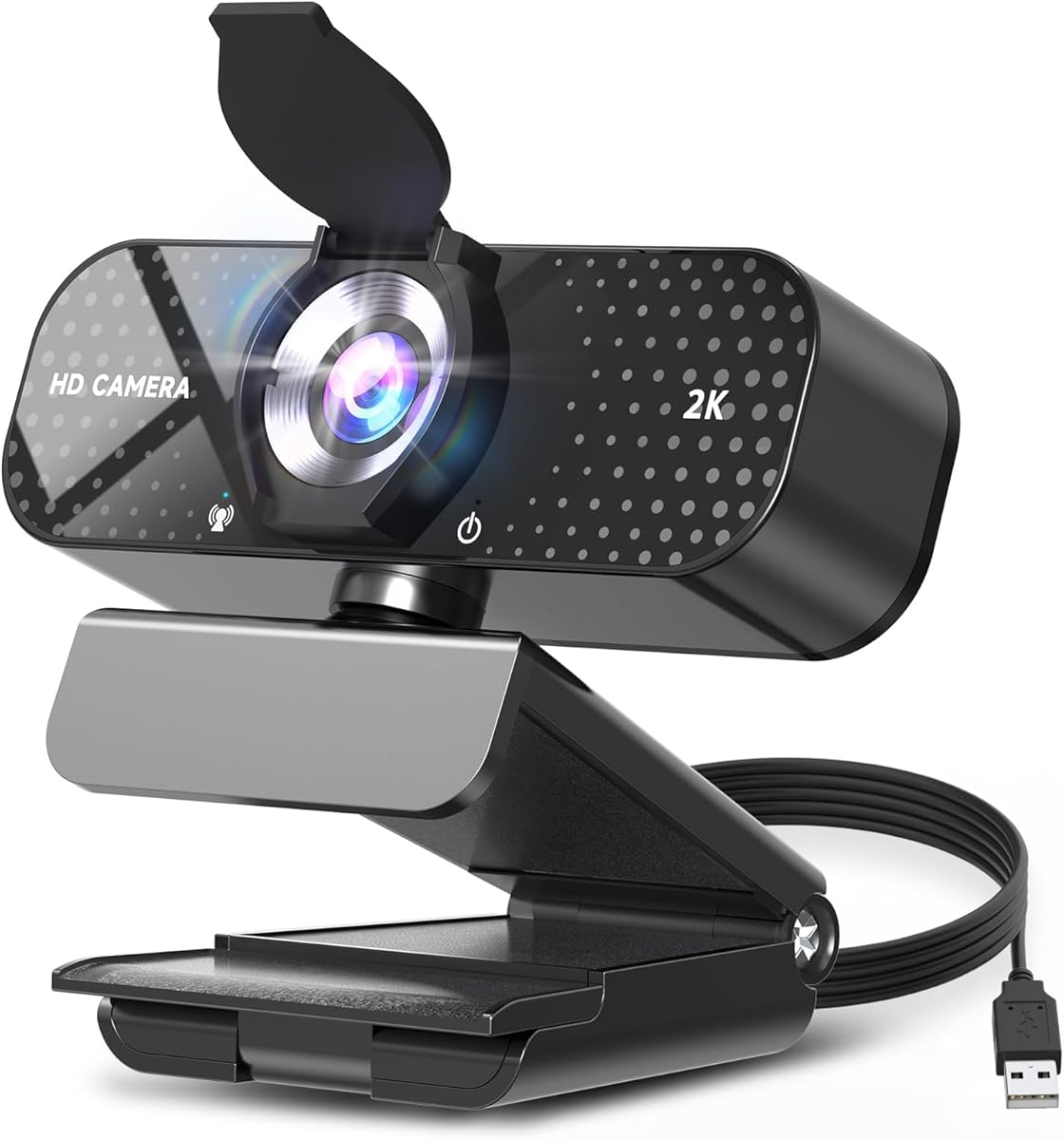
Hprosper 2K Webcam with Microphone, Automatic Light Correction & Privacy Cover, Wide Angle USB Camera for PC, Laptop, Mac, Zoom, Gaming, Streaming, Conference Room, Video Conferencing
Top 10 Best 2K Hd Webcam under 50 in 2026 Compared
This comparison table outlines the core specifications and unique strengths of each model to help you make an informed decision based on your specific needs.
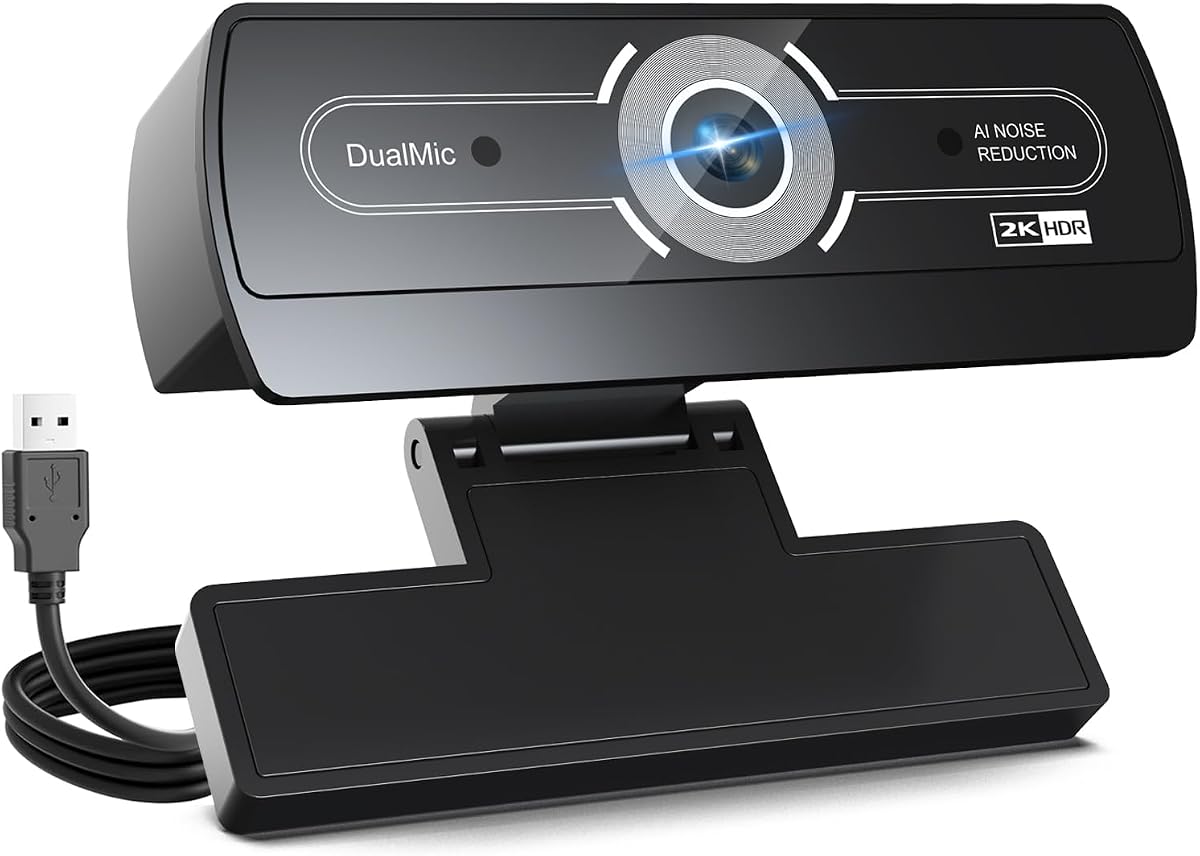
UGREEN 2K Webcam for PC Ultra HD 1080P Computer Webcam with Microphone
2K 30fps output
Dual microphone system
95 degree FOV
Auto light adjust
The UGREEN 2K Webcam stands out as a top choice for users seeking high resolution video without a premium price tag. It delivers crisp visuals at 2K resolution with reliable performance across various platforms.
Pros
Sharp image quality
Clear audio capture
Wide field of view
Easy plug and play
Includes privacy cover
Cons
Fixed focus only
Requires 2K support
We may earn a commission when you buy through this link, at no additional cost to you.
Its dual microphones ensure your voice is heard clearly even in moderately noisy environments. The 95 degree field of view makes it suitable for group calls or showing objects during presentations.
While it lacks autofocus and relies on fixed focus technology which works well for standard desk setups. The privacy cover adds a layer of security when the camera is not in use.
This model is ideal for professionals and students who need consistent video quality for meetings and classes. It balances features and affordability effectively for most home office users.
High Resolution Imaging
The camera captures detailed frames that reduce pixelation during video calls ensuring a professional appearance.
Audio Clarity
Integrated microphones filter out background noise to keep conversations clear and focused on your voice.
TRAUSI 2K Full HD Webcam with Auto Light Correction, Noise-Canceling Mic, Privacy Cover and Wide Angle Lens, Plug & Play USB Camera for Desktop/Laptop/Mac/PC, Compatible with Teams/Zoom/Streaming
2K resolution output
Noise reducing mic
Auto light correction
Wide angle lens
TRAUSI offers a compelling option for those needing a reliable webcam at a budget friendly price. It focuses on essential features like auto light correction and privacy protection.
Pros
Affordable price point
Automatic brightness adjust
Privacy cover included
Plug and play setup
Sustainable design
Cons
Lower rating than others
Basic build materials
We may earn a commission when you buy through this link, at no additional cost to you.
The noise reducing microphone helps maintain audio clarity during calls. This is useful for environments with background distractions like household noise or street sounds.
While not as feature rich as higher end models it covers the basics well. The eco friendly design appeals to users conscious about environmental impact.
Choose this if you need a straightforward camera for occasional use. It delivers decent performance without unnecessary complexity or high costs.
Light Adaptation
The camera adjusts brightness automatically to handle varying lighting conditions without manual input.
Privacy Focus
A slide on privacy cover ensures the lens is physically blocked when not actively recording.
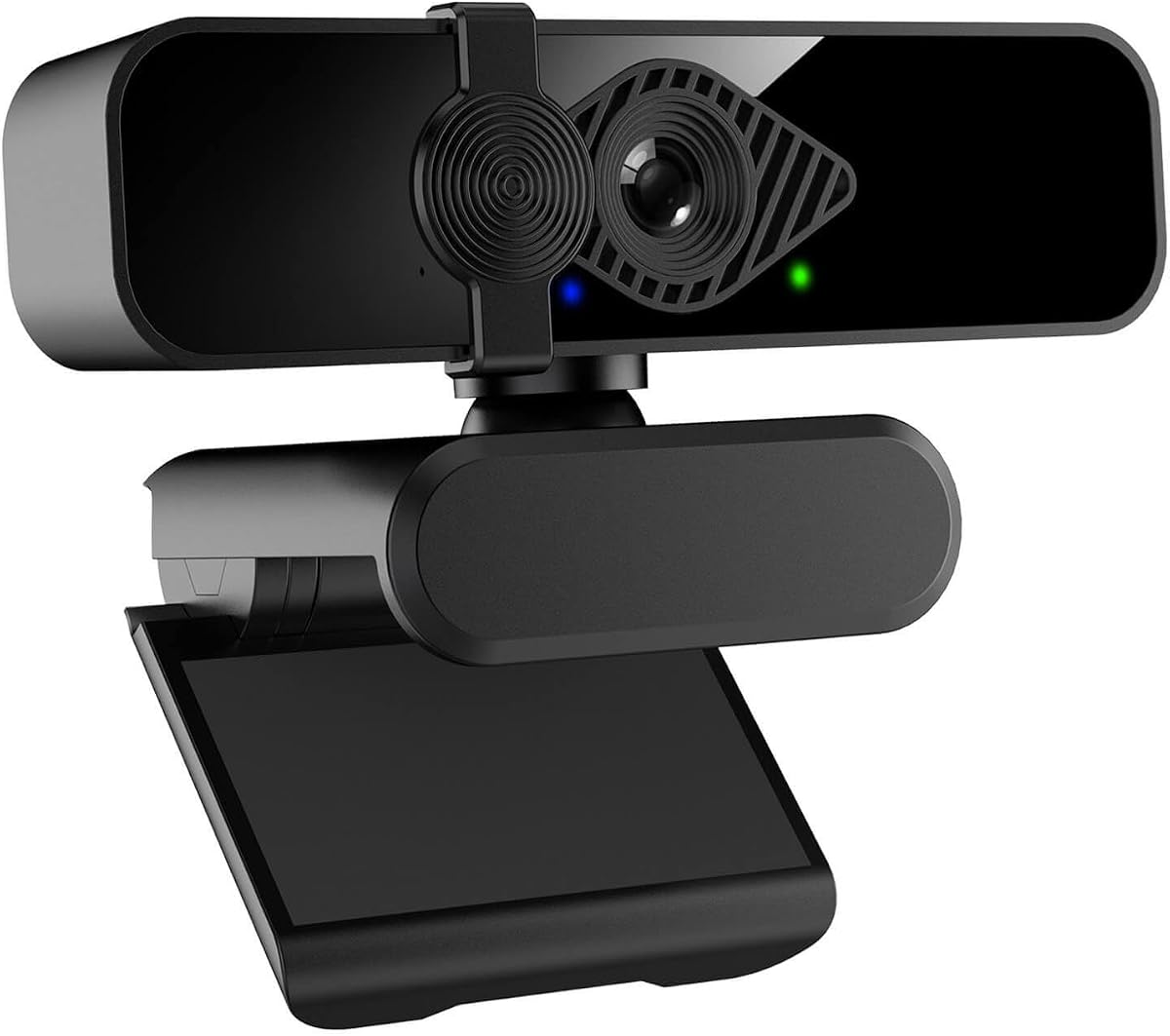
EMEET C100 2K Webcam for PC with Rotating Privacy Cover, Mic & Metal Clip
Fixed focus stability
Metal clip base
Software controls available
Anti flicker tech
EMEET delivers a robust webcam with a focus on durability and user control. The metal clip provides a secure mounting solution that outperforms standard plastic options.
Pros
Durable metal mounting
Rotating privacy shutter
Clean integrated design
Software tuning options
Stable image output
Cons
No autofocus support
Requires software for tuning
We may earn a commission when you buy through this link, at no additional cost to you.
Built in software allows adjustments to exposure and saturation for tailored video quality. This flexibility is rare at this price point.
The rotating privacy cover adds convenience and security. It integrates seamlessly into the camera design to keep your workspace tidy.
Best for users who want a secure setup and control over their video settings. It is a reliable choice for daily work and study.
Secure Mounting
The metal clip holds firmly on monitors and laptops without slipping during adjustments.
Video Control
Software tools let you tweak image settings to match your lighting and preferences.
Hprosper 2K Webcam with Microphone, Automatic Light Correction & Privacy Cover, Wide Angle USB Camera for PC, Laptop, Mac, Zoom, Gaming, Streaming, Conference Room, Video Conferencing
True 2K resolution
Auto light balance
Privacy cover
360 degree rotation
Hprosper excels in handling varied lighting conditions with its advanced automatic light correction. This ensures you look good even in dim rooms or near bright windows.
Pros
Excellent low light performance
Easy setup
Wide compatibility
Secure lens cover
Rotatable design
Cons
No focus adjustment
Basic build quality
We may earn a commission when you buy through this link, at no additional cost to you.
The camera offers true 2K resolution with smooth video output. Its wide angle lens captures more of your surroundings for a natural framing.
Privacy is addressed with a sliding cover that blocks the lens when needed. Setup is quick thanks to plug and play USB connectivity.
Ideal for users who need flexibility with lighting and easy use. It provides solid performance for general video communication.
Light Balance
The sensor adapts quickly to brightness changes to maintain a clear and balanced image.
Versatile Framing
Wide angle lens allows capturing a broader view of your workspace or room.
2K Webcam for PC – 2K Ultra HD Computer Camera with PDAF Autofocus, AI Noise-Canceling Mic, USB Plug & Play, 92° FOV & Auto Lighting Correction for Laptop & Desktop (Social Streaming Video Call)
PDAF autofocus
92 degree FOV
AI noise cancel
1.5 meter cable
XOCLON brings AI noise canceling and autofocus to the budget market. It aims to deliver studio grade clarity through intelligent processing.
Pros
Advanced autofocus
AI audio processing
True 2K output
Long cable length
Plug and play
Cons
Lower user ratings
Basic software
We may earn a commission when you buy through this link, at no additional cost to you.
The 92 degree field of view focuses on you without capturing too much background clutter. It is useful for personal calls and streaming.
While reviews vary the specs are strong on paper. The long cable offers flexibility in placement around your desk.
This webcam is a good pick if you want modern features. It requires some patience with setup but offers advanced tools.
Smart Audio
AI algorithms filter out ambient noise to highlight your voice during conversations.
Reach and Range
The extended cable lets you position the camera further from your device.
2K Webcam for PC, 85° View USB Computer Camera, with Noise Canceling Microphone & Privacy Cover, HD Web Cameras for Desktop Laptop Monitor Mac Streaming, Gaming & Video Calling
85 degree wide angle
Extendable base
Movable privacy cover
360 rotation
This model focuses on physical flexibility with an extendable base and full rotation. It suits small desks where camera placement is critical.
Pros
Adjustable base design
Noise reduction mic
Easy rotation
Secure clip
Privacy protection
Cons
Standard 2K only
Limited software
We may earn a commission when you buy through this link, at no additional cost to you.
The noise canceling microphone ensures clear audio even if you are typing or moving. It keeps distractions to a minimum.
A movable privacy cover allows you to protect your privacy instantly. The clip is sturdy enough for most laptop and monitor uses.
Choose this for flexible setup needs. It balances functionality with portability effectively.
Placement Flexibility
Adjust the base and angle to find the perfect shot for your room.
Privacy Ready
Slide the cover over the lens to block visibility when not in use.
2K Webcam for PC Mac Laptop with Microphone,Full HD Web Cam for Streaming with Privacy Cover Sliders,USB C Web Camera for Desktop Computer Monitor,External Small Best Webcam For Microsoft Teams Gaming
High pixel density
Dual noise reduction
Detach cover
USB C ready
This webcam boasts high user satisfaction and dual noise reduction for clear video and audio. It is designed for versatile use across different devices.
Pros
High user ratings
Dual noise filters
Detachable cover
After sales support
Plug and play
Cons
No autofocus
Fixed focus only
We may earn a commission when you buy through this link, at no additional cost to you.
The detachable privacy cover offers convenience and security. It stays in place well to protect the lens from dust.
Hardware infrared filters help reduce noise in dark rooms. This keeps the image clean without needing extra software.
It is a strong choice for streamers and general users alike. The after sales service adds confidence to the purchase.
Audio Filtering
Combines hardware and software to reduce unwanted sounds during calls.
Visual Clarity
High pixel density ensures sharp details on your face and surroundings.
2K Webcam for pc with Microphone,Privacy Cover Slider Streaming Web cam for Mac Laptop,USB External Computer Camera for Desktop,Best Full Hd face cam for Video Conference,Gaming,Zoom,Teams
Dual noise reduction
Privacy slider
1.78x pixels
Plug and play
This webcam offers a smooth privacy slider and solid noise reduction features. It aims for reliable performance for standard tasks.
Pros
Smooth slider cover
Noise reduction tech
Clear visuals
Customer support
Versatile use
Cons
Fixed focus system
Basic build feel
We may earn a commission when you buy through this link, at no additional cost to you.
The high pixel density ensures sharp visuals for video calls. It captures fine details like text or facial textures clearly.
Support is available if you face issues after purchase. The slider is easy to operate for quick privacy access.
A safe choice for daily communication needs. It covers the essentials without extra cost or complexity.
Privacy Slider
A smooth slider lets you block the lens instantly without removing the camera.
Visual Sharpness
High pixel count ensures details remain clear even in close views.
We may earn a commission when you buy through this link, at no additional cost to you.
Buying Guide – How to Choose the Best 2K Hd Webcam under 50
Selecting the right webcam involves evaluating resolution, microphone quality, and privacy features to match your work or streaming needs.
Resolution and Frame Rate
Look for 2K resolution with at least 30 frames per second for smooth video. Higher frame rates like 60fps are better for gaming streams but may cost more.
Prioritize 2K at 30fps for professional calls to ensure sharpness without lag.
Microphone Quality
Built in microphones with noise canceling are essential for clear audio. Some models use chips to reduce background sounds more effectively.
Choose a unit with dedicated noise reduction if you work in noisy environments.
Privacy and Security
Physical privacy covers or shutters prevent unauthorized access to the lens. A simple sliding mechanism adds peace of mind when the camera is unused.
Ensure the cover is sturdy and does not obstruct the view when open.
Mounting and Compatibility
Check the clip design for stability on monitors or laptops. Some models include stands or tripods for flexible positioning.
Confirm compatibility with your operating system and meeting software before buying.
Auto Light Correction
Sensors that adjust brightness help in low light or bright window setups. This feature ensures you look clear without extra lighting equipment.
Select a model with dynamic light correction for consistent video quality.
Field of View
A wider field of view captures more people or objects in the frame. 90 degrees is standard but some offer up to 95 degrees for broader shots.
Opt for a wider angle if you plan to share objects or host group calls.
Focus Technology
Autofocus allows the camera to adjust sharpness as you move while fixed focus stays sharp at a set distance. PDAF is advanced and rare at this price.
Consider fixed focus if you stay in one spot during calls to save money.
Cable Length and Ports
USB cables range from 1 to 2 meters. Longer cables allow more placement options especially with USB hubs or monitors.
Check for USB C adapters if you have modern laptops to avoid needing extra docks.
How to Use and Care for Your 2K Hd Webcam
Connect the webcam via USB and allow your system to recognize it. Select the external camera in your meeting app settings before joining any calls.
Adjust the camera angle so your face is centered. Use the privacy cover when not in use to protect your lens from dust.
Clean the lens gently with a soft microfiber cloth. Avoid touching the glass with fingers to prevent smudges during video recording.
Frequently Asked Questions
Does a 2K webcam require special software?
Most 2K webcams work plug and play without extra drivers. You can use them directly with apps like Zoom and Teams. Some models offer software for advanced settings like exposure.
Can I use these webcams on Mac computers?
Yes these webcams are compatible with macOS. They use standard USB connections that Mac recognizes. Ensure your system is updated for best performance.
What is the difference between 1080p and 2K resolution?
2K resolution offers more pixels than 1080p for sharper images. It helps show fine details clearly. It is better for professional settings and streaming.
How do I protect my privacy while using a webcam?
Use the built in privacy cover or slide it over the lens when not in use. Keep your software updated to prevent unauthorized access to the camera.
Are these cameras good for gaming?
Yes some models support 60fps at 1080p for smooth gaming streams. Look for autofocus and good lighting to maintain clarity while moving.
What if my webcam is not detected by my PC?
Check the USB connection and try a different port. Restart your computer to refresh the drivers. Ensure the camera is selected in your system settings.
Do these webcams work with Linux systems?
Most models work with Linux as they use standard USB video class. Check specific compatibility notes before purchasing to confirm full support.
How do I improve low light performance?
Use automatic light correction if available. Add a small desk lamp to provide soft front lighting. Adjust camera exposure settings if the software allows.
Final Thoughts on Choosing the Best 2K Hd Webcam
The UGREEN and Hprosper options lead our list with balanced features and value. They offer reliable performance for daily calls and streaming tasks.
If you need advanced focus or audio tools look at the 2K Webcam PDAF. It brings premium features to an affordable price point.
Check current prices and availability before purchasing to get the best deal. These webcams provide high quality video without breaking your budget.
This guide compares the top Fitbit Versa 4 charger replacement options based on compatibility, durability, charging speed, and safety features to help you