
SANSUI 34-Inch Curved Gaming Monitor
4.4Editor score
200Hz refresh rate
AI built-in features
UWQHD resolution
AI ready monitors are transforming how we interact with digital content by integrating intelligent processing directly into the display. These devices use machine learning to optimize visuals and enhance usability without needing external software or hardware.
We evaluated leading models based on resolution, refresh rates, connectivity, and embedded AI capabilities. Our comparison focuses on real-world performance for work, entertainment, and gaming to ensure you find a screen that matches your needs.
Each pick highlights unique strengths like smart home integration, voice amplification, or upscaling tech. Prices fluctuate often so verify current deals before purchasing to ensure you get the best value for your specific setup.
4.4Editor score

4.2Editor score

4.3Editor score
As an Amazon Associate we earn from qualifying purchases.
This side-by-side comparison breaks down the key specifications and AI features of our top ten picks to help you make an informed decision.



The Samsung 32” Smart Monitor M7 leads our list with its Vision AI capabilities and versatile smart features. It stands out as a versatile device that functions as a standalone media center and a productivity hub without needing a computer.
We may earn a commission when you buy through this link, at no additional cost to you.
Its standout strength lies in the AI Picture Optimizer which adapts visuals to your environment and content type. This helps maintain comfort during document work or immersion during games. The Active Voice Amplifier analyzes background noise to clarify dialogue making it ideal for open offices or noisy rooms.
While the system is robust the on OS navigation can lag occasionally compared to premium smart TVs. Additionally the built-in speakers are decent but do not match high fidelity audio systems. These trade-offs are acceptable given the price point and feature set.
This monitor is perfect for users who want a clean desk setup with smart functionality built in. Whether you stream content or manage smart home devices this screen delivers convenience and quality in one package.
The Vision AI technology automatically adjusts picture settings to suit different content types enhancing comfort and clarity.
View and manage your IoT devices through a 3D map interface directly on the monitor screen with ease.
We may earn a commission when you buy through this link, at no additional cost to you.
The Samsung 40" ViewFinity S8 offers an unmatched visual experience with its 5K2K resolution and curved design. It is tailored for professionals who need extensive screen real estate and high speed data transfer for complex workflows.
We may earn a commission when you buy through this link, at no additional cost to you.
Its Thunderbolt 5 port allows management of data intensive tasks and delivers up to 140W charging to your laptop. The built-in KVM switch enables you to control two devices with a single keyboard and mouse streamlining your workflow significantly.
The main limitation is the requirement for compatible hardware to fully utilize the resolution and bandwidth. It also takes up significant desk space which may be an issue in smaller workspaces. These factors are minor for users seeking top tier performance.
Choose this monitor if you are a power user who values resolution and connectivity above all else. It transforms your desk into a command center for creative and technical tasks with seamless device switching.
Thunderbolt 5 supports extreme data speeds and high wattage charging ensuring your laptop stays powered and connected.
Switch between PC and Mac instantly using the same peripherals to reduce cable clutter and boost efficiency.
We may earn a commission when you buy through this link, at no additional cost to you.
The SANSUI 34-Inch Curved Gaming Monitor brings affordable ultrawide performance with integrated AI tools for eye comfort. It is ideal for gamers and multitaskers who want a large screen without breaking the bank.
We may earn a commission when you buy through this link, at no additional cost to you.
With a 200Hz refresh rate this monitor delivers butter smooth motion in fast paced games. The built-in AI Blue light reduction helps minimize strain during long sessions making it a thoughtful addition for health focused users.
The trade-off is that it lacks premium connectivity like USB-C which limits charging options for laptops. Build materials are functional but not luxurious. However these compromises are well within expectations for this price segment.
This is the best pick for budget conscious buyers who need high performance specs. It balances size speed and eye care effectively to offer tremendous value for entertainment and general work.
AI driven blue light reduction adapts to your viewing habits to reduce strain during extended usage periods.
The curved 21:9 panel wraps around your view to provide a cinematic experience for movies and games.
We may earn a commission when you buy through this link, at no additional cost to you.
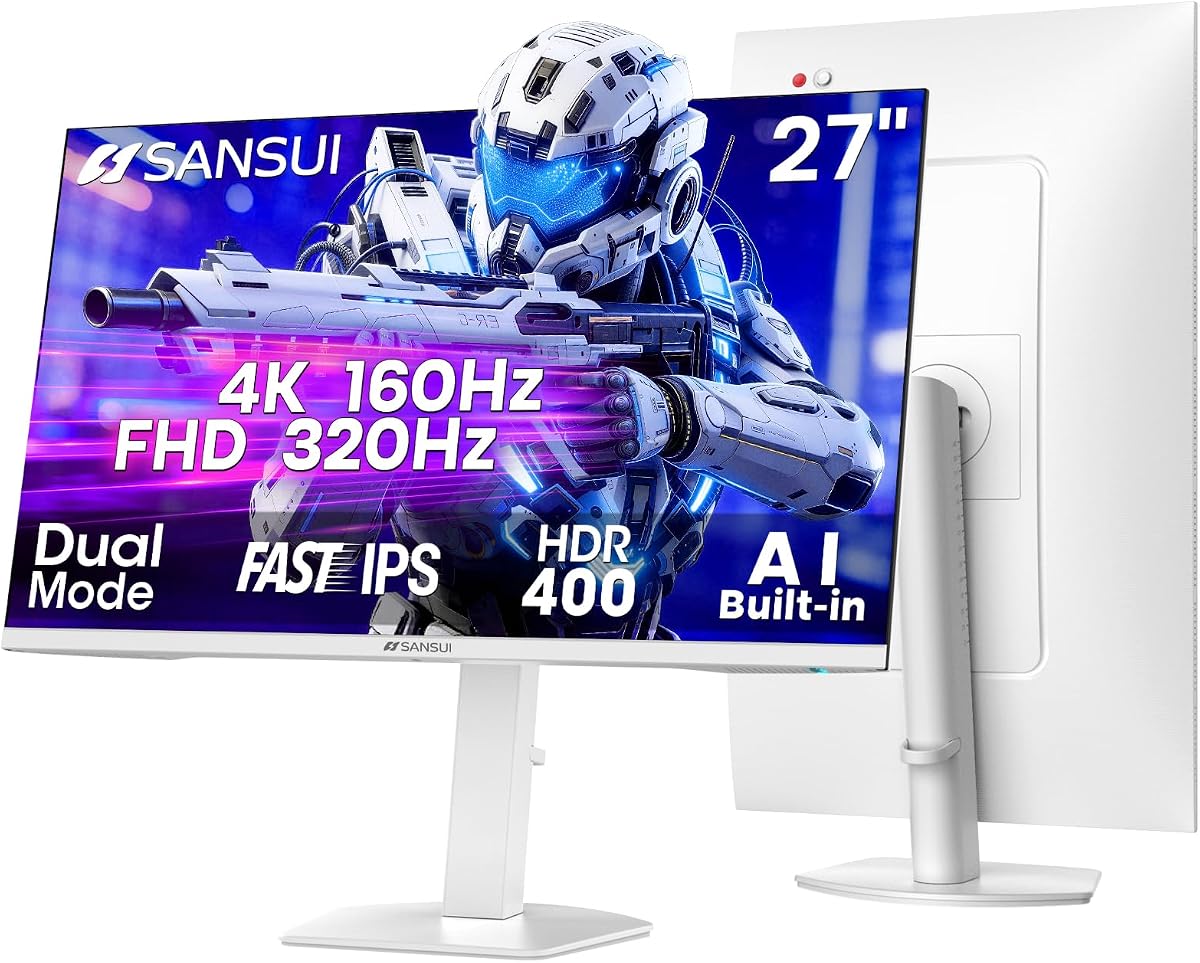
The SANSUI 27 Gaming Monitor offers unique dual mode capabilities that let you switch between high resolution and high speed gaming. This flexibility makes it a strong contender for versatile setups.
We may earn a commission when you buy through this link, at no additional cost to you.
Its AI Crosshair and Sniper Scope features provide tactical advantages in competitive games without external software. The screen supports both 4K at 160Hz and FHD at 320Hz giving you control over performance and visual fidelity.
While the AI tools are basic compared to smart monitors they add utility for gamers specifically. The user interface is straightforward but not as advanced as consumer electronics brands. These details do not detract from its core performance.
Select this monitor if you want gaming specific AI aids and resolution flexibility. It delivers reliable speed and clarity for competitive play while remaining budget friendly.
Toggle between 4K clarity for strategy and FHD speed for shooters to match your game mode perfectly.
AI powered overlays assist with precision aiming to improve performance in shooter games.
We may earn a commission when you buy through this link, at no additional cost to you.
The LG 27U730SA-W leverages webOS to create a smart home experience right on your desktop. It integrates streaming and cloud PC access seamlessly into a compact 27-inch frame.
We may earn a commission when you buy through this link, at no additional cost to you.
Its Brightness Control detects ambient light to adjust the screen automatically for optimal visibility day or night. Dynamic Tone Mapping uses AI to enhance contrast making movies look significantly better than standard HDR processing.
You may need time to learn the remote control shortcuts as it functions like a smart TV. App selection is robust but depends on your region. These are minor inconveniences for a powerful smart display.
This model suits users who want a single device for work and leisure. It simplifies your setup by merging productivity tools with media apps into one clean interface.
Access Netflix and cloud apps directly via webOS so you can enjoy content without turning on a PC.
Sensors detect room lighting to tweak brightness automatically for consistent visuals in changing environments.
We may earn a commission when you buy through this link, at no additional cost to you.
The Samsung M8 Smart Monitor focuses on elevating content quality through AI upscaling and ergonomic design. It is designed to be a standalone entertainment hub that looks stylish on any desk.
We may earn a commission when you buy through this link, at no additional cost to you.
The NQM AI Processor turns lower resolution streams into near 4K quality ensuring you see maximum detail. The included SlimFit Camera supports video conferencing which adds value for remote workers who need a camera without mounting one separately.
The camera resolution is not cinematic quality but sufficient for business calls. The stand is slim and stylish but might not support heavier setups. These trade-offs are reasonable for the premium design.
Pick this monitor if you value aesthetics and AI driven content enhancement. It offers a complete entertainment experience with smart tools that improve viewing quality and convenience.
AI enhances standard definition video to match the 4K panel so legacy content looks crisp and modern.
The solar powered remote eliminates disposable batteries for a sustainable setup that charges via light.
We may earn a commission when you buy through this link, at no additional cost to you.
The Dell S2725QS delivers professional grade color and eye care features in a compact design. It is tailored for creative work and daily productivity where visual fidelity matters.
We may earn a commission when you buy through this link, at no additional cost to you.
With 99% sRGB coverage and ComfortView Plus you get accurate colors while reducing harmful blue light for all day comfort. The re-engineered audio system provides detailed sound which is rare for this class of monitor.
It lacks high refresh rates and USB-C which limits its gaming potential and modern connectivity. These gaps make it less suitable for competitive gamers but ideal for creatives who prioritize color integrity.
Choose this for tasks requiring precise visuals like photo editing or reading. It balances performance and comfort with a clean modern look that fits any workspace.
IPS technology ensures 99% sRGB so your images and videos appear consistent across different screens.
Built-in speakers have increased power and frequency response for a richer audio experience without extras.
We may earn a commission when you buy through this link, at no additional cost to you.
The LG 27UP850K-W supports wide color gamuts and robust connectivity for creative professionals. It offers an immersive viewing experience with precise color control.
We may earn a commission when you buy through this link, at no additional cost to you.
With up to 95% DCI-P3 expression and VESA DisplayHDR 400 you get vivid images that match professional standards. The Switch App allows multi-tasking by splitting the screen into multiple sections to enhance productivity.
HDR performance is decent but not cinema level which is expected at this price. Speakers are functional but lack low-end depth. These are acceptable compromises given the strong feature set.
Ideal for designers who need reliable color and flexible connections. It streamlines your workflow with powerful multitasking tools and high fidelity visuals.
DCI-P3 coverage supports a broader spectrum for cinematic and print accurate color reproduction.
Customize screen layouts instantly to manage multiple windows with intuitive shortcuts and views.
We may earn a commission when you buy through this link, at no additional cost to you.
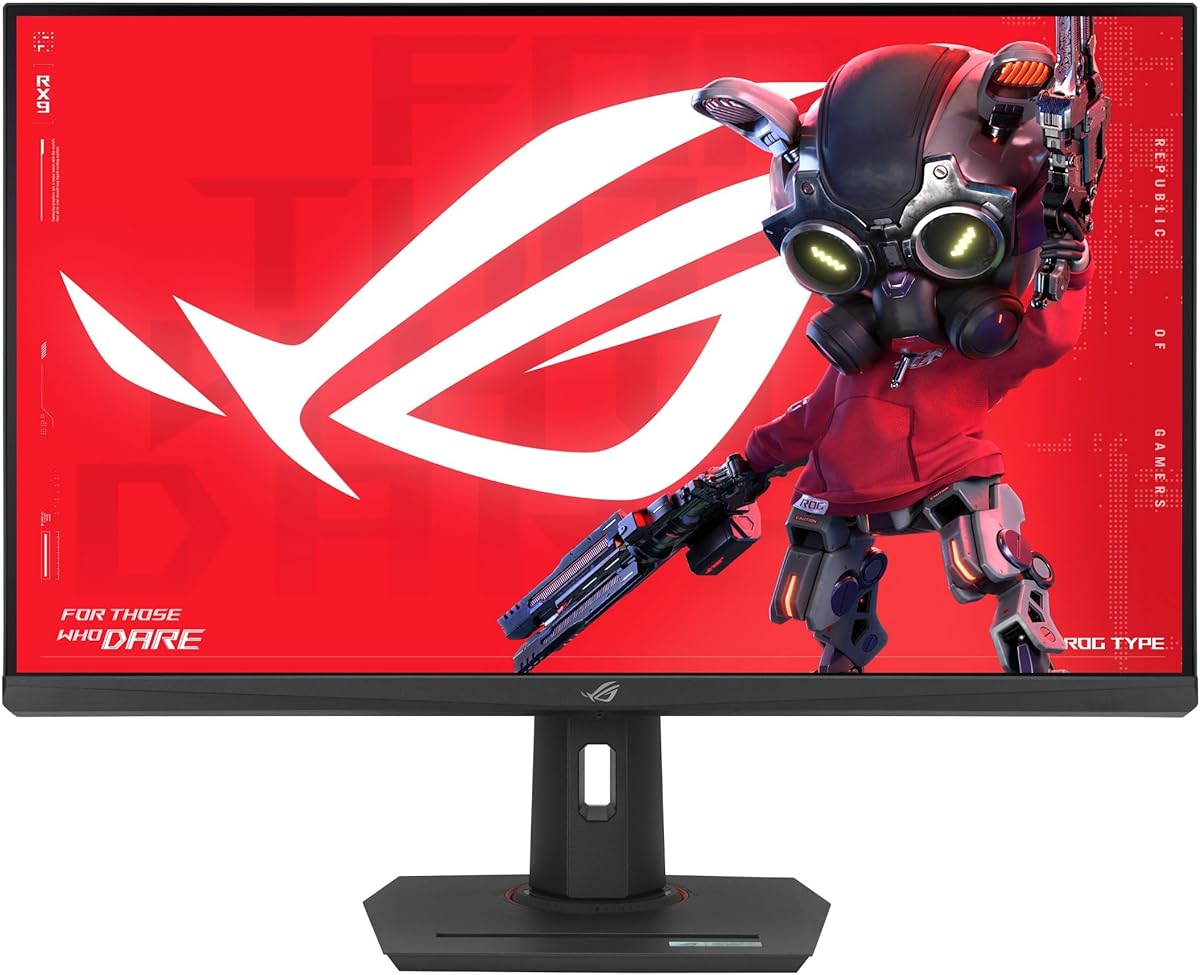
The ASUS ROG XG27ACS prioritizes speed and responsiveness for competitive gaming. It delivers sharp visuals with minimal motion blur using advanced motion sync tech.
We may earn a commission when you buy through this link, at no additional cost to you.
Features like ELMB SYNC and FreeSync allow for variable refresh rates and ghosting elimination simultaneously. You also get a complimentary Adobe Creative Cloud subscription which adds value for creators.
It lacks smart AI features which keeps it focused on pure performance. For general use it may feel bare compared to smart monitors but for gaming it excels.
Select this if speed is your priority. It provides the fluidity and clarity needed for serious gameplay without distracting software elements.
ELMB SYNC reduces blur while keeping variable refresh rates for sharp moving images in any scenario.
Included Creative Cloud access provides months of professional tools for design work included free.
We may earn a commission when you buy through this link, at no additional cost to you.
The ASUS ROG XG32UCG is a powerhouse designed for large scale gaming and detailed visuals. It combines 4K resolution with high refresh rates through dual mode technology.
We may earn a commission when you buy through this link, at no additional cost to you.
Its Gaming A.I technology enhances gameplay experiences with features like crosshairs and motion optimization. The 0.3ms response time ensures crisp action even in the fastest games making it a top choice for enthusiasts.
The larger screen size demands more desk space and investment but the performance justifies it. Warranty support is strong providing peace of mind for long term use.
Opt for this monitor if you want a massive screen with elite specs. It delivers an immersive and responsive experience for high end gaming setups.
Switch between 4K resolution and high speed modes to adapt the screen to different game genres.
A minimal 0.3ms response minimizes blur so fast actions remain sharp and clear.
We may earn a commission when you buy through this link, at no additional cost to you.
Selecting the right AI ready monitor involves evaluating resolution, refresh rates, and embedded intelligent features.
Resolution dictates clarity and workspace capacity. Look for 4K or higher for detailed content and IPS for color accuracy.
Prioritize 4K resolution with IPS panels for accurate visuals in work and entertainment.
Refresh rate determines smoothness of motion. High refresh rates are essential for gaming while response time impacts blur.
Choose high refresh rates and low response times to minimize blur during fast motion.
AI smart monitors often run webOS or similar platforms. Check for streaming app support and remote control quality.
Ensure the OS supports your favorite streaming apps for standalone media consumption.
AI Picture Optimizers adjust visuals to content and light. Voice amplifiers clarify audio in noisy environments.
Look for AI picture optimization and voice amplification for enhanced comfort and clarity.
Ports like USB-C allow single cable connections. Ensure the monitor supports power delivery if using laptops.
Verify USB-C with power delivery to simplify connections for laptops and tablets.
Adjustability matters for health. Look for stands that allow height tilt and pivot adjustments.
Select stands with height tilt and pivot adjustments to prevent strain.
Sync tech like FreeSync or G-SYNC prevents tearing. AI crosshairs may provide tactical gaming advantages.
Check for variable sync support and AI gaming tools if you play competitive games.
Longer warranties suggest better build confidence. Inspect bezel design and stand stability.
Review warranty terms and stand design to ensure long term durability.
Begin by connecting your devices to the correct ports. Use USB-C for laptops to enable charging and data transfer simultaneously.
Calibrate brightness settings using built-in tools. This prevents eye strain and ensures optimal color reproduction across apps.
Keep the firmware updated via the monitor settings menu. Updates often improve AI feature performance and add new compatibility.
Not entirely but they can function as standalone devices for streaming and light tasks. Models with Smart OS and cloud PC support allow basic work without a computer connected.
It uses sensors to analyze content and light then adjusts contrast and color. This ensures images look vibrant without manual tweaking for different scenarios.
Yes they filter background noise to prioritize speech clarity. This is particularly useful in open offices or noisy rooms.
1440p offers a balance of speed and detail. 4K provides sharper visuals but requires more powerful hardware to drive high refresh rates.
Most modern AI monitors support at least HDR10. This enhances brightness and contrast for compatible media content.
Many premium models include PD but check wattage ratings. Higher wattages are needed to charge powerful laptops efficiently.
Updates usually happen automatically when connected to the internet. You can also check for manual updates in the settings menu.
Yes hybrid monitors balance color and speed. Look for dual mode options if you need both high resolution and high refresh rates.
We reviewed ten top performers ranging from budget ultrawides to premium productivity hubs. Each offers unique AI features tailored to specific needs like color accuracy or immersive gaming.
Prioritize resolution and smart features based on your workflow. If streaming is key choose a Smart OS model but if color matters select a high fidelity display.
Always verify current prices before purchasing as deals change frequently. Ensure you match connectivity specs to your existing devices for the best experience.