
ASUS RT-AX1800S
4.3Editor score
WiFi 6 support
AiProtection Classic
Gigabit Ethernet ports
Compare the best ASUS WiFi routers for speed, security, and coverage. This guide reviews top models from budget picks to premium gaming systems.
Finding the right network hardware is crucial for modern homes. ASUS offers a wide range of reliable routers with strong security and coverage options.
We evaluated ten top models based on performance, features, and user feedback. This list covers everything from budget-friendly options to high-end gaming systems.
Each pick highlights key strengths and ideal use cases for your needs. Please note that pricing and availability may change over time on retail sites.
4.3Editor score
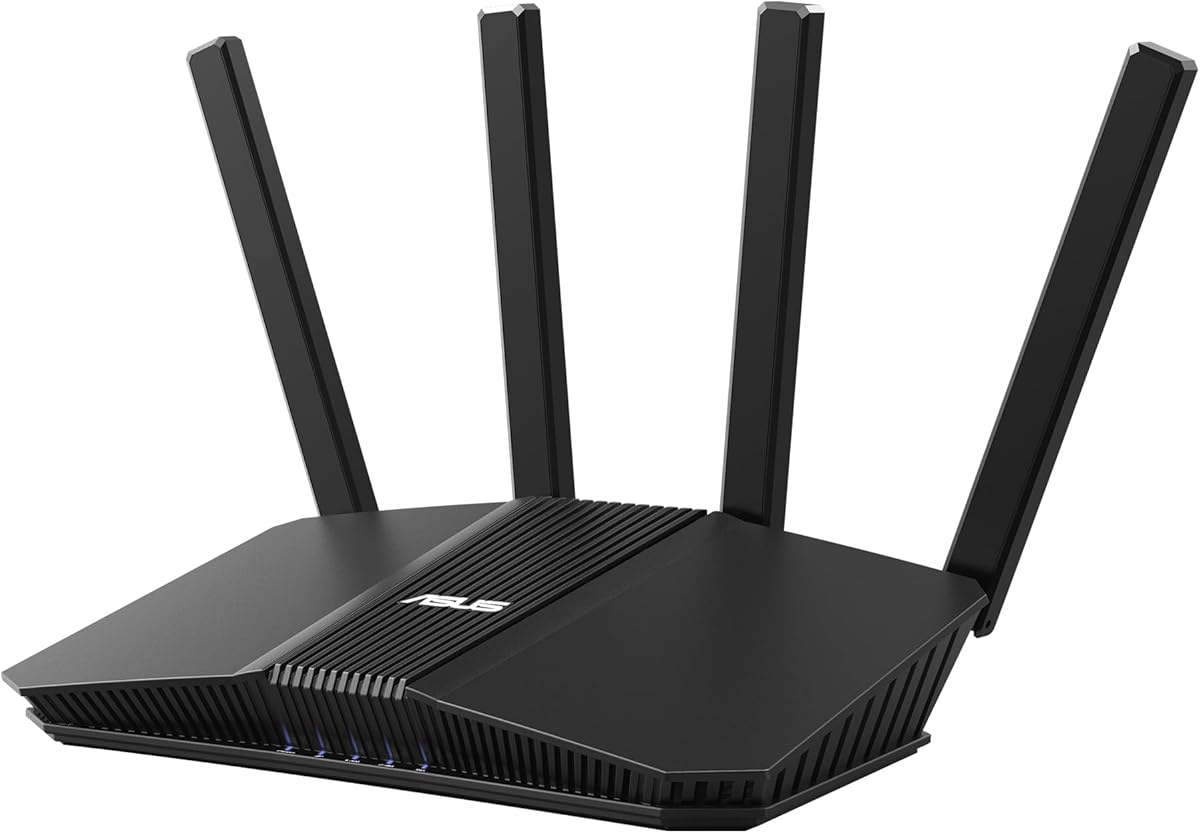
4.0Editor score

4.3Editor score
The following table provides a side-by-side overview of each model. This comparison highlights key specifications to help you identify the right router for your home or office needs.

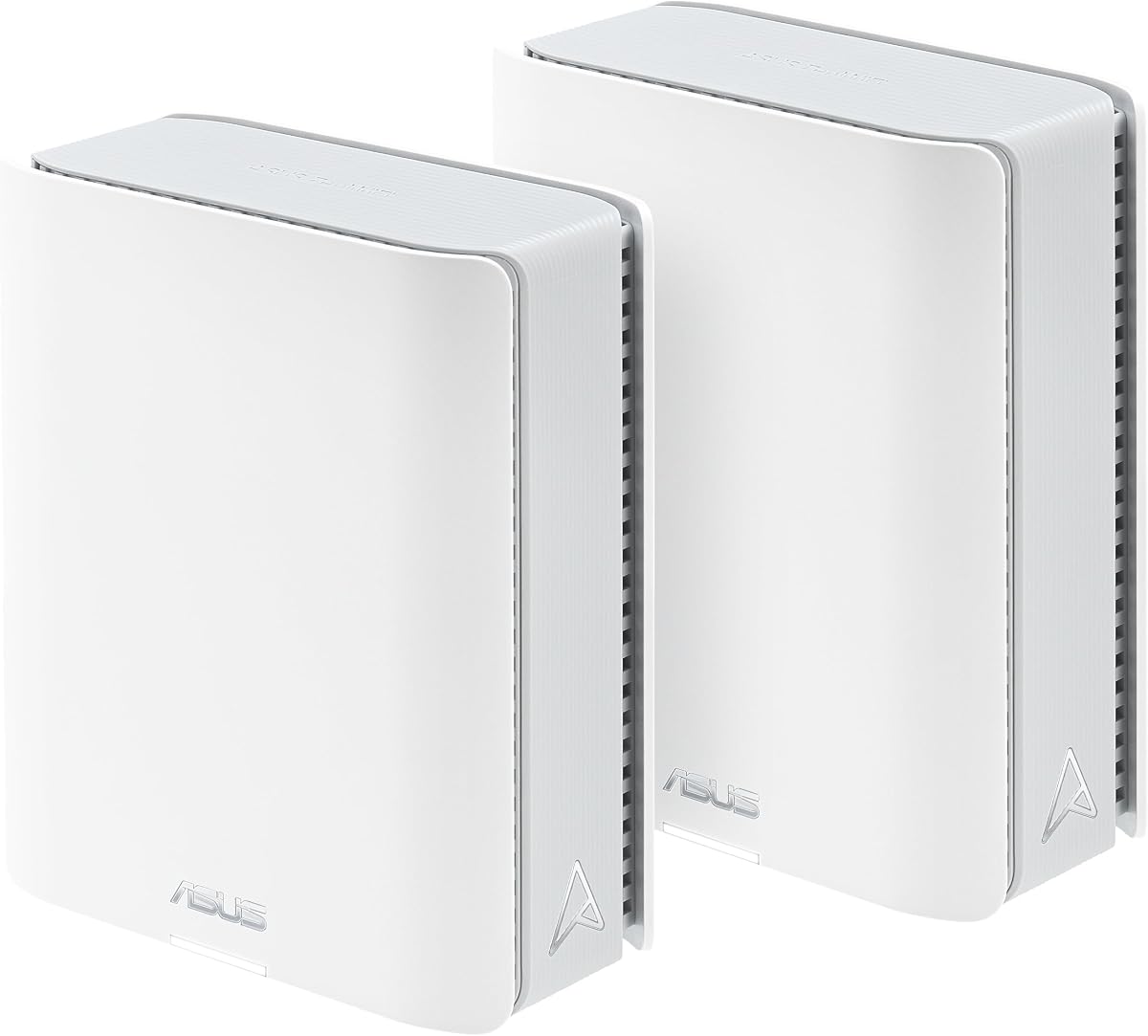



This model delivers reliable performance for budget-conscious users. With a solid rating from users, it stands out for its balance of cost and capability.
We may earn a commission when you buy through this link, at no additional cost to you.
It uses the latest WiFi 6 standard with MU-MIMO for better traffic management. AiProtection Classic offers essential security without extra monthly fees.
While it lacks ultra-fast speeds for power users, it handles everyday streaming and browsing well. Users should note physical limits in large homes.
This router is best for small to medium homes needing dependable internet. It offers strong value for those prioritizing security and simplicity over raw speed.
AiProtection Classic provides essential security features without a subscription.
You can add more units later to expand coverage seamlessly.
We may earn a commission when you buy through this link, at no additional cost to you.
This router brings next-gen performance to most households efficiently. It is recognized for offering advanced features at a competitive price point.
We may earn a commission when you buy through this link, at no additional cost to you.
WiFi 7 enables faster data transfers using 4096-QAM and MLO. The Smart Home Master simplifies managing IoT devices effectively.
Users may need to upgrade devices to utilize full speed capabilities. The investment remains worthwhile for future-proofing home networks.
Ideal for those seeking modern connectivity without top-tier costs. This model balances advanced tech with practical home use well.
MLO combines bands to reduce latency and boost stability.
USB ports allow mobile tethering as a backup internet link.
We may earn a commission when you buy through this link, at no additional cost to you.
This router represents the peak of current home networking technology. It is ideal for enthusiasts requiring maximum performance and low latency.
We may earn a commission when you buy through this link, at no additional cost to you.
Quad-band operation handles high traffic efficiently with 30Gbps speeds. Triple-level game acceleration optimizes gaming packets effectively.
The cost is substantial and may not suit average households. Wired connectivity is superior with 10G ports for NAS or servers.
Recommended for power users and serious gamers needing top speeds. This device ensures you are ready for future network demands.
Triple-Level Game Acceleration minimizes lag during play.
Dual 10G ports support high-speed wired local networks.
We may earn a commission when you buy through this link, at no additional cost to you.
This model offers balanced performance for growing households. It supports modern WiFi 7 speeds with dedicated bands for efficiency.
We may earn a commission when you buy through this link, at no additional cost to you.
Tri-band design reduces congestion during peak usage times. AiProtection Pro provides robust security scanning tools for devices.
It may be too advanced for basic browsing needs. Users should ensure their ISP plan matches the router speed.
Suitable for families with many connected devices. It provides reliable coverage and security without extreme cost.
Separate bands help spread device load more evenly.
One-tap security scans keep your network safe from threats.
We may earn a commission when you buy through this link, at no additional cost to you.
This two-pack system is built to cover large spaces well. It offers extensive reach with modern WiFi 7 technology effectively.
We may earn a commission when you buy through this link, at no additional cost to you.
Coverage spans up to 6,000 sq ft for seamless roaming. Eight internal antennas help eliminate signal blind spots.
Some users report mixed reliability compared to single units. The price is significant but justified for large property owners.
Ideal for large homes or multi-level apartments. It ensures consistent connectivity across all rooms.
AI-powered backhaul ensures seamless roaming between nodes.
10 Gigabit ports support fast wired local device access.
We may earn a commission when you buy through this link, at no additional cost to you.
This router combines performance with aesthetic appeal for gamers. It features dedicated tools to reduce latency during play.
We may earn a commission when you buy through this link, at no additional cost to you.
Mobile Game Mode minimizes lag for mobile titles. Aura RGB lighting allows customization to match your gaming setup style.
Renewed units might vary in condition slightly. The high speed rating remains attractive for media streaming.
Great for gamers who value visual customization. It balances performance and style effectively for home use.
Tap the app to prioritize mobile traffic automatically.
Change lighting effects to match your room vibe.
We may earn a commission when you buy through this link, at no additional cost to you.
This unit serves as a high-performance entry point. It delivers strong speeds for households with many devices easily.
We may earn a commission when you buy through this link, at no additional cost to you.
Smart AiMesh helps it expand later if coverage grows. Seven internal antennas target dead zones to improve reliability.
Consider adding a node if your home is larger. It offers a good balance of speed and coverage for typical sizes.
Best for modern homes needing scalable networks. It provides excellent security and management tools.
Connect to other ASUS routers for a larger mesh.
Smart Home Master organizes smart device access easily.
We may earn a commission when you buy through this link, at no additional cost to you.
This model is known for consistent performance over time. It offers solid WiFi 6 speed for typical daily tasks.
We may earn a commission when you buy through this link, at no additional cost to you.
USB 3.0 allows quick file sharing. QoS optimizes streaming and calls smoothly without manual changes.
It misses the newest speed boosts found in newer models. However, its reliability makes it a strong choice for families.
Great for those wanting proven stability. It delivers strong performance without needing the latest tech.
Share files locally by connecting a drive to USB.
Adaptive QoS balances speed for gaming and streaming.
We may earn a commission when you buy through this link, at no additional cost to you.
This router remains a strong option for wired-heavy setups. It handles many devices well thanks to its powerful CPU.
We may earn a commission when you buy through this link, at no additional cost to you.
Five Gigabit LAN ports suit users with many local devices. It offers proven security and protection features.
Newer models offer faster wireless speed overall. It is best for those prioritizing wired connections over air.
Ideal for offices needing reliable local networking. It offers stability and strong management controls.
Dual-core CPU handles USB and WiFi tasks smoothly.
Set up isolated guest networks for safe access.
We may earn a commission when you buy through this link, at no additional cost to you.
This router targets commercial spaces needing professional features. It offers branded guest portals for a better customer experience.
We may earn a commission when you buy through this link, at no additional cost to you.
VLANs help separate business traffic securely. Remote management allows easy oversight from anywhere.
Home users may find the features unnecessary. But it offers great security and control for small businesses.
Best for retail or office environments. It balances performance with business management needs well.
Customize login portals to match your business style.
Commercial-grade tools protect sensitive data and assets.
We may earn a commission when you buy through this link, at no additional cost to you.
Selecting the right router requires considering speed, coverage, and specific features. This guide outlines key factors to help you make an informed decision.
WiFi 6 and WiFi 7 offer better handling of multiple devices and faster throughput. Look for models that support at least 802.11ax for future-proofing.
Choose a standard that matches your internet plan and device capabilities to avoid bottlenecks.
Coverage areas range from 1500 sq ft for basic units to over 6000 sq ft for mesh systems. Consider your home layout and wall materials.
Larger homes benefit from mesh routers that eliminate dead zones effectively.
ASUS provides AiProtection Pro for threat detection. Check if it is a free lifetime subscription or requires an extra fee.
Always prioritize routers with robust security to protect connected smart devices.
Modern setups need multiple Gigabit Ethernet ports. Some premium models offer 2.5G or 10G ports for faster wired speeds.
Ensure there are enough ports for consoles, PCs, and media centers.
Gamers need low latency tools like Game Acceleration. These features optimize traffic for smoother gameplay experiences.
Look for routers with strong QoS to prioritize gaming traffic.
Built-in controls let you manage screen time and block inappropriate content. Look for intuitive apps to schedule restrictions easily.
Choose models with advanced filtering to ensure family safety online.
If you plan to expand coverage, ensure the router supports mesh networking like AiMesh. This allows adding nodes without changing the main system.
Scalability is key for growing networks and larger homes.
Prices vary widely based on specs and brand. Determine if premium features justify the extra cost for your use case.
Balance performance needs against your budget to get the best value.
Start by placing the router in a central elevated location. Keep it away from thick walls and large metal objects for better signals.
Use the official ASUS Router app for setup and maintenance. It provides a user-friendly interface to manage settings remotely.
Regularly update firmware to keep security features current. This helps protect against new threats and improves system stability.
WiFi 7 supports newer standards with faster speeds and better efficiency. It introduces features like Multi-Link Operation and wider channels to handle heavy traffic.
A mesh system is ideal for homes over 2500 sq ft or multi-story buildings. It ensures consistent signal coverage across all areas.
Many consumer models include lifetime free AiProtection Classic. Higher-end models offer the full Pro suite without subscription fees.
Yes, you can plug devices via Gigabit or 2.5G ports. This provides stable low-latency connections for gaming.
Access the app or web dashboard to enable Parental Control settings. You can block sites and limit access schedules easily.
These routers can handle standard fiber internet speeds well. Ensure your ISP plan matches the router's max speed.
We reviewed ten top models ranging from budget picks to premium mesh systems. Each offers unique strengths for different home and business needs.
Prioritize speed and security features that match your daily usage. A reliable network ensures smooth streaming and efficient work.
Check current availability on major retail sites for the latest deals. Your perfect router is ready to improve your connectivity today.