
Canon Color imageCLASS LBP646Cdw
4.1Editor score
26 PPM print speed
Wireless connectivity
Compact design
This guide compares the top ten duplex color laser printers for business and home use to help you find the best model for your needs.
Choosing the right duplex color laser printer can significantly enhance your productivity and streamline your document workflows effectively.
We have rigorously compared ten top-rated models based on speed, connectivity, print quality, and overall value for money today.
Each pick highlights key strengths and ideal use cases so you can make an informed decision before purchasing your new device.
4.1Editor score

4.4Editor score

4.2Editor score
The following table provides a side-by-side overview of key specifications for each model to help you compare features quickly.


The Brother MFC-L8930CDW stands out as a powerhouse for busy offices needing reliable color output and top-tier security.
We may earn a commission when you buy through this link, at no additional cost to you.
Its impressive 33 pages per minute speed and dual-sided scanning capabilities ensure workflows remain uninterrupted throughout the workday.
While the price point is higher, the included toner and advanced features justify the investment for demanding business environments.
If you need a secure, fast, and feature-rich all-in-one solution, this model is an excellent choice for professional teams.
With a large 7-inch touchscreen and customizable shortcuts, navigating menus and launching common tasks is incredibly fast and easy.
Triple-layer security including NFC badge authentication keeps your sensitive documents safe from unauthorized access and network threats.
We may earn a commission when you buy through this link, at no additional cost to you.
This model is ideal for users who need high-speed color printing without the extra features of scanning or faxing functions.
We may earn a commission when you buy through this link, at no additional cost to you.
It delivers crisp documents at 26 pages per minute with a simple interface that gets you started quickly with minimal setup.
The lack of multifunction capabilities makes it a cost-effective choice for workstations that only require printing tasks daily.
For small offices or home users focusing on print output, this printer offers exceptional value and performance for the price.
Enjoy quick first print times and consistent speed whether you are printing color graphics or simple black text documents.
Wireless setup is straightforward and allows you to print from mobile devices using AirPrint or the Canon PRINT app easily.
We may earn a commission when you buy through this link, at no additional cost to you.
As a second generation model this Canon printer refines the all-in-one experience with better reliability and enhanced security features.
We may earn a commission when you buy through this link, at no additional cost to you.
It handles printing, scanning, copying, and faxing seamlessly making it a versatile hub for any professional or home office setup.
The higher price reflects the added durability and enterprise-grade security that larger teams will find valuable for protecting data.
Invest in this model if you need a robust multifunction device that can handle high volumes without compromising on quality or speed.
Combine multiple office functions into one machine with a streamlined interface that simplifies document management and task routing.
Built-in security protocols protect your business data and ensure that only authorized users can access the printer and its functions.
We may earn a commission when you buy through this link, at no additional cost to you.
This Brother printer offers a solid balance of performance and connectivity for small home offices needing dependable color output.
We may earn a commission when you buy through this link, at no additional cost to you.
Its automatic duplex feature saves paper and time while the wireless capabilities allow for easy printing from all your devices.
The lower speed might be noticeable if you have large print jobs but the overall reliability makes it a strong contender.
Choose this model if you want a straightforward printer with good security and mobile compatibility at a reasonable price point.
Connect seamlessly via Wi-Fi or mobile devices while built-in security protocols keep your printed documents safe from interception.
The manual feed slot allows you to print on envelopes and specialty media without jamming the standard paper tray easily.
We may earn a commission when you buy through this link, at no additional cost to you.
This Brother all-in-one brings together printing scanning copying and faxing with a user-friendly touchscreen and strong cloud connectivity.
We may earn a commission when you buy through this link, at no additional cost to you.
The auto document feeder simplifies multi-page tasks while the dual-band wireless ensures stable connections in busy office environments.
While it may not be the fastest on the list the ease of use and feature set make it highly efficient for daily operations.
Ideal for small teams needing a versatile printer with simple navigation and direct access to cloud storage for document sharing.
Access popular cloud services directly from the printer to scan to email or save documents to your favorite storage accounts.
Customize the touchscreen with shortcuts for your most used features to save time and simplify complex printing tasks quickly.
We may earn a commission when you buy through this link, at no additional cost to you.
Offering a middle ground between speed and cost this model provides reliable color output with both wired and wireless options.
We may earn a commission when you buy through this link, at no additional cost to you.
The inclusion of an Ethernet port ensures stable networking for shared office environments while automatic duplex printing conserves paper.
Users can print directly from cloud apps via the touchscreen which adds flexibility for modern workflows requiring document flexibility.
Select this printer if you need a balance of connectivity options and consistent performance without paying for high-end features.
Choose between Ethernet for stability or Wi-Fi for convenience ensuring you stay connected regardless of office setup requirements.
Print from popular cloud-based apps like Google Drive and Dropbox directly from the printer without needing a computer nearby.
We may earn a commission when you buy through this link, at no additional cost to you.
This Canon all-in-one model delivers strong speed and a generous warranty making it a worry-free choice for home or small offices.
We may earn a commission when you buy through this link, at no additional cost to you.
Its 50-sheet automatic document feeder handles multi-page scans efficiently while the large color touchscreen simplifies navigation tasks.
The three-year limited warranty offers significant peace of mind which is a valuable benefit for small businesses managing costs.
Choose this model if you want fast reliable printing with excellent warranty support and a user-friendly interface for quick setup.
Enjoy three years of limited warranty coverage which provides added protection and reassurance for your long-term investment.
Print up to 26 pages per minute in both color and monochrome to keep up with high-volume daily printing demands.
We may earn a commission when you buy through this link, at no additional cost to you.
A slightly simpler version of the MF665Cdw this printer retains speed and warranty benefits while focusing on core print and scan tasks.
We may earn a commission when you buy through this link, at no additional cost to you.
It offers excellent value for users who do not need a fax function but still want fast duplex printing and easy mobile connectivity.
The 3-year limited warranty is a major selling point that reduces long-term ownership costs and adds confidence in the product.
Perfect for small businesses or home offices needing reliable multifunction printing without the extra cost of fax capabilities.
Uses high-capacity toner cartridges to reduce replacement frequency and lower per-page printing costs for your business.
Get connected quickly with easy wireless setup steps and a touchscreen interface that guides you through tasks effortlessly.
We may earn a commission when you buy through this link, at no additional cost to you.
HP brings its reputation for reliability to this model with vivid colors and robust wireless features suited for office environments.
We may earn a commission when you buy through this link, at no additional cost to you.
The self-reset Wi-Fi helps resolve connection issues automatically and the TerraJet toner provides bright professional looking prints.
However lower user ratings suggest some challenges with setup or cartridges which should be considered before buying this model.
Consider this printer if you prioritize brand reputation and print quality but be aware of potential connectivity or cartridge issues.
TerraJet toner technology ensures your documents look sharp and colorful with professional quality results every time.
Dual-band Wi-Fi with self-reset automatically detects and resolves connection problems to keep you printing without downtime.
We may earn a commission when you buy through this link, at no additional cost to you.
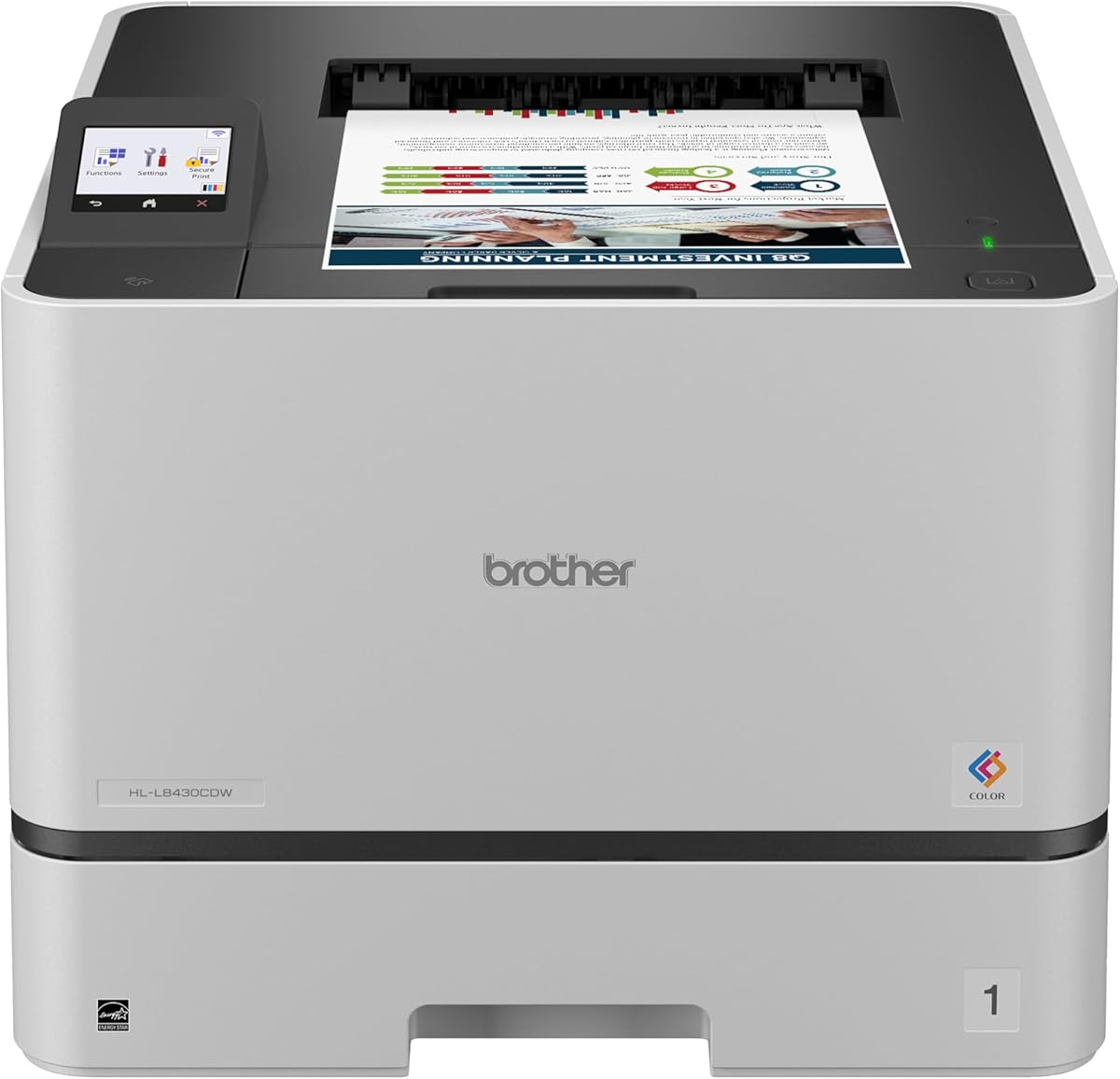
This Brother model is designed for high-volume business environments needing fast color output and secure network connectivity.
We may earn a commission when you buy through this link, at no additional cost to you.
With speeds up to 33 pages per minute and expandable trays it can handle large workloads efficiently without slowing down.
Security features including NFC card readers help keep documents safe and the low cost per page reduces operational expenses.
Choose this printer for demanding office settings where speed capacity and security are priorities over multifunction capabilities.
Expand paper capacity up to 1340 sheets with optional trays to minimize refills during heavy printing periods.
Use the integrated NFC card reader for badge authentication to ensure only authorized personnel can print sensitive documents.
We may earn a commission when you buy through this link, at no additional cost to you.
Selecting the right printer requires weighing several key factors that impact performance cost and suitability for your needs.
Print speed measured in pages per minute (PPM) significantly impacts productivity especially in busy offices. Look for models that offer at least 20 PPM for color output to avoid bottlenecks during peak times. High quality prints with sharp text and vibrant graphics are essential for professional documents so check the DPI rating if detail is critical.
Prioritize printers with higher PPM and good color fidelity to ensure efficient and professional document production.
Modern printers should support versatile connectivity including Wi-Fi Ethernet and mobile options like AirPrint or Mopria. Dual-band wireless reduces interference and ensures stable connections in crowded networks. USB ports and cloud app integration also provide flexibility for different user preferences and devices.
Ensure the printer supports the connectivity methods most commonly used in your office environment.
Adequate paper capacity reduces the need for frequent refills which saves time during busy periods. Look for models with at least 250 sheets plus a multipurpose tray for envelopes and specialty paper. Automatic duplex printing is crucial for saving paper and costs while maintaining a professional look.
Choose a printer with sufficient paper trays and duplex capabilities to optimize workflow and reduce manual handling.
For businesses handling sensitive information advanced security features are non-negotiable. Look for models with secure print authentication encryption and network protection. NFC card readers and customizable access controls help ensure that only authorized users can release print jobs.
Invest in a printer with robust security protocols to protect your business data and prevent unauthorized access.
The initial purchase price is only part of the cost equation. Consider the price and yield of replacement toner cartridges to estimate long-term expenses. Some models offer high yield cartridges that reduce cost per page significantly over time and may include free toner with purchase.
Calculate expected toner costs to ensure the printer remains affordable throughout its lifecycle.
Decide whether you need scanning copying and faxing capabilities beyond just printing. All-in-one models save space and consolidate tasks but may cost more upfront. Single function printers focus on print quality and speed at a lower price point ideal for dedicated print stations.
Select a multifunction printer if space is limited or you need versatile document processing features regularly.
An intuitive touchscreen and clear menu navigation simplify daily tasks and reduce support needs. Look for customizable shortcuts and support for cloud services to streamline workflows. A good interface helps everyone from tech-savvy staff to occasional users operate the printer efficiently.
Prioritize printers with user-friendly displays and intuitive controls for a smoother experience.
A solid warranty can save money on repairs and provide peace of mind. Many manufacturers offer one to three-year limited warranties which differ by model and brand. Check support availability and community resources in case you encounter issues after purchase.
Look for models with generous warranty periods and reliable customer support options.
Proper installation includes updating drivers and firmware to ensure security and optimal performance from day one.
Use genuine toner cartridges and clean paper paths regularly to prevent jams and maintain consistent print quality over time.
Periodically check network settings and restart the printer to resolve minor connectivity issues quickly.
Duplex printing allows the printer to print on both sides of the paper automatically saving paper and reducing costs. This feature is standard in most modern laser printers and helps create professional double-sided documents effortlessly.
Most modern duplex color laser printers print between 20 to 30 pages per minute. Business grade models often exceed 30 PPM for faster productivity but speed varies depending on document complexity and settings used.
Yes most models support wireless mobile printing via apps like Canon PRINT AirPrint or Mopria. These services allow seamless printing directly from smartphones and tablets without needing a computer nearby.
While the initial cost can be higher toner yields are generally better than inkjet. High yield cartridges reduce cost per page making color lasers cost-effective for medium to high volume printing environments.
Many models include cloud printing capabilities allowing users to send jobs via services like Google Drive or Dropbox. This flexibility supports remote work and enables easy access to printers from anywhere.
Look for printers with secure print authentication encryption and network security. Advanced features like NFC readers help ensure only authorized personnel can access or print sensitive documents securely.
We highlighted ten top models ranging from budget-friendly print-only units to robust all-in-one office solutions.
Prioritize speed security and total cost of ownership to ensure the printer meets your long-term needs effectively.
Always verify current pricing and stock online since deals change frequently and vary by region and seller.