
Logitech B100
4.6Editor score
Zero setup plug and play
Ambidextrous comfortable shape
Budget friendly reliable build
This guide compares the best durable computer mouse models for longevity, comfort, and performance, helping you choose a reliable input device for work or play.
Finding a durable computer mouse is essential for anyone who spends hours daily on their device. A reliable mouse ensures precision, comfort, and longevity, reducing the need for frequent replacements and enhancing overall productivity in any setting.
We evaluated ten top-rated models based on build quality, ergonomic design, battery life, and user feedback. Our comparison focuses on wireless and wired options that deliver consistent performance, reliable connectivity, and robust construction for daily tasks.
Each pick highlights specific strengths such as scroll mechanisms, battery efficiency, and compatibility across platforms. Prices and availability may change, so verify current details before purchasing to ensure you get the best value for your specific needs today.
4.6Editor score

4.5Editor score

4.5Editor score
Below is a side by side comparison of all ten durable computer mouse models we reviewed. This table highlights key specifications to help you quickly identify the right fit for your workflow.





The Logitech M705 Marathon earns our Editor's Choice for its proven durability and marathon battery life. With a rating of 4.5 stars, it stands out for users needing a reliable wireless mouse that minimizes maintenance and interruptions during long work sessions.
We may earn a commission when you buy through this link, at no additional cost to you.
Its standout feature is the nearly frictionless metal scroll wheel, enabling hyper fast scrolling through lengthy documents. The laser grade tracking ensures precise cursor control even on polished surfaces, while the sculpted right handed shape promotes natural hand positioning.
While the design favors right handed users, the ergonomic benefits outweigh this limitation for many. The Unifying receiver stays plugged in, reducing clutter and the risk of losing small components, making it ideal for office or home desktop setups.
Choose the M705 if you prioritize long term reliability and comfort. It is perfect for professionals who need a dependable tool that performs consistently without frequent battery changes or driver issues.
Rated for up to three full years between changes, this mouse reduces waste and saves you from constant replacements.
Laser technology tracks smoothly on wood or glass, where standard optical sensors often struggle to maintain accuracy.
We may earn a commission when you buy through this link, at no additional cost to you.
The Logitech B100 is the go to for budget conscious buyers seeking durability without compromise. With a 4.6 star rating, it offers precise cursor control and a comfortable ambidextrous shape that fits either hand naturally.
We may earn a commission when you buy through this link, at no additional cost to you.
Its zero setup connectivity means you simply plug it into a USB port and start working. The 800 DPI sensor handles everyday navigation efficiently, making it ideal for office tasks, browsing, or basic creative work.
Though it lacks wireless convenience, the wired connection ensures zero latency and no battery concerns. The compact design saves desk space, and the build quality reflects Logitech's reputation for manufacturing reliable input devices.
Buy the B100 if you need a no fuss mouse at a low cost. It suits students, casual users, or anyone wanting a dependable wired option for everyday computing.
This model delivers solid performance at a fraction of the cost of advanced wireless mice.
Left handed users appreciate the symmetric shape that avoids discomfort during extended use.
We may earn a commission when you buy through this link, at no additional cost to you.
The Logitech Signature M650 L represents the premium tier with silent operation and advanced connectivity. Rated 4.5 stars, it features QuietTouch technology that reduces click noise by 90 percent, making it perfect for shared workspaces.
We may earn a commission when you buy through this link, at no additional cost to you.
Its full size design caters to larger hands, providing a soft thumb area and rubber grips for all day comfort. You can connect via Bluetooth Low Energy or Logi Bolt, ensuring flexibility across Windows, macOS, and Chrome OS.
Customizable side buttons enhance productivity, allowing shortcuts for copy paste or navigation. The SmartWheel switches between line by line and super fast scrolling, adapting to your task instantly without lag.
Invest in the M650 L if you value silence and customization. It is ideal for executives, creators, or anyone needing a high end mouse that respects your environment and workflow.
90 percent less click noise helps maintain focus in quiet offices or home settings.
Certified post consumer recycled plastic reduces environmental impact without sacrificing durability.
We may earn a commission when you buy through this link, at no additional cost to you.
The Logitech M185 offers portability and reliability for users on the move. With a 4.4 star rating, its compact size fits easily in laptop bags while maintaining a contoured shape for comfort in either hand.
We may earn a commission when you buy through this link, at no additional cost to you.
It features a nano USB receiver that stays in your computer, ensuring a stable connection up to 33 feet. The smart sleep mode extends battery life to one year, reducing the need for frequent replacements.
This mouse is excellent for travel or tight workspaces where larger models are impractical. It includes recycled plastic materials, aligning with sustainability goals while delivering solid performance for daily tasks.
Choose the M185 if you need a lightweight option that works everywhere. It suits commuters, students, or anyone who values simplicity and convenience over advanced features.
Its small footprint makes it easy to carry in a backpack or briefcase.
Works seamlessly with Windows, Mac, and laptops without driver installation.
We may earn a commission when you buy through this link, at no additional cost to you.
The Logitech M510 combines comfort with productivity through its full size design. Rated 4.6 stars, it features soft rubber grips and a contoured shape that supports your hand during long work sessions.
We may earn a commission when you buy through this link, at no additional cost to you.
Its side to side scrolling allows you to navigate spreadsheets and maps effortlessly. With up to two years of battery life, you can work without interruption, and the Unifying receiver supports multiple devices.
This model is ideal for office workers who need precise control. The three standard buttons plus Back/Forward options enhance workflow, and the indicator light prevents surprise battery failures.
Opt for the M510 if you need a balanced mouse for general use. It provides enough features to boost efficiency without overwhelming complexity or cost.
Side to side scrolling saves time when viewing wide documents or dashboards.
Smart sleep mode and an On/Off switch help maximize battery life significantly.
We may earn a commission when you buy through this link, at no additional cost to you.
The TECKNET Wired Mouse delivers high precision for users who need control. With a 4.5 star rating, it features Tru-Wave technology for reliable tracking on smooth surfaces like glass.
We may earn a commission when you buy through this link, at no additional cost to you.
Its 4 adjustable DPI levels let you switch between 1000 and 6400 DPI for different tasks. The six buttons include large Back/Forward keys for efficient browsing, and the ergonomic shape reduces strain.
Tested for over 6 million keystrokes, this mouse ensures a long lifespan. The 5-foot cable provides ample reach, and there is no software required to start using it immediately.
Choose this for technical work or detailed design. It suits users who prefer wired reliability and customization over wireless convenience.
DPI switches let you fine tune speed for gaming or precise editing tasks.
High quality components ensure this mouse survives heavy daily use without failure.
We may earn a commission when you buy through this link, at no additional cost to you.
The Logitech Signature M550 L is tailored for users with larger hands seeking comfort. With a 4.5 star rating, it offers a full size design with soft thumb areas and rubber grips for secure placement.
We may earn a commission when you buy through this link, at no additional cost to you.
It connects via Bluetooth or Logi Bolt, giving you options based on your device. The SmartWheel allows instant switching between line by line and fast scrolling, while SilentTouch technology reduces noise by 90 percent.
This mouse is perfect for long workdays where ergonomics matter. It works across multiple platforms including iOS and Android, ensuring seamless integration with various gadgets.
Select the M550 L if you need a spacious wireless option. It fits professionals who want quiet operation and flexible connectivity for modern workflows.
Optimized fit for larger hands reduces fatigue during extended use.
Choose between Bluetooth or USB receiver depending on your laptop availability.
We may earn a commission when you buy through this link, at no additional cost to you.
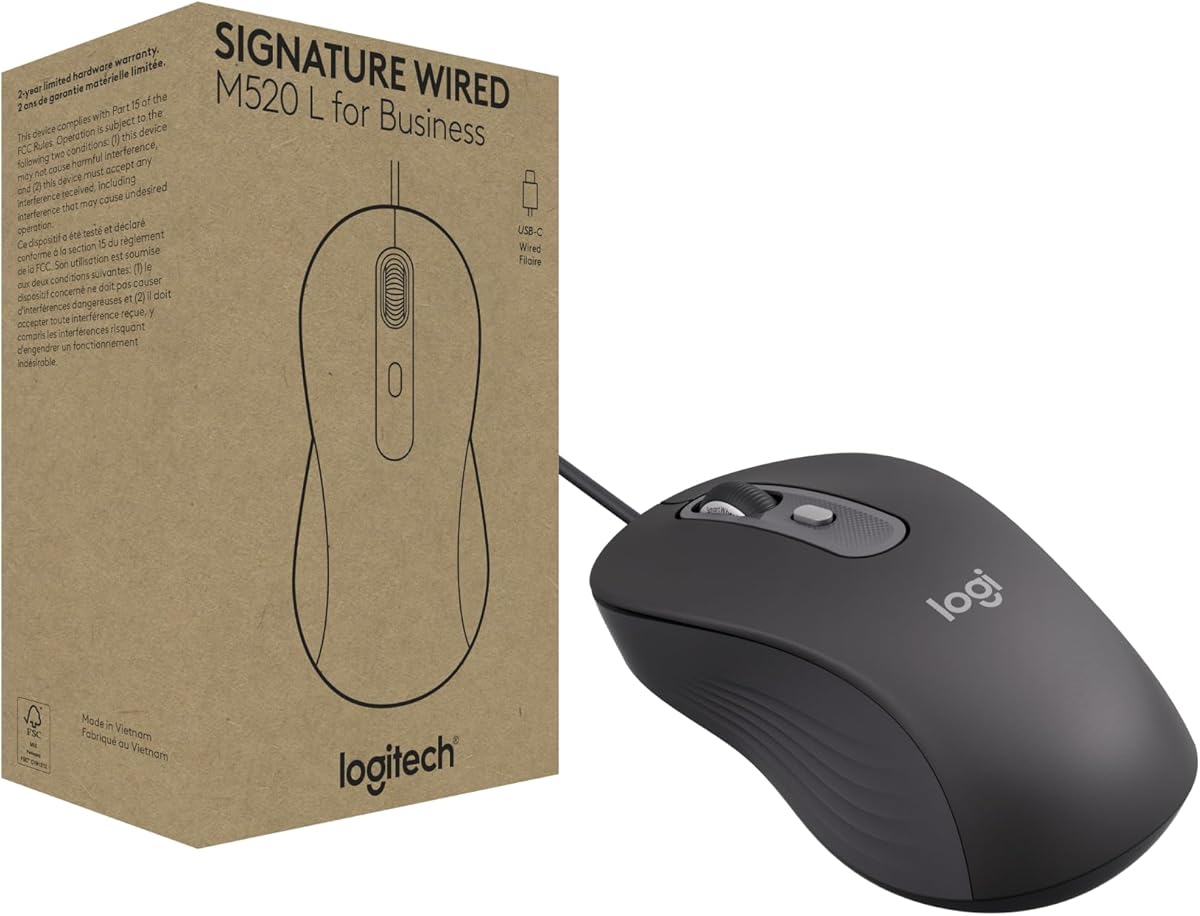
The Logitech M520 L is designed for business environments requiring secure wired solutions. Rated 4.3 stars, it features a USB C connection and ambidextrous design for deployment across diverse organizations.
We may earn a commission when you buy through this link, at no additional cost to you.
SmartWheel scrolling lets you switch between precise and fast modes instantly. The SilentTouch technology reduces noise, promoting focus in open offices, and the customizable DPI button adjusts cursor speed on demand.
It supports Windows, macOS, ChromeOS, and Linux, making it versatile for mixed IT environments. The power-saving model consumes significantly less energy, aligning with corporate sustainability goals.
Choose this for office standardization. It suits businesses needing reliable, quiet, and easy to deploy mice for employees.
Modern ports ensure compatibility with newer laptops and devices.
High recycled plastic content helps meet environmental procurement standards.
We may earn a commission when you buy through this link, at no additional cost to you.
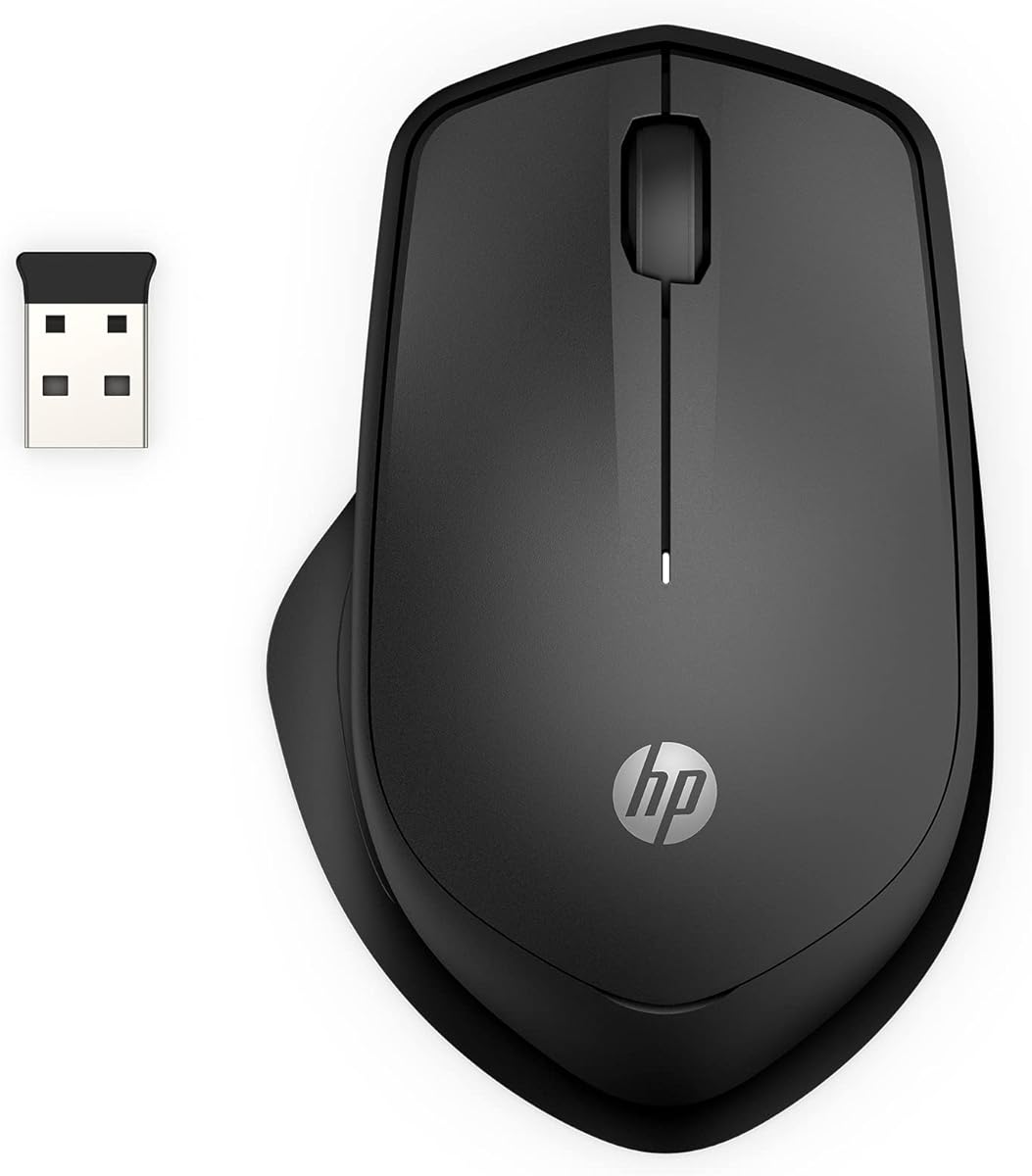
The HP 280 Silent delivers quiet operation with reliable performance. With a 4.5 star rating, it reduces click noise by up to 90 percent, making it ideal for libraries or shared desks.
We may earn a commission when you buy through this link, at no additional cost to you.
Its multi surface technology ensures smooth tracking on virtually any material. The ergonomic shape supports natural hand placement, and the 1600 DPI optical sensor provides precise control for detailed tasks.
Battery life extends to 18 months on a single AA cell, and the nano receiver stores inside the mouse for portability. This model is great for general office or home use.
Buy the 280 Silent if noise is a priority. It suits users needing a quiet, dependable wireless mouse without advanced customization.
Works on wood, glass, or metal without requiring a mousepad.
Right handed design promotes natural wrist alignment during use.
We may earn a commission when you buy through this link, at no additional cost to you.
The Acer Wireless Mouse offers flexibility with 5 adjustable DPI levels up to 4000. Rated 4.3 stars, it features a visible indicator light showing current settings and battery status for convenience.
We may earn a commission when you buy through this link, at no additional cost to you.
Its click to wake feature extends battery life by entering standby after inactivity. The forward and backward buttons speed up navigation, and it is rated for 10 million clicks for longevity.
This mouse is great for travel and light office work. The compact size fits easily in bags, and the receiver stores inside to prevent loss.
Choose this for affordability and portability. It suits users who want adjustable sensitivity and basic features without breaking the budget.
Flashing lights confirm your sensitivity settings instantly without software.
Standby mode after 10 minutes conserves energy effectively.
We may earn a commission when you buy through this link, at no additional cost to you.
Selecting the right durable computer mouse involves evaluating several factors that impact comfort, longevity, and performance.
Look for models with reinforced plastics and tested keystroke ratings. A durable mouse should withstand daily use without physical degradation.
Prioritize brands that offer warranties and use recycled materials.
Ergonomic shapes reduce wrist strain during extended sessions. Choose a mouse that fits your hand size and preferred grip style.
Ambidextrous models suit both hands, while right handed designs offer more support.
Wired mice guarantee zero latency and no battery needs. Wireless options offer freedom with Bluetooth or 2.4GHz connections.
Decide based on your setup and need for mobility.
Long battery life minimizes interruptions. Look for models rated for one year or more on standard AA cells.
Energy saving modes like auto sleep extend usage significantly.
Metal scroll wheels offer durability and smoothness. Some feature SmartWheel tech to switch between precise and fast scrolling.
This helps when navigating long documents or web pages.
DPI levels determine cursor speed. Adjustable DPI lets you adapt to different screen sizes and tasks.
Laser sensors perform better on varied surfaces than optical ones.
Side buttons enhance productivity for navigation or shortcuts. Ensure they are easy to reach without moving your hand.
Customizable buttons via software add versatility for specific apps.
Ensure the mouse works with your OS. Most support Windows and macOS, but verify if you use Linux or Chrome OS.
Multi device mice help if you switch between computers.
To maintain performance, regularly clean the sensor and scroll wheel with compressed air. Dust can interfere with tracking and scrolling smoothness.
For wireless models, store the USB receiver inside the mouse compartment when not in use. This prevents loss and ensures you have it when traveling.
Replace batteries promptly when low indicators appear to prevent sudden shutdowns. This extends the internal circuit lifespan and maintains reliable connectivity.
Durability depends on materials, build quality, and tested keystroke ratings. A durable mouse uses reinforced plastics, ergonomic designs, and reliable components to withstand daily use.
Not necessarily. Modern wireless mice match wired ones in quality but may need battery changes. Wired options avoid battery issues but can suffer cable wear.
High quality models last several years with proper care. Battery rated ones often support 1 to 3 years before needing replacements.
Yes. Silent click technology reduces noise without sacrificing longevity. Many silent models have reinforced internal mechanisms to handle repeated presses.
Many durable office mice work for casual gaming. However, dedicated gaming mice offer higher DPI and faster response times for competitive play.
Basic features work without software. Advanced customization like button mapping requires apps, but core functions remain plug and play.
We highlighted the Logitech M705 Marathon, B100, and M650 L as top performers for different needs. These models balance durability, comfort, and features effectively.
Prioritize ergonomics and battery life if you work long hours. Wired options suit minimalists, while wireless offers flexibility for modern setups.
Always check current prices and availability before purchasing. This guide reflects the best options as of October 2026, but new releases may emerge soon.