
Rongta Thermal Portable Printers Wireless
4.0Editor score
Affordable price point
Bluetooth and USB support
Compact lightweight design
Modern professionals and students need reliable printing solutions that fit easily into backpacks or briefcases without the hassle of traditional ink or toner. Thermal technology offers a clean and cost-effective alternative for on-the-go document generation wherever you find yourself.
We evaluated ten leading models based on portability, connectivity options, paper compatibility, battery life, and print quality to determine which devices stand out in the crowded market. Each option was selected for its ability to deliver consistent results while maintaining a lightweight and compact design for frequent travelers.
Our reviews highlight specific strengths and weaknesses for every printer, ensuring you understand what each device offers before making a purchase decision. Prices fluctuate often so check the latest offers at the provided links to secure the best value for your specific workflow requirements today.
4.0Editor score

4.6Editor score

4.2Editor score
As an Amazon Associate we earn from qualifying purchases.
The following comparison table provides a side-by-side overview of the key specifications and features for all ten reviewed thermal printers to help you quickly identify the model that best fits your specific mobility and printing requirements.
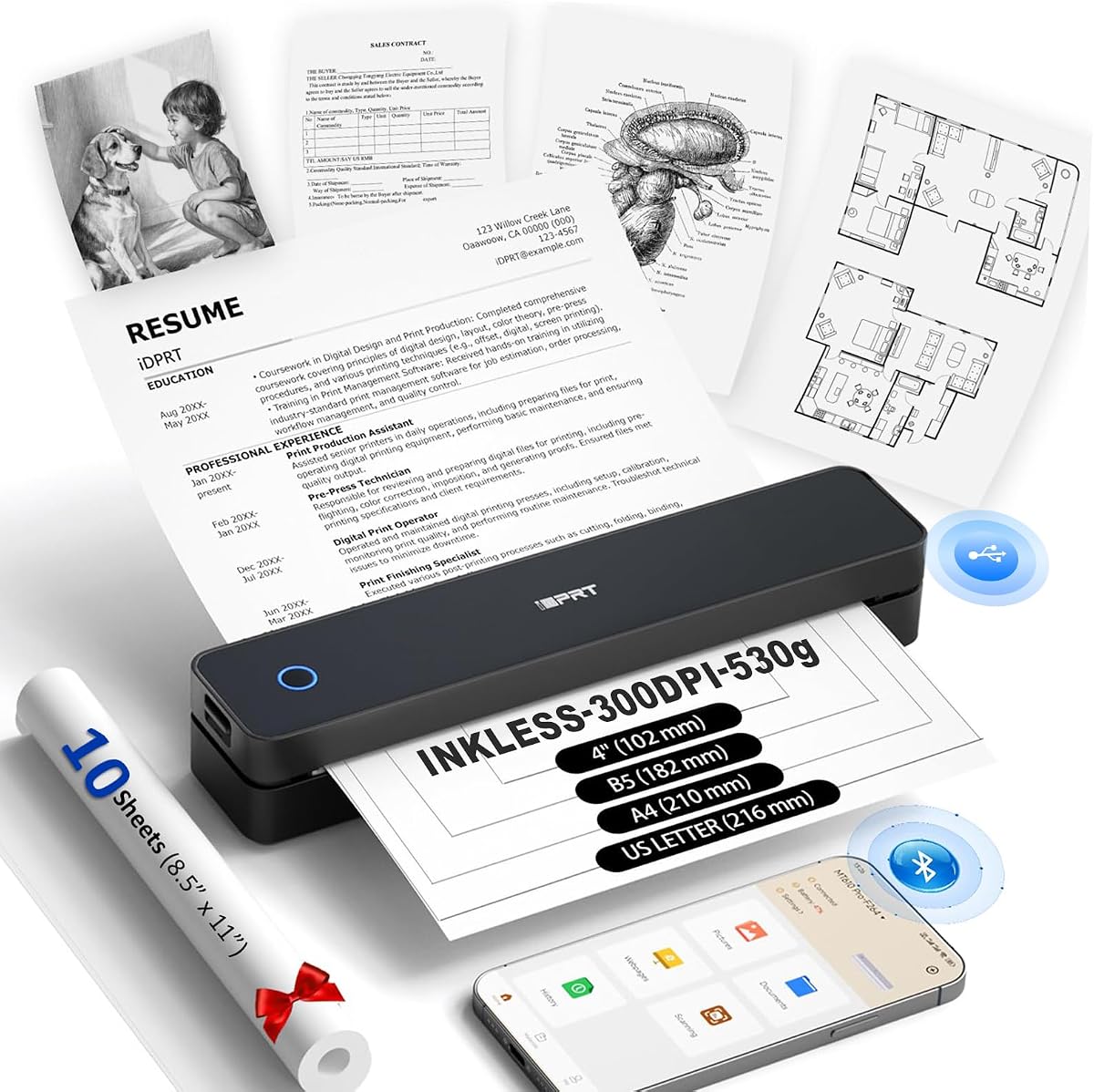




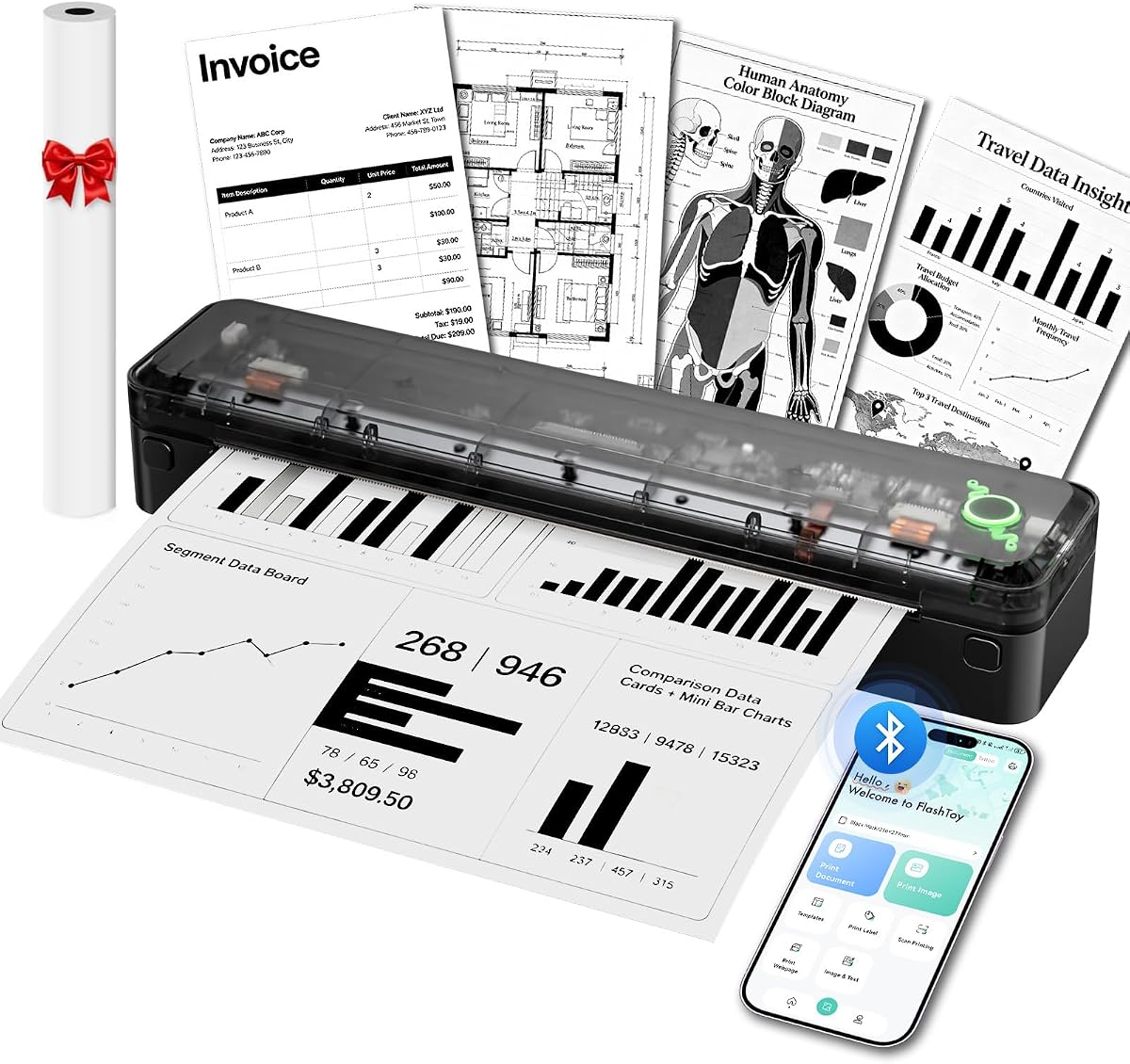

The MT610Pro stands out as a top contender for travelers seeking a balance between cost and performance. It carries a solid rating and delivers crisp prints thanks to its 300DPI resolution which is rare in this price range.
We may earn a commission when you buy through this link, at no additional cost to you.
Its lightweight build and robust battery life ensure you can print documents at airports or hotels without constantly searching for a power outlet. The Bluetooth connectivity is reliable across both iOS and Android platforms making setup straightforward for mobile users.
The only notable trade-off is the reliance on thermal paper which means you must stock up on specific rolls before departing. This requirement is standard for the category but worth noting if you expect to use standard office paper.
We recommend this model for students and professionals who prioritize value and clear output quality. Its ease of use and compact form factor make it an ideal companion for frequent trips or daily commutes.
The high DPI ensures text and diagrams remain sharp even when printed on smaller sheets of thermal paper.
A single charge supports hundreds of pages so you can work through entire days without interruption.
We may earn a commission when you buy through this link, at no additional cost to you.
This model distinguishes itself by including a dedicated travel case which is a rare bonus at this price point. The printer is built to handle full US Letter sheets making it suitable for contracts and reports on the go.
We may earn a commission when you buy through this link, at no additional cost to you.
The packaging is designed to reduce clutter and ensure all necessary components like cables and paper are secure during transit. Users appreciate the clear manual that guides them through the driver installation process for computer connections.
While it is marginally heavier than some competitors the added durability and included case justify the slight weight increase for those who travel frequently. The printer handles paper jams gracefully by ejecting the sheet automatically with a single button press.
Ideal for travelers who value protection and full-size printing capability this printer delivers consistent results. It is a practical choice for business professionals needing to print legal-size documents without bulky equipment.
The case keeps the printer safe and organized ensuring no parts are lost during long trips.
Supports full 8.5 by 11 inch sheets which is essential for formal documents and contracts.
We may earn a commission when you buy through this link, at no additional cost to you.
This printer offers a generous starter kit that includes multiple rolls of paper and a sturdy carry case right out of the box. The built-in paper bin helps maintain a tidy workspace whether you are printing in a car or a hotel room.
We may earn a commission when you buy through this link, at no additional cost to you.
Users frequently praise the device for its aesthetic design and ease of setup for basic mobile tasks. The brand has built a strong reputation for reliability and customer service which adds confidence to the purchase decision.
Some connectivity issues with the app have been noted by users but they are generally minor and resolvable with standard troubleshooting. The overall value remains high due to the inclusion of essential accessories that save money upfront.
This model is perfect for users who want a complete solution without buying separate paper or carrying bags. It suits students and casual users who need an affordable and ready-to-print system for immediate use.
Includes three rolls of paper so you can start printing right away without extra purchases.
The built-in bin catches printed sheets keeping your area organized while on the move.
We may earn a commission when you buy through this link, at no additional cost to you.
A standout feature of this unit is its compatibility with tattoo transfer paper making it unique among general office printers. It serves well for artists who need to print stencils or designs directly on location without specialized equipment.
We may earn a commission when you buy through this link, at no additional cost to you.
The compact size and light weight make it easy to slip into a bag for quick jobs at studios or outdoor events. The price point is very accessible which helps those new to portable printing without a major investment.
While the resolution is slightly lower than other models it remains sufficient for most text and graphic tasks. Users should note that the battery is smaller so frequent charging may be necessary for heavy daily use.
This printer is an excellent niche choice for tattoo artists or hobbyists looking for a portable solution. It also works well for general travel needs where budget is a primary concern over high-end performance.
Supports special transfer paper so artists can print stencils anywhere without extra tools.
One of the most affordable options available making it easy to try thermal printing today.
We may earn a commission when you buy through this link, at no additional cost to you.
This device offers exceptional versatility by supporting five different paper widths from small receipts to full sheets. Such flexibility is rare in portable units and allows users to switch between formats without buying new hardware.
We may earn a commission when you buy through this link, at no additional cost to you.
The built-in paper bin is a thoughtful addition that helps keep the workspace clean during busy printing sessions. The driver software is straightforward to download and install ensuring smooth operation with laptops and desktop systems.
While it lacks advanced features like touchscreens or high-end apps the core functionality is reliable and effective for daily needs. The lightweight design ensures it does not weigh down your bag even when fully loaded with supplies.
We recommend this printer for users who need to handle various document types while traveling. It is a versatile tool for logistics professionals or students who require different paper formats for different tasks.
Supports five paper sizes so you can print everything from small notes to full reports easily.
The paper bin catches output neatly keeping your workspace tidy while working away from a desk.
We may earn a commission when you buy through this link, at no additional cost to you.
This printer focuses on providing a hassle-free setup experience for users who need basic mobile printing capabilities. The instructions are clear and the app guides you through pairing quickly so you can start printing immediately.
We may earn a commission when you buy through this link, at no additional cost to you.
It is a very compact option that fits easily into small pockets or bags without taking up much space. The price makes it accessible for students or casual users who do not need advanced features or heavy-duty performance.
Note that Bluetooth pairing must be done through the specific app rather than system settings which can be a slight inconvenience. However once connected the process is stable and consistent across most devices.
This model is suitable for anyone looking for an inexpensive and reliable way to print small documents on the go. It works well for school assignments or simple receipts where speed and simplicity are the main priorities.
The app guides you through pairing in minutes so you can start printing with minimal technical work.
Its small footprint allows it to fit easily into tight spaces like backpacks or travel kits.
We may earn a commission when you buy through this link, at no additional cost to you.
This model brings a smart digital display to portable printing allowing users to monitor status and settings directly on the unit. It simplifies the workflow for those who want to see battery levels or connection status without opening an app.
We may earn a commission when you buy through this link, at no additional cost to you.
The motor algorithms are optimized to reduce noise significantly making it ideal for quiet environments like libraries or meeting rooms. The high-resolution print head ensures crisp text and clear images which is essential for professional reports.
While the price is higher than basic models the advanced features and build quality justify the cost for many users. The large battery capacity means fewer interruptions during long work sessions or travel days.
We suggest this printer for professionals who value feedback and quality in their equipment. It is a reliable choice for those who want a smart modern experience when printing documents away from their office.
The screen shows status info clearly so you can manage settings without opening extra apps.
Noise reduction technology keeps the printer quiet so you can work in quiet spaces comfortably.
We may earn a commission when you buy through this link, at no additional cost to you.
The distinctive graphite translucent top cover sets this printer apart with a high-tech look that appeals to modern professionals. It offers a subtle glimpse of the internal components which adds a unique aesthetic touch to any workspace.
We may earn a commission when you buy through this link, at no additional cost to you.
Its large battery capacity ensures you can print hundreds of pages on a single charge making it very reliable for long trips. The support for US Letter and A4 sizes means it can handle standard documents without needing specific paper types.
While the design is stylish it may show fingerprints or dust more easily than opaque covers. However the performance is solid and the print quality remains clear for all standard business documents.
This model is perfect for users who want a stylish yet functional device for their mobile office. It is a great choice for designers or tech enthusiasts who appreciate a unique look combined with practical performance.
The translucent top shows internal parts giving it a high-tech look that stands out in any setting.
A massive battery capacity supports hundreds of pages so you can work longer without recharging.
We may earn a commission when you buy through this link, at no additional cost to you.
This unit represents the premium end of the market with a large touchscreen and extensive features that streamline the printing process. The interface allows you to manage templates and settings directly on the device without needing a phone app.
We may earn a commission when you buy through this link, at no additional cost to you.
It carries the highest rating in this lineup due to its robust build quality and reliable connectivity options. The battery capacity is massive so you can rely on it for weeks of regular use before needing a recharge.
The premium price reflects the advanced hardware and included accessories like the carry case and multiple paper rolls. It is built for users who want the best available experience regardless of the cost involved.
We recommend this printer for power users or businesses that require frequent reliable printing on the go. It is a worthwhile investment if you need high performance and a seamless user experience in your daily routine.
The large touchscreen lets you manage templates and settings directly without relying on a phone app.
With the largest capacity available you can work for weeks without worrying about running out of power.
We may earn a commission when you buy through this link, at no additional cost to you.
This printer offers great versatility with strong app support and a user-friendly interface for iOS and Android devices. It is designed for easy use and offers technical support responsive service to ensure smooth operation for all customers.
We may earn a commission when you buy through this link, at no additional cost to you.
The footprint is compact enough to fit into tight spaces like glove boxes or small backpacks making it highly portable. It handles standard sizes well so you can rely on it for business documents while traveling.
Mac users should note that Bluetooth connection is not available for macOS so a USB connection is required. This is a minor limitation for Apple users but does not affect the core printing capabilities significantly.
We suggest this printer for users who need a balance between features and cost without breaking the bank. It is a solid all-rounder for students and professionals who need reliable performance and easy setup.
The app includes a library of templates to help you create documents quickly without starting from scratch.
Its small size lets you keep it in tight spaces like a glove box or small backpack effortlessly.
We may earn a commission when you buy through this link, at no additional cost to you.
Selecting the right portable printer requires understanding several technical factors that affect performance and usability on the road.
Thermal printers use heat to darken specialized paper rather than ink or toner which eliminates the risk of leaks and clogs during transport. This technology is ideal for travel because it requires fewer consumables and reduces maintenance needs significantly.
Look for models that support the paper size you need most often to ensure your documents are printed correctly every time.
Most portable units connect via Bluetooth but some may also offer USB or Wi-Fi options for flexibility depending on your devices. It is important to check if your operating system or specific devices are supported before purchasing to avoid compatibility issues.
Ensure the device supports both mobile and desktop connections if you plan to print from a laptop as well as a phone.
Thermal printers require specific thermal paper which can be more expensive than standard office paper but saves money on cartridges. Some models support multiple widths so you can choose between receipts and full sheets depending on the task.
Check if the bundle includes starting paper so you can begin using the device immediately without additional purchases.
Battery capacity varies widely between models ranging from 1500mAh to 3500mAh which directly impacts how many pages you can print on one charge. Long trips require a larger battery to avoid being stranded without printing capabilities.
Prioritize models with at least 2000mAh if you plan to use the printer frequently away from power sources.
Weight and dimensions are critical for travelers who need to keep their luggage light and manageable. Aim for devices that weigh less than two pounds and fit into standard pockets or small pouches for easy access.
Consider the physical footprint and whether the unit fits comfortably in your specific travel bag or briefcase.
Resolution affects the clarity of text and images with higher DPI values producing sharper and more legible prints. While 200 DPI is standard for text 300 DPI is better for detailed charts or small fonts.
Choose a higher resolution if you need to print professional documents that require precise and clean output.
Most thermal printers rely on a dedicated app for mobile printing so check the app's ratings and feature set before buying. A good app should support various file types and offer templates for common document needs.
Ensure the app is available for your specific mobile platform and offers the features you need for your workflow.
Since portable devices are often handled roughly during transit durability is a key factor in ensuring long-term reliability. Look for sturdy cases or protective designs that can withstand bumps and drops without damage.
Check if a protective case is included in the package to safeguard the device during your travels.
Before first use ensure you install the correct paper by following the visual guides inside the printer casing. Most units have a lever or button to open the lid which should be pressed gently to avoid bending internal components.
Always connect the printer to your device via the recommended app or cable and test a sample page to confirm alignment. If the print appears misaligned adjust the paper settings in the app before printing your main document.
Store your printer in a cool dry place when not in use to prevent the paper from becoming brittle or curling over time. Keep the print head clean by running a cleaning cycle or using a soft dry cloth if prints become faint.
No thermal printers require special heat-sensitive thermal paper to function correctly. Regular copy paper will not produce any visible marks when run through the print head.
Most portable printers connect to laptops via a USB cable. You may need to download a driver from the manufacturer website to ensure proper recognition by the system.
No ink cartridges are needed because thermal printers use heat to create the image on the paper. This eliminates the mess and cost associated with traditional ink or toner supplies.
Battery life varies by model but typically ranges from 100 to 300 prints per full charge. Check the specific mAh rating of the battery to estimate usage for your needs.
Thermal prints are generally not waterproof and can fade or disappear if exposed to heat or moisture. Use a protective sleeve if you need documents to survive wet or hot conditions.
Most apps support common formats such as PDF Word and images. You can usually access files from cloud storage services or your local device storage to print them.
Yes most thermal printers support photo printing but the output will be black and white rather than color. Ensure you have high resolution images for the best visual quality.
Yes almost all models require a dedicated app for mobile setup and printing. Download the official app from the manufacturer or app store to ensure full functionality and updates.
We have reviewed ten top models that offer excellent portability and performance for travelers and professionals on the move. The MT610Pro and Phomemo M85 stand out as top choices depending on whether you prioritize budget or premium features.
When making your decision consider the specific paper sizes you need and the battery life required for your typical trips. A lighter unit is great for daily commutes but larger batteries are better for long business journeys.
Prices for these devices fluctuate frequently so be sure to check the current offers on our recommended links. Investing in the right printer now will save you time and money on your next travels.