
Keyboard Case for Amazon Fire Max 11 inch
4.5Editor score
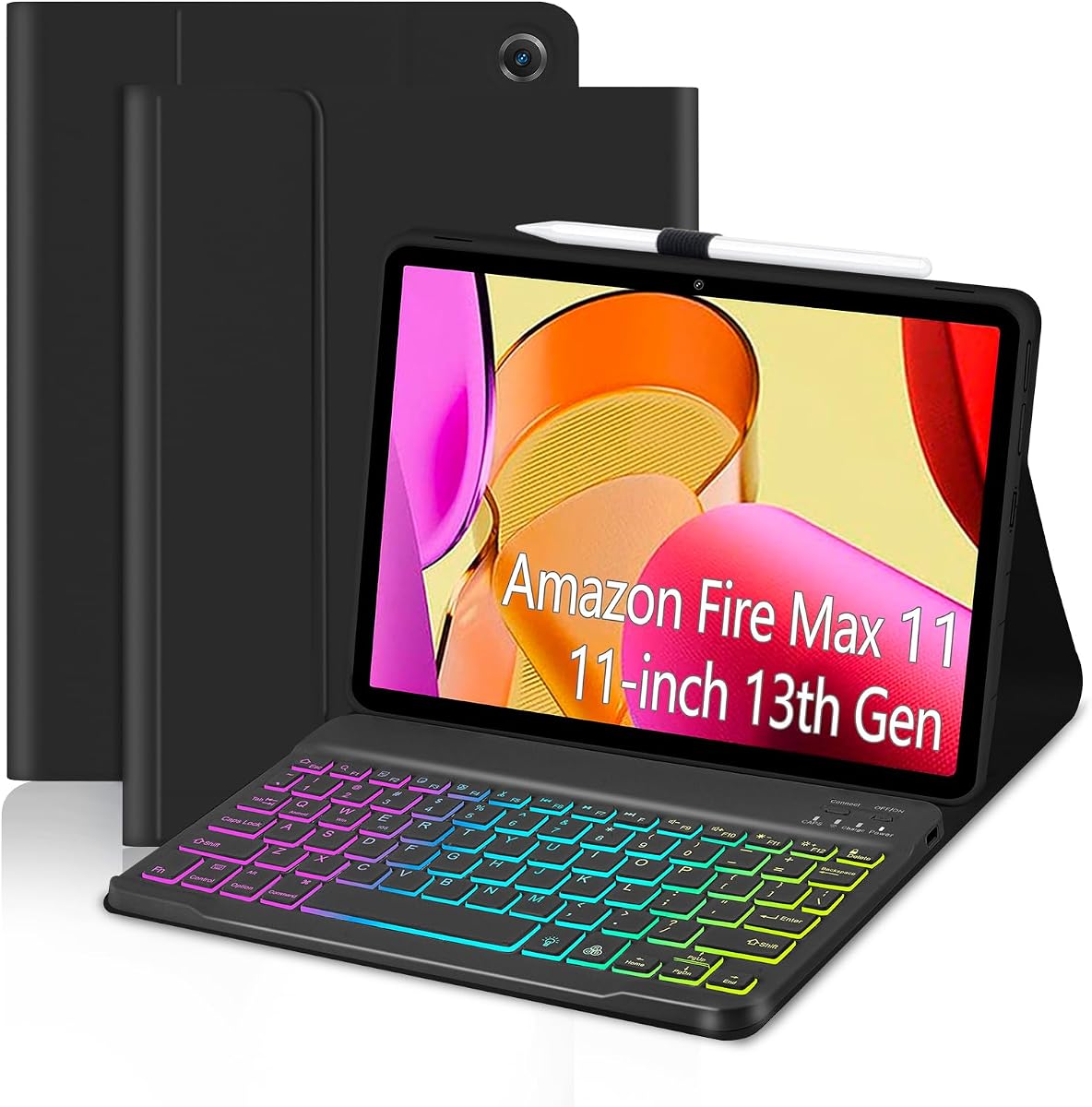
Seven color backlight options
Rechargeable Bluetooth keyboard
Honeycomb heat dissipation design
This guide compares the top keyboard cases for Amazon Fire Max 11 tablets, evaluating features, durability, and typing comfort to help you choose the right
Finding the right keyboard case for your Fire Max 11 tablet can transform it into a powerful productivity tool. A good case offers protection, typing comfort, and convenient access to ports while maintaining a sleek look.
We compared ten highly rated keyboard cases based on build quality, connectivity options, battery life, and user feedback. Our analysis focuses on models designed specifically for the 13th generation Fire Max 11 released in 2023.
Each pick highlights unique features like backlighting, touchpads, or magnetic detachability. Prices and availability change frequently, so always check the latest offers before making your final purchase decision online.
4.5Editor score

4.6Editor score

4.2Editor score
This side-by-side comparison lists every reviewed keyboard case with key specifications to help you quickly identify which model fits your specific needs and preferences for the Fire Max 11 tablet.




This official Amazon keyboard case stands out as the top choice for productivity seekers. It features a built-in trackpad and powers directly from the tablet via pogo pins, eliminating the need for independent charging.
We may earn a commission when you buy through this link, at no additional cost to you.
The layout includes fifteen shortcut keys and customizable options to speed up document editing. The detachable back cover doubles as a stand, offering versatility for media consumption when the keyboard is not needed.
While the price is higher than third-party alternatives, the integration and sustainability features justify the cost. The recycled materials and recyclable packaging show a commitment to environmental responsibility.
Buyers seeking a seamless laptop-like experience should prioritize this model. It transforms the Fire Max 11 into a robust work tool without compromising on portability or battery efficiency.
The pogo pin connection draws power directly from the tablet, ensuring the keyboard never runs out of battery during use.
The integrated trackpad supports multi-finger gestures like pinch-to-zoom, making navigation fluid without needing external accessories.
We may earn a commission when you buy through this link, at no additional cost to you.
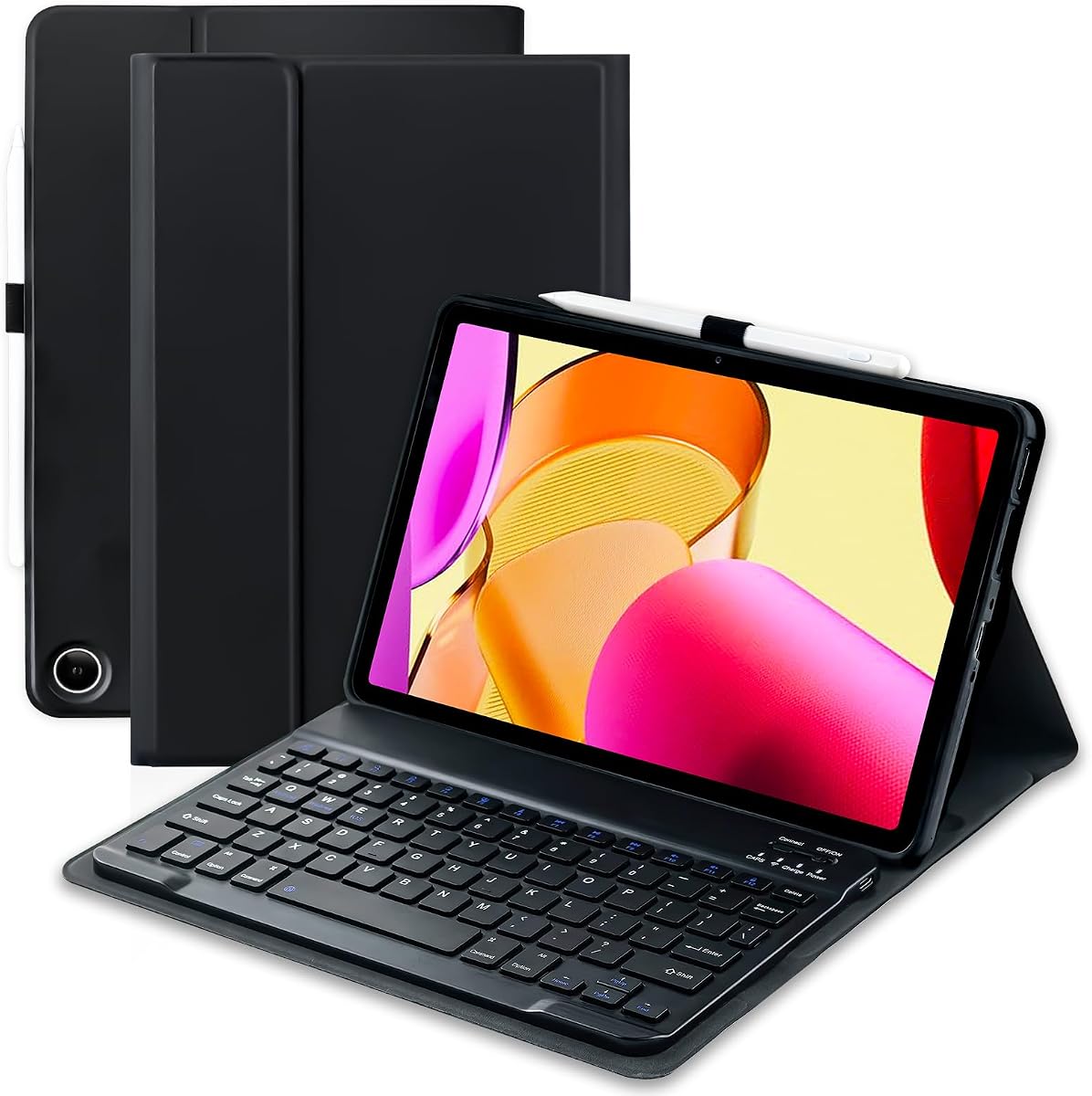
This case offers exceptional value with a rechargeable Bluetooth keyboard and a built-in stylus holder. The keyboard features a large battery capacity for extended use and a seven-color backlight for visibility in low light.
We may earn a commission when you buy through this link, at no additional cost to you.
The honeycomb inner design helps dissipate heat effectively which keeps the tablet performing well. Precise cutouts ensure easy access to all ports and sensors while protecting the device fully.
Although it lacks a trackpad, the magnetic attachment allows for easy detachment when needed. The budget-friendly price makes it accessible for students or casual users needing basic typing functionality.
Users looking for a functional and affordable accessory will find this option highly satisfactory. It balances essential features with a low cost effectively for everyday tasks.
The forty-two hundred milliampere battery supports up to ninety hours of continuous use on a single charge.
The flexible TPU inner shell combined with a soft outer layer provides drop-resistant and scratch-resistant protection.
We may earn a commission when you buy through this link, at no additional cost to you.
This keyboard case distinguishes itself with a built-in touchpad that supports multi-finger gestures. This feature significantly enhances navigation efficiency without requiring an external mouse for everyday tasks.
We may earn a commission when you buy through this link, at no additional cost to you.
The rainbow backlight adds visual appeal and practicality for typing in the dark. The keyboard is detachable and rechargeable, offering flexibility in positioning and long-term usage without cable management.
Anti-slip grooves inside the case keep the tablet secure at any viewing angle. The multi-angle adjustment allows comfortable positioning for reading or working in various environments.
Buyers who prioritize navigation convenience and aesthetic lighting should consider this model. It offers a premium feel with functional features that improve workflow.
Multi-finger gestures on the touchpad enable smooth scrolling and app switching similar to a laptop experience.
Seven different colors and breathing modes allow users to customize the keyboard appearance to their liking.
We may earn a commission when you buy through this link, at no additional cost to you.
This case focuses on providing a comfortable typing experience with bright backlight options. The keyboard attaches magnetically and supports Type-C charging for easy power management.
We may earn a commission when you buy through this link, at no additional cost to you.
The honeycomb inner shell improves heat dissipation to maintain performance during extended use. Precision cutouts ensure all ports are accessible without removing the tablet from the case.
While it lacks a trackpad, the shortcut keys offer efficient navigation for common tasks. The pen holder adds convenience for stylus users without adding extra bulk.
Users wanting a sleek and functional typing accessory will appreciate this design. It balances protection with practical features for daily productivity.
The layout is designed for efficient typing with rich shortcut keys for document editing and browsing.
Honeycomb structure on the inner shell helps airflow and reduces overheating risks during heavy use.
We may earn a commission when you buy through this link, at no additional cost to you.
This model provides a complete mobile workstation setup by including a rechargeable Bluetooth mouse. The magnetic keyboard attaches securely and stands the tablet upright for comfortable viewing angles.
We may earn a commission when you buy through this link, at no additional cost to you.
Auto wake and sleep functions save battery life when the tablet is opened or closed. The case offers full edge coverage and honeycomb cushioning to protect against bumps and scratches.
The ultra-thin profile makes it easy to carry around without adding much weight. Users can adjust the keyboard position to suit different workflows quickly.
Buyers who need both a mouse and keyboard for on-the-go work will find this bundle useful. It offers a compact solution for productivity anywhere.
The included Bluetooth mouse pairs easily with the tablet for precise navigation beyond trackpad alternatives.
Smart auto-sleep feature ensures the tablet conserves energy when not actively in use by the user.
We may earn a commission when you buy through this link, at no additional cost to you.
This keyboard case supports multiple viewing angles for flexible use cases from reading to video calls. The included Bluetooth mouse enhances navigation without needing external devices.
We may earn a commission when you buy through this link, at no additional cost to you.
The honeycomb grid pattern inside helps dissipate heat and extends the tablet's lifespan. Anti-slip slots keep the device steady during typing or drawing activities.
Rainbow backlight options provide a stylish touch and improve visibility in dark environments. The auto sleep wake function keeps battery usage optimized for longer life.
Users who enjoy multimedia consumption alongside productivity tasks will benefit from this setup. It combines entertainment and work features effectively.
Three adjustable viewing angles allow the tablet to be positioned optimally for writing or watching content.
The honeycomb design increases airflow around the tablet to prevent overheating during extended sessions.
We may earn a commission when you buy through this link, at no additional cost to you.
This keyboard case focuses on stable attachment through strong magnetic adsorption for the keyboard. The PU leather cover provides a stylish look while protecting the tablet fully.
We may earn a commission when you buy through this link, at no additional cost to you.
Multi-function buttons on the keyboard row allow quick access to media controls and common commands. The precise hole positions ensure easy access to all tablet ports without hassle.
Anti-slip grooves allow for multiple angle adjustments suited for various daily tasks. The rechargeable keyboard charges via Type-C for convenience and modern compatibility.
Users prioritizing stability and shortcut access will find this model appealing. It delivers a reliable typing surface with functional controls for everyday use.
Multi-function keys on the top row simplify navigation through media and system settings quickly.
The premium PU leather material offers resistance to scratches and daily wear over long periods.
We may earn a commission when you buy through this link, at no additional cost to you.
This variant offers a stylish blue accent with the same functional features as other models. The rainbow backlight adds a pop of color and improves typing visibility in dim conditions.
We may earn a commission when you buy through this link, at no additional cost to you.
The honeycomb inner design assists with heat dissipation to keep the tablet cool. Precision cutouts allow full access to ports and sensors for daily use.
While ratings vary, the build quality remains consistent with protection and convenience features. The pen holder ensures your stylus is always ready when needed.
Buyers who want a unique look alongside practical features will enjoy this design. It combines aesthetic appeal with essential productivity tools.
The blue accents differentiate this case from standard black options for a personalized look.
Seven color backlight options provide customizable lighting for typing in different lighting conditions.
We may earn a commission when you buy through this link, at no additional cost to you.
This keyboard case uses premium vegan leather for a sophisticated look and feel. The quiet and comfortable keys make it suitable for office or quiet environments.
We may earn a commission when you buy through this link, at no additional cost to you.
Full row shortcuts help quickly adjust brightness and media playback without navigating menus. The auto sleep wake function ensures power efficiency when the tablet is not in use.
Detachable magnetic design lets you use the tablet independently when the keyboard is not needed. The included pen holder supports stylus users with easy storage.
Users who value design and typing comfort will prefer this option. It offers a balanced mix of style and functional features for daily tasks.
The keys are designed to be quiet and comfortable for typing without disturbing others nearby.
Vegan leather construction provides a premium feel while being durable against everyday wear and tear.
We may earn a commission when you buy through this link, at no additional cost to you.
This model emphasizes sustainability with recycled plastics and fully recyclable packaging. It integrates a trackpad for navigation and provides customizable shortcuts for efficient workflows.
We may earn a commission when you buy through this link, at no additional cost to you.
The keyboard powers from the tablet eliminating separate charging needs. A three-month Microsoft 365 trial helps users get started with productivity apps immediately.
While pricey, the eco-friendly attributes and integration features justify the investment for many. The build quality and protection are robust against drops and scratches.
Eco-conscious buyers or those needing official integration should choose this model. It offers a sustainable and efficient solution for tablet productivity.
The product uses recycled plastics and recyclable packaging to minimize environmental footprint effectively.
Included trial software helps users edit documents and spreadsheets directly on their Fire tablet device.
We may earn a commission when you buy through this link, at no additional cost to you.
Selecting the right keyboard case involves considering connectivity, features, protection level, and budget to match your specific usage needs.
Keyboard cases connect either via Bluetooth or direct pogo pins. Bluetooth models offer flexibility but need charging while pogo pin models draw power from the tablet.
Choose pogo pins if you want zero charging needs and Bluetooth for versatile placement options.
Some cases include a built-in trackpad while others may include a separate mouse or none. Trackpads save space but mice offer precise control for some users.
Consider your navigation preference to avoid needing external accessories during use.
Rechargeable keyboards vary in battery life typically ranging from fifty to ninety hours per charge. Charging speed and port type also affect convenience.
Opt for larger battery capacity if you plan to use the tablet on long trips.
Materials like PU leather and TPU inner shells offer different levels of scratch and drop protection. Honeycomb designs can help with heat dissipation.
Ensure the case provides full 360-degree coverage if you travel frequently with your tablet.
Backlit keyboards improve typing visibility in low light environments. Some offer multiple color choices while others have simple white lighting.
Look for adjustable brightness or multiple colors if you type frequently in the dark.
Precise cutouts are essential for accessing all ports speakers and sensors without removing the tablet. Check that the model matches your exact Fire Max 11 generation.
Mismatched cases may block cameras or charging ports causing inconvenience during daily use.
Many cases include a stylus pen holder to prevent loss. This feature is useful if you use a stylus for drawing or note-taking.
Confirm that the holder securely fits your specific stylus before purchasing.
Some manufacturers use recycled materials and recyclable packaging to reduce environmental impact. These features may be important for sustainability-focused buyers.
Check product descriptions for recycled plastic percentages if you prefer green products.
Attach the keyboard to the case firmly ensuring magnetic alignment is correct for stable connection. Verify the pogo pins make contact if using a non-Bluetooth model.
Clean the keyboard keys with a soft dry cloth to remove dust and debris. Avoid harsh chemicals or excessive moisture that could damage the electronics.
Store the tablet and keyboard separately if not in use for long periods to prevent battery drain. Keep the case in a cool dry place to protect materials from wear.
It depends on the model. Pogo pin models draw power from the tablet and do not need charging. Bluetooth models require charging via a cable typically every few weeks depending on usage.
No, keyboard cases are designed specifically for the 13th generation Fire Max 11. Older models have different dimensions and port placements so compatibility is not guaranteed.
Yes, most cases allow you to remove the keyboard and use the case as a stand. This offers flexibility for watching videos or reading without typing.
No, styluses are generally not included but many cases have a pen holder slot to store one separately. Always check the package details before purchase.
Buy from authorized sellers and check product descriptions for official model compatibility. Authentic products include proper warranty information and accurate specifications.
Warranty terms vary by seller and brand. Many offer a twelve-month warranty covering defects while others may provide a money-back guarantee within thirty days.
The top picks offer various strengths from the integrated trackpad of the official case to the budget-friendly value of third-party options. Each serves different user needs and priorities.
Prioritize features like power connection and touch navigation based on how you plan to use the tablet daily. Durability and battery life are also critical for long-term satisfaction.
Always review current listings for updates on pricing and stock before buying. Your ideal case will depend on personal preferences for comfort and functionality.