
HP Chromebook 14 Laptop
4.3Editor score
Long battery life
Lightweight design
Chrome OS security
Finding the right laptop for back to school is crucial for student success in 2026. Whether you need a device for writing essays, attending virtual classes, or casual entertainment, the market offers diverse options. We evaluate performance, portability, and battery life to ensure you choose wisely.
Our team analyzed ten top-rated models available this season. We looked at processor speed, RAM capacity, storage solutions, and display quality. Each product was assessed for its ability to handle academic workloads without breaking the bank or compromising on durability for daily carry.
Each pick highlights specific strengths like budget friendliness or premium features. Prices and availability change frequently so always verify details before purchasing. This list aims to simplify your decision-making process with clear comparisons and honest insights into what each machine delivers for students.
4.3Editor score

4.4Editor score

4.7Editor score
As an Amazon Associate we earn from qualifying purchases.
This table provides a side-by-side look at key specifications for all ten models. Use it to quickly compare processors, memory, storage, and display sizes to find the best fit for your specific academic needs and budget constraints.


This HP 15.6 inch laptop stands out for its impressive memory and storage configuration. With 16GB of RAM and a massive 1TB total storage solution it handles heavy multitasking with ease. It is ideal for students needing space for large files and applications without constant cleanup.
We may earn a commission when you buy through this link, at no additional cost to you.
The bundle includes a 512GB external drive which adds significant value. Microsoft 365 is included for a year ensuring you have the tools for essays and projects. The Intel processor supports everyday tasks smoothly from browsing to media consumption.
While the screen is HD rather than Full HD it remains bright and clear for general use. The weight might be slightly higher than ultrabooks but the portability is still reasonable for campus travel. Accessories like the microfiber cloth add a nice touch.
Students with heavy data needs or those who dislike cloud storage will appreciate this model. It offers a robust offline experience with plenty of local room. This makes it a strong premium choice within its category for reliability and capacity.
The combination of internal SSD and external drive ensures you never run out of space for assignments and media.
Included Microsoft 365 and accessories mean you can start using the laptop immediately for school work.
We may earn a commission when you buy through this link, at no additional cost to you.
The HP Chromebook 14 is a top contender for students on a tight budget. It features an Intel Celeron processor that handles basic web tasks efficiently. The Chrome OS environment is simple secure and boot times are incredibly fast for morning classes.
We may earn a commission when you buy through this link, at no additional cost to you.
Battery life is a major strength here allowing up to 14 hours of use. This means you can leave the charger at home during long days on campus. The lightweight design makes it easy to slip into a backpack without adding strain.
Storage is limited to 64GB eMMC so reliance on cloud services is necessary. This is manageable for most students who work primarily in browser based apps. The display is HD but offers good visibility for reading and writing tasks.
For basic note taking and research this machine delivers great value. It avoids the bloat of heavier operating systems which keeps performance smooth. If your workflow is cloud centric this is an excellent entry level choice for school work.
With up to 14 hours of battery life you can study all day without searching for an outlet.
The secure and automatic updating nature of Chrome OS keeps your device safe with minimal maintenance.
We may earn a commission when you buy through this link, at no additional cost to you.
This Essential model represents a balanced choice for general student needs in 2026. It runs on the Intel N150 processor which is efficient for daily tasks. The inclusion of Copilot AI helps streamline workflows and manage documents more effectively during study sessions.
We may earn a commission when you buy through this link, at no additional cost to you.
Connectivity is modern with Wi-Fi 6 ensuring fast internet speeds in crowded dorms. The port selection is comprehensive including USB Type-C with display out for external monitors. This makes it versatile for presentations or expanding your workspace at home.
Battery life offers up to 11 hours of video playback which covers most school days. The design is sleek and portable fitting easily into bags. While storage is modest the included Office 365 subscription adds significant software value.
It is a solid middle ground between basic chromebooks and high end systems. You get full Windows capability without the heavy cost. This makes it a highly recommended pick for students needing a reliable daily driver.
Copilot AI features help you draft emails and organize thoughts faster than manual typing.
Wi-Fi 6 ensures you stay connected to fast campus networks without lag or interference.
We may earn a commission when you buy through this link, at no additional cost to you.
This model targets students who want business grade features at a student price. Windows 11 Pro offers enhanced security and management tools suitable for serious coursework. The Intel N150 processor supports efficient multitasking for multiple open windows.
We may earn a commission when you buy through this link, at no additional cost to you.
Storage is generous with 128GB internal plus 500GB external drive. This hybrid approach balances speed with capacity for media and documents. DDR5 RAM improves data rates allowing smoother performance in modern applications.
The bundle includes wireless earbuds and a mouse making it ready for media or travel. Copilot AI assists in workflow optimization for better time management. Connectivity via Wi-Fi 6 ensures stable internet for video calls.
It is a strong choice for those needing professional tools like Remote Desktop. The mix of hardware and software value is compelling. For students looking toward career prep this business oriented laptop is a smart investment.
Windows 11 Pro provides BitLocker encryption and better security for sensitive academic data.
The external drive lets you carry large project files anywhere without relying on the cloud.
We may earn a commission when you buy through this link, at no additional cost to you.
An important feature of this 14 inch model is the 8GB RAM configuration. Many budget laptops offer only 4GB making this a standout for multitasking performance. It allows you to keep more tabs open without slowing down your browser.
We may earn a commission when you buy through this link, at no additional cost to you.
The UFS storage provides good speed for quick boot times and app launches. It is paired with a 128GB capacity which fits standard student needs. Wi-Fi 6 ensures reliable connections in dorm networks where congestion is common.
Microsoft Office 365 is included for a year providing essential software. Copilot AI is also present to help with writing and research tasks. The chassis is lightweight at 3.24 lb making it comfortable to carry daily.
This device bridges the gap between budget and performance effectively. The extra RAM makes it more future proof than entry level options. For students who run multiple apps simultaneously this is a practical and efficient choice.
With 8GB of RAM you can switch between research and writing apps without reloading windows.
More RAM extends the usable life of the laptop as software demands increase over time.
We may earn a commission when you buy through this link, at no additional cost to you.
This Essential model emphasizes portability above all else. Weighing just 3.35 lb it is easy to carry between classes without fatigue. The design is sleek with a brushed keyboard deck that feels durable for daily use.
We may earn a commission when you buy through this link, at no additional cost to you.
Connectivity is up to date with USB Type-C and Wi-Fi 6. The display offers good color accuracy for reading long texts. Battery life is supported by a efficient polymer battery that lasts through typical school hours.
While the processor is basic it suits web browsing and document editing well. Security features like H1 microcontroller protect your data effectively. It is a solid choice for those prioritizing weight and mobility over raw power.
Students who commute or walk long distances will appreciate this build. It reduces the physical load during long days on campus. This simplicity makes it a reliable travel companion for academic work.
The low weight ensures you can carry this laptop all day without shoulder strain.
Hardware based security keeps your personal and academic data safe from unauthorized access.
We may earn a commission when you buy through this link, at no additional cost to you.
This student laptop features a 128GB SSD which offers faster access times than eMMC. Boot up is quick and apps launch promptly for efficient workflow. The Intel processor handles standard tasks like browsing and streaming smoothly.
We may earn a commission when you buy through this link, at no additional cost to you.
Office 365 is included for a year covering word processing and spreadsheets. Copilot AI adds an intelligent layer to help organize research. The design is minimalist with a Natural Silver finish that looks professional.
Battery life is optimized for long usage periods. The display is anti-glare which reduces eye strain during long study sessions. It fits easily into backpacks making it convenient for mobile learners.
It is a straightforward tool for academic tasks without unnecessary bloat. The SSD ensures system responsiveness stays high over time. For students needing a reliable simple machine this is a solid pick.
Solid state storage ensures files open instantly so you spend less time waiting.
Anti-glare coating helps maintain clarity during late night study sessions.
We may earn a commission when you buy through this link, at no additional cost to you.
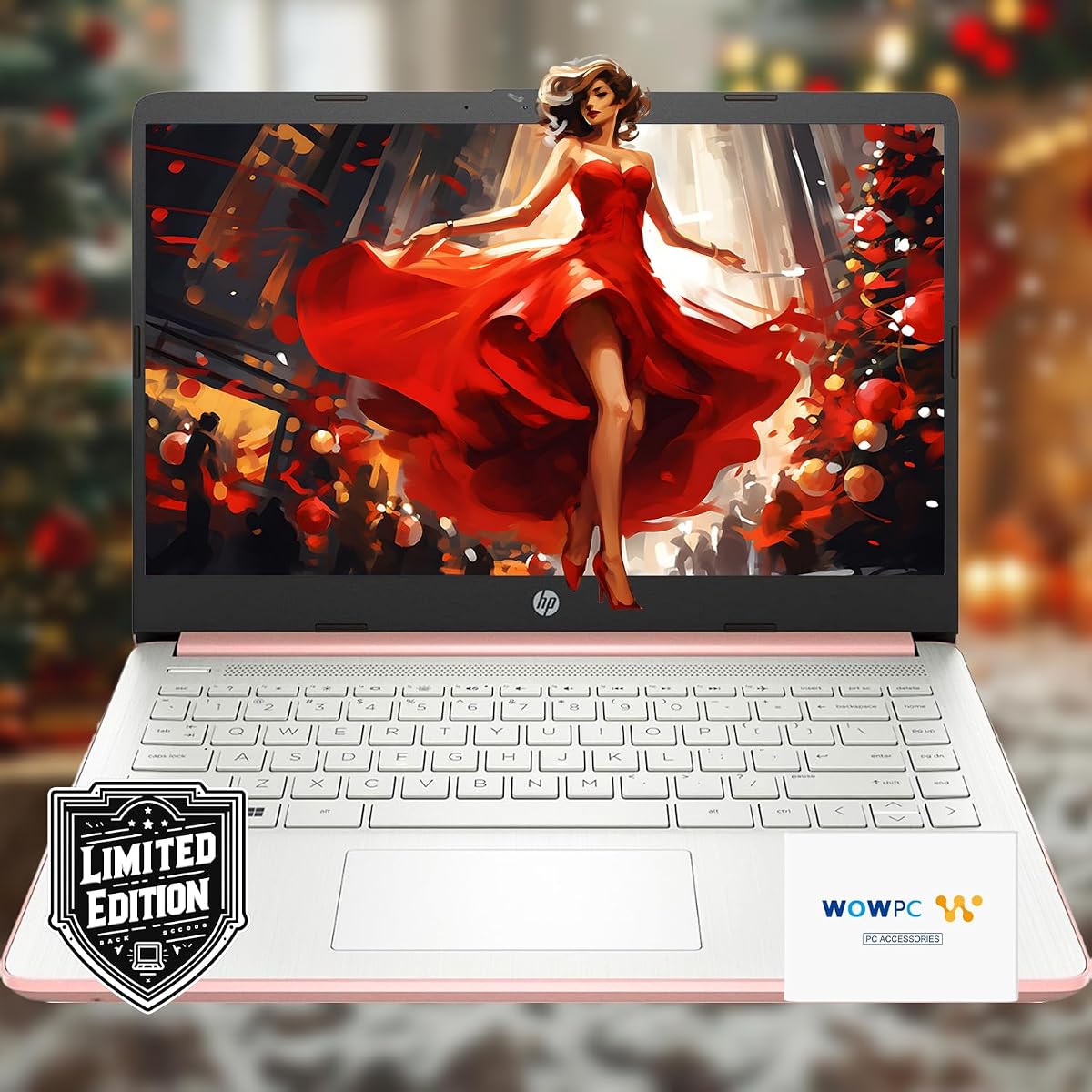
This limited edition model focuses on extreme storage and memory specs. With 16GB RAM and 1600GB total space it handles any student workload. It includes 512GB external drive plus 1TB cloud storage for maximum capacity.
We may earn a commission when you buy through this link, at no additional cost to you.
The Intel quad core processor supports smooth multitasking. You can run heavy apps alongside multiple browser tabs. The Rose Gold design offers a stylish look compared to standard grey or silver options.
Battery life reaches up to 11.5 hours which covers a full school day. Connectivity is robust with USB-C and HDMI ports for displays. It comes fully ready with Office 365 for immediate productivity.
Ideal for media students or those who download large files. The bundle is comprehensive so you do not need to buy extras. This makes it a premium choice for those valuing storage and style.
1600GB total means you can store years of video and project files locally.
The Rose Gold finish adds a unique aesthetic touch for personal style.
We may earn a commission when you buy through this link, at no additional cost to you.
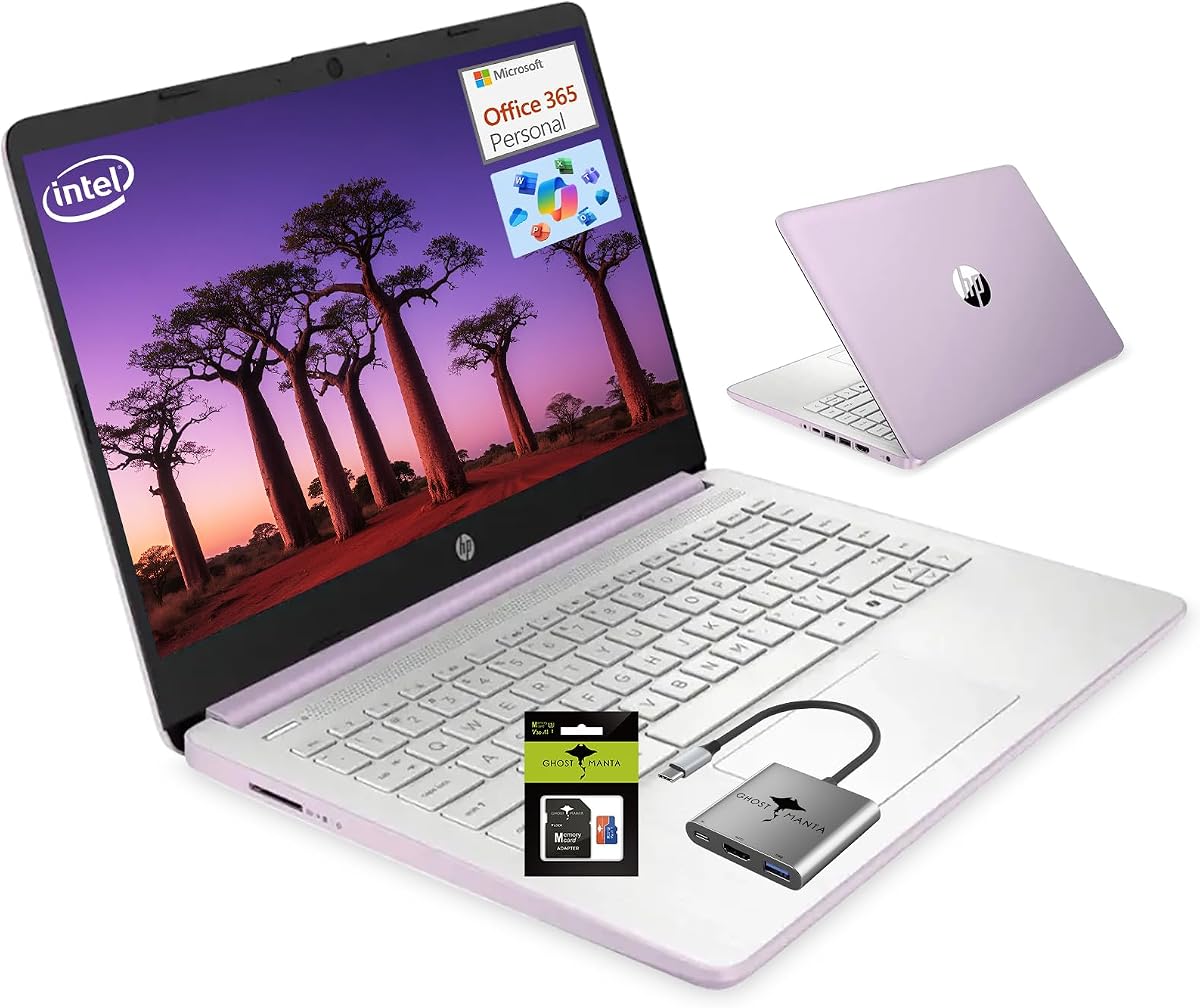
This model offers a unique Honey Lavender color that stands out. It comes with 8GB RAM and a total of 256GB storage including an SD card. This balance suits students needing moderate speed and space.
We may earn a commission when you buy through this link, at no additional cost to you.
The UFS storage provides decent speed for the internal drive. Combined with the SD card you have extra space for media files. Office 365 and Copilot AI ensure software needs are covered for productivity.
Connectivity includes Wi-Fi 6 for fast internet access. The lightweight design makes it easy to carry in a backpack. It is a reliable tool for general study and entertainment without bulk.
For those wanting personality in their tech this is a great option. The specs are sufficient for daily academic tasks. It offers a good middle ground for students who want style and function.
The distinct color helps you identify your laptop easily in a shared workspace.
The included SD card provides a quick way to move photos and documents.
We may earn a commission when you buy through this link, at no additional cost to you.
This version prioritizes cloud integration with 1TB of storage space. It runs on DDR5 RAM which improves performance efficiency. The local 128GB SSD is enough for system files and quick apps.
We may earn a commission when you buy through this link, at no additional cost to you.
The Intel N150 supports 4 threads for smooth handling of daily tasks. It is thin and lightweight at 3.24 lb so carrying it is effortless. Display quality is clear for reading and watching lectures.
Microsoft 365 is included to ensure compatibility with school formats. Connectivity options are standard with USB-C and HDMI. The design supports portability for students on the move.
Ideal for those who prefer cloud storage over hard drives. This reduces the need to worry about local backup. It is a modern choice for students comfortable with cloud ecosystems.
With 1TB cloud storage your files are safe anywhere with an internet connection.
DDR5 memory allows faster data access for improved responsiveness in apps.
We may earn a commission when you buy through this link, at no additional cost to you.
Selecting the right laptop involves balancing performance needs with budget constraints. We break down the critical factors you should consider to find a device that supports your academic goals without unnecessary cost.
The processor determines how smoothly your laptop runs applications. For general students an Intel N-series or Celeron is sufficient for web browsing and Word. If you edit video or run heavy software look for quad-core options.
Prioritize a quad-core processor for better multitasking capabilities.
RAM affects how many programs can run at once. 4GB is the minimum but 8GB is better for keeping many tabs open. More RAM ensures your device stays responsive over years of use.
Choose at least 8GB of RAM if your budget allows.
Storage holds your files and operating system. SSDs are faster than hard drives. Aim for 128GB minimum but consider external drives if you need more room. Cloud storage can supplement local space effectively.
Get an SSD for speed and consider external drives for extra space.
A clear screen reduces eye strain during long study sessions. Look for anti-glare coatings and HD resolution. Larger screens help with multitasking but add weight to your bag.
Select an anti-glare display to reduce eye fatigue.
You need a battery that lasts through classes. Look for models offering 8 to 12 hours. Fast charging features help if you miss a power outlet between lectures.
Aim for at least 10 hours of battery life.
Lightweight laptops make carrying easier. A 14 inch model is usually lighter than 15.6 inch ones. Ensure it fits comfortably in your backpack without strain.
Choose a laptop under 4 lbs for better portability.
Modern ports like USB-C allow faster data transfer. Wi-Fi 6 ensures stable internet in crowded campuses. HDMI ports are useful for connecting to projectors.
Ensure USB-C and Wi-Fi 6 are included in your device.
Check if Microsoft 365 is included. It saves money on essential tools like Word. Chrome OS is simpler but Windows supports more apps.
Verify software subscriptions are included before buying.
Keep your laptop clean by using a microfiber cloth to wipe the screen. Avoid eating or drinking near the keyboard to prevent spills and crumbs entering the ports.
Store your device in a padded sleeve or case when carrying it. This protects against scratches and accidental drops. Ensure your backpack does not compress the screen.
Charge your laptop before it reaches zero percent to maintain battery health. Let it cool down if it gets warm during use. Update software regularly to keep security features active.
The HP Chromebook 14 is an excellent budget choice. It offers long battery life and a secure OS. It is perfect for students who need basic web tools.
Yes many models in this list include a Microsoft 365 subscription. This gives you access to Word and Excel immediately. Check the product description for details.
Ideally 8GB of RAM ensures smooth performance for multiple apps. 4GB can work for light use but might slow down with many tabs. More RAM extends the life of your device.
These models are designed for general tasks rather than gaming. They can handle casual light games but not heavy titles. For gaming look for dedicated graphics cards.
The HP Chromebook 14 offers up to 14 hours. It is designed for all-day use without charging. This makes it great for long study sessions.
A 14 inch laptop is more portable for campus. A 15 inch offers more screen space for work. Consider how much you carry daily.
We reviewed ten options ranging from budget Chromebooks to full Windows machines. Each model offers unique benefits depending on your specific academic needs. Whether you need storage or portability there is a pick for you.
Prioritize battery life and RAM for daily student work. A reliable device ensures you stay focused on your studies. Do not overlook software inclusions like Office 365.
Prices fluctuate often so verify current offers before buying. Check for student discounts to save more. This guide helps you make an informed decision for the upcoming school year.