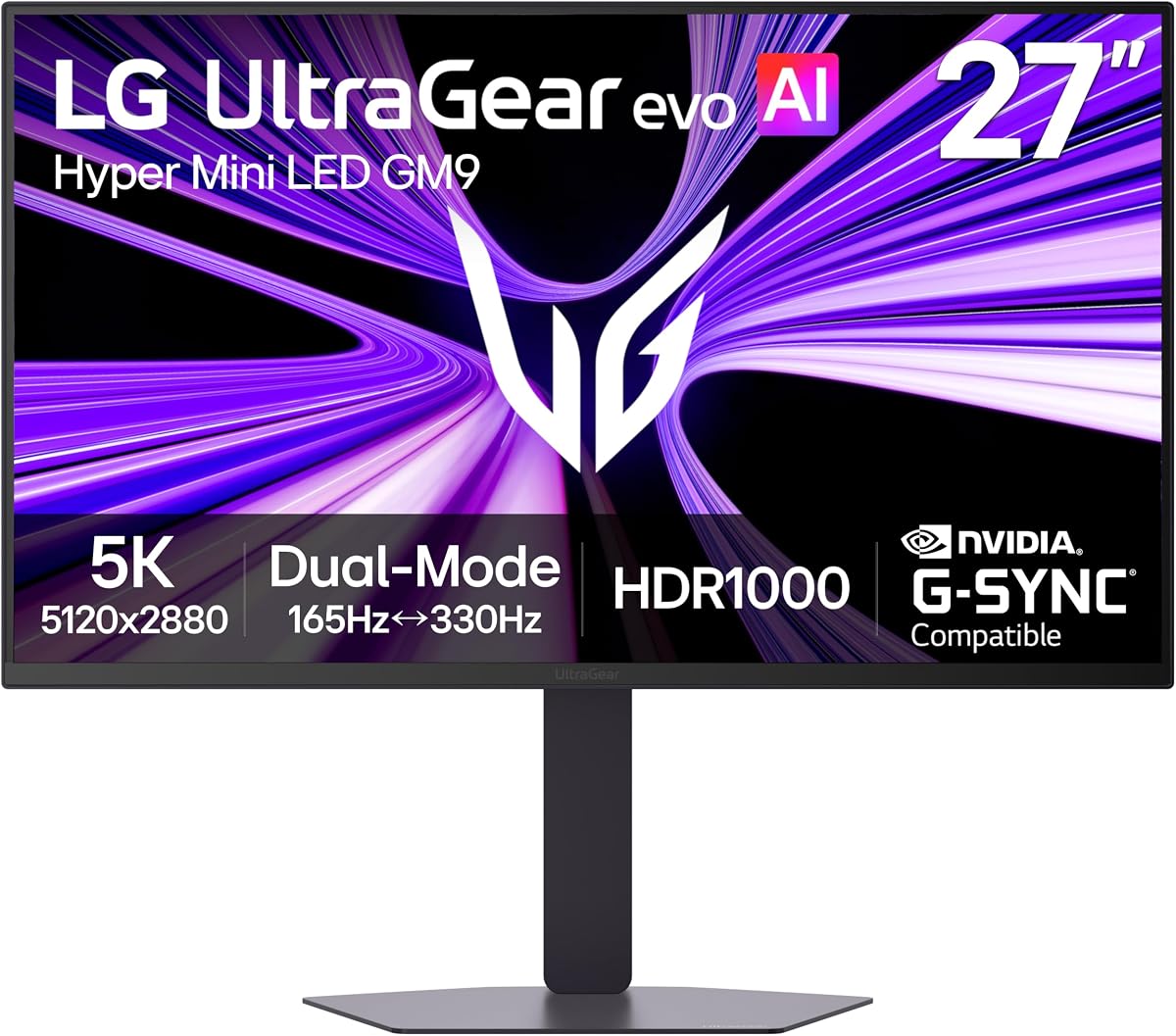
LG 27GM950B-B
3.1Editor score
Mini-LED HDR1000
165Hz refresh rate
AI upscaling technology
Choosing the right 27 inch 5K monitor can transform your workflow with stunning clarity and vibrant colors. These displays offer incredible pixel density perfect for creative professionals and enthusiasts who demand precision.
We compared ten leading models based on panel quality, connectivity options, color accuracy, and overall performance. Our analysis focuses on real-world usability for design, gaming, and general productivity tasks.
Each pick highlights key strengths and trade-offs to help you find the perfect fit for your needs. Please note that prices and availability may change frequently so check current listings before buying.
3.1Editor score

3.6Editor score
4.4Editor score
As an Amazon Associate we earn from qualifying purchases.
This side-by-side comparison highlights the key specifications and unique features of each top-rated 27 inch 5K monitor to help you make an informed decision quickly.




The ASUS ProArt PA27JCV stands out as a top choice for professionals seeking high-resolution display capabilities. With a 3.6 rating and robust features like Calman verified color accuracy it delivers reliable performance for creative work.
We may earn a commission when you buy through this link, at no additional cost to you.
Its factory pre-calibrated Delta E less than 2 ensures that colors remain true to life right out of the box. The wide color gamut coverage including 99% DCI-P3 and 100% sRGB makes it ideal for design and video editing tasks.
While it lacks high refresh rates for competitive gaming the intelligent brightness adjustment and ambient light sensors ensure consistent viewing experiences. The free Adobe Creative Cloud subscription adds significant value for creatives starting new projects.
This monitor is best suited for Mac users and professionals who prioritize color precision over speed. If you need a dependable workspace display with strong connectivity the ProArt PA27JCV is a solid investment.
The Calman verification and factory calibration ensure that what you see on screen matches your final output reliably.
With USB-C support delivering 96 watts of power you can connect and charge your Mac with a single cable.
We may earn a commission when you buy through this link, at no additional cost to you.
The Samsung Odyssey G8 G80HF offers an immersive experience for gamers who demand both resolution and speed. Its 4.4 rating reflects strong performance in delivering sharp visuals and smooth motion handling during intense gameplay sessions.
We may earn a commission when you buy through this link, at no additional cost to you.
The dual mode feature allows effortless toggling between 5K at 180Hz for visuals and QHD at 360Hz for action. This flexibility ensures you get the best of both worlds depending on whether you are playing or browsing.
While the Fast IPS panel provides vivid colors and wide viewing angles the gaming focus means color calibration may not be as tight as professional monitors. The ergonomic stand adds comfort for long sessions though setup takes a bit of space.
This monitor is perfect for gamers who want a high-end display without compromising on resolution. If you value performance and visual fidelity in equal measure the G8 G80HF is an excellent choice.
Switch between high-resolution detail and ultra-high refresh rates instantly to match your current activity or game.
NVIDIA G-SYNC compatibility and AMD FreeSync Premium help eliminate screen tearing for fluid and responsive gameplay.
We may earn a commission when you buy through this link, at no additional cost to you.
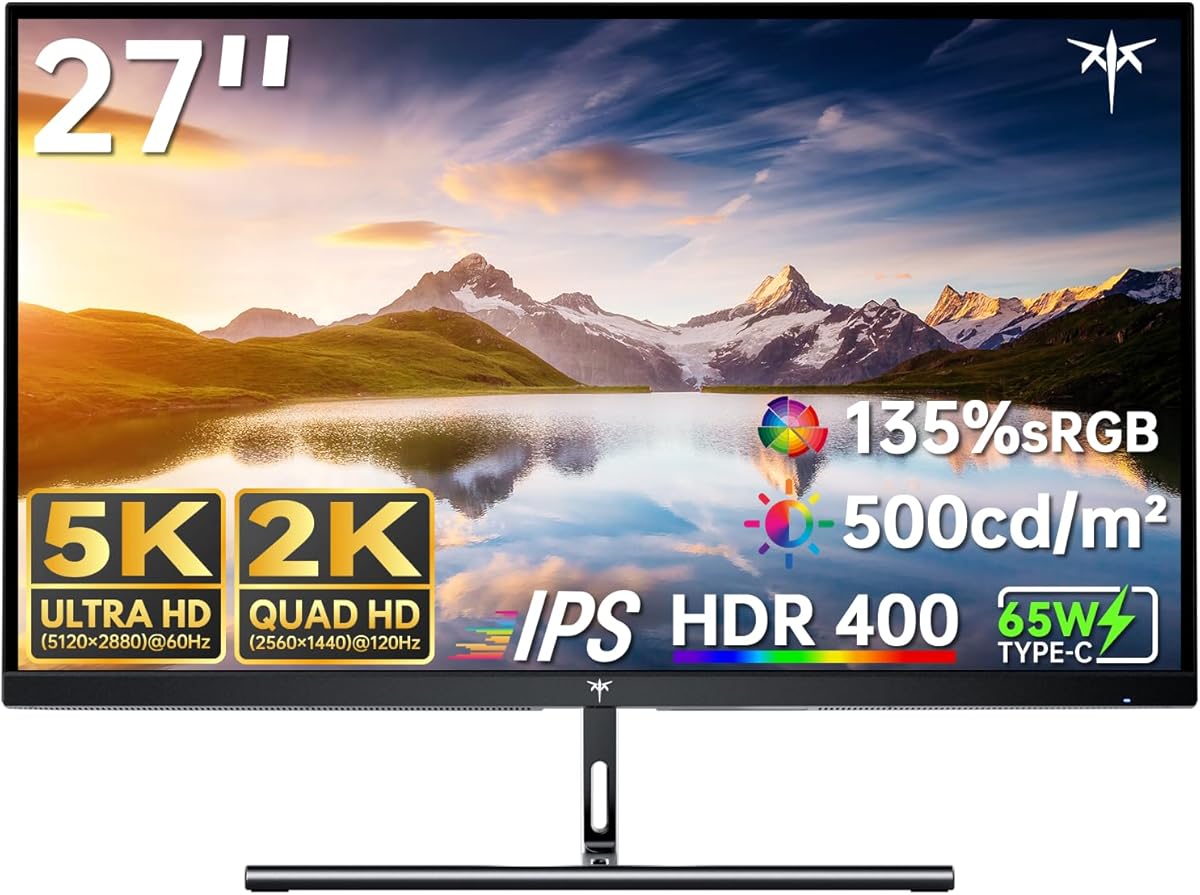
The KTC 5K Monitor 27 Inch provides exceptional value for users seeking high-resolution displays without breaking the bank. With a 4.4 rating it balances cost and performance effectively for both work and casual gaming needs.
We may earn a commission when you buy through this link, at no additional cost to you.
Its dual mode capabilities let you switch between 5K at 60Hz for vibrant precise colors and 2K at 120Hz for smooth multitasking or gaming. This versatility makes it a flexible option for various daily tasks.
Color accuracy is supported by 99% DCI-P3 and 100% sRGB coverage ensuring visuals look rich and true. Eye care technology including flicker-free and low blue light helps reduce strain during extended use periods.
Ideal for budget-conscious professionals and students this monitor delivers great specs at a competitive price. If you need a reliable 5K display with solid connectivity the KTC option is a smart pick.
You get professional grade color specs and dual mode functionality without the premium price tag of top brands.
Flicker-free and hardware low blue light tech help protect your eyes during long work or gaming sessions.
We may earn a commission when you buy through this link, at no additional cost to you.
The ASUS ROG XG27JCEG is tailored for gamers who need top-tier speed and clarity. While specific ratings vary its features align with high-performance standards for competitive and immersive gaming experiences.
We may earn a commission when you buy through this link, at no additional cost to you.
Switching between immersive 5K at 80Hz and QHD at 320Hz allows you to prioritize resolution or speed as needed. The 0.3ms response time ensures minimal ghosting and tear-free gameplay even in fast-paced titles.
VESA DisplayHDR 600 and 95% DCI-P3 coverage bring vibrant lifelike visuals to your screen. ROG Gaming A.I. Technology provides tools like Dynamic Shadow Boost to enhance visibility and give you a competitive edge.
This monitor is perfect for enthusiasts who want a dedicated gaming display with professional color quality. If you play competitive games and demand the highest refresh rates the XG27JCEG delivers.
The dual mode design lets you switch to QHD at 320Hz for competitive play while keeping 5K for single player games.
Features like Dynamic Crosshair and AI Visual help optimize your view without needing manual settings adjustments.
We may earn a commission when you buy through this link, at no additional cost to you.
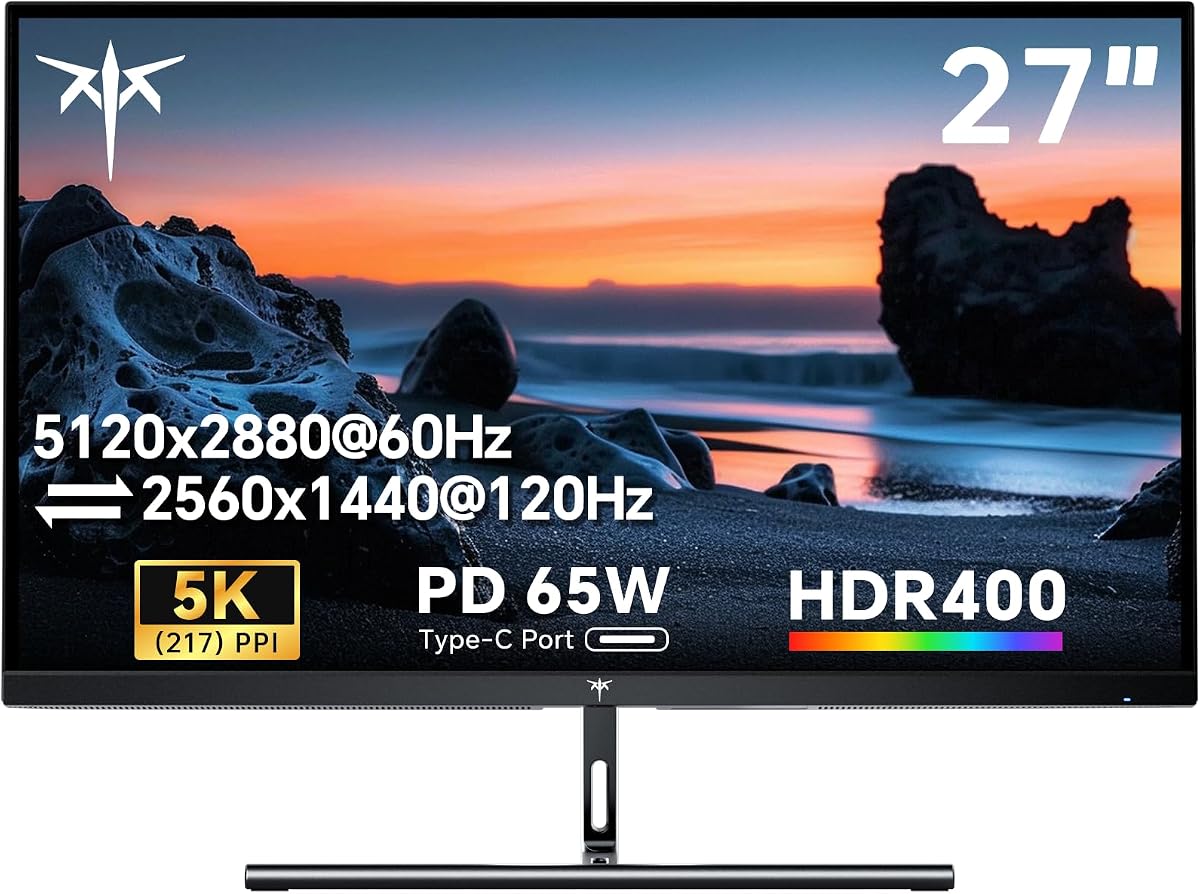
The KTC 27 Inch 5K Monitor offers a compelling balance of resolution and connectivity for home office use. With a 3.6 rating it provides clear visuals and flexible connections that suit Mac users and general workloads well.
We may earn a commission when you buy through this link, at no additional cost to you.
Its 135% sRGB color gamut area ensures that content appears vibrant and detailed. The dual mode feature allows switching between 5K at 60Hz or 2K at 120Hz to match your workflow or gaming needs.
Fully accessible connectivity includes 65W Type-C plus DisplayPort and HDMI for versatile setups. Blue light reduction and flicker-free technology help protect your eyes during long workdays or movie watching sessions.
This monitor is ideal for users who need a reliable high-resolution display at an accessible price point. If you work with Mac systems and require solid color performance the KTC model fits well.
Designed to work seamlessly with Mac Mini the Type-C port delivers power and data without extra adapters.
Multiple ports allow you to connect consoles laptops and peripherals all at once with minimal clutter.
We may earn a commission when you buy through this link, at no additional cost to you.
The LG 27GM950B-B brings advanced Mini-LED technology to the 5K gaming space. With a 3.1 rating it delivers powerful brightness and contrast that stand out in modern gaming environments.
We may earn a commission when you buy through this link, at no additional cost to you.
Powered by Hyper Mini LED this display reaches 1250 nits peak brightness meeting VESA DisplayHDR 1000 standards. This ensures bold highlights and deep shadows for an immersive experience in HDR games.
AI upscaling enhances lower resolution content to 5K without needing a GPU upgrade. The dual mode feature lets you switch between 5K at 165Hz for detail or QHD at 330Hz for speed.
This monitor is best for gamers who want the brightest and most dynamic visuals available. If you crave high-contrast scenes and high refresh rates the LG 27GM950B-B is a top contender.
The Hyper Mini LED tech with over 9000 LEDs provides deeper blacks and brighter highlights than standard panels.
Built-in processor analyzes and improves input signals to enhance detail for better clarity across all content.
We may earn a commission when you buy through this link, at no additional cost to you.
The Dell 27 Monitor S2725QC offers a reliable alternative for those seeking high refresh rates without 5K complexity. With a 4.4 rating it delivers smooth visuals and strong build quality for general use.
We may earn a commission when you buy through this link, at no additional cost to you.
Its 4K UHD IPS panel combined with 120Hz refresh ensures fluid motion for multitasking and light gaming. ComfortView Plus reduces harmful blue light to help maintain eye comfort during long workdays.
Vivid colors and strong contrast make this monitor great for media consumption and office work. The single USB-C cable supports up to 65W power delivery keeping your setup organized and clutter-free.
This monitor is best for users who need a balanced display for work and play. If you prioritize refresh rate over pixel density the Dell S2725QC is a practical choice.
ComfortView Plus cuts blue light significantly without sacrificing color accuracy for all-day usage.
A single USB-C cable handles video data and power making desk management simple and tidy.
We may earn a commission when you buy through this link, at no additional cost to you.
The LG 27UP850K-W is a strong contender for multimedia users who value color and convenience. With a 4.5 rating it offers robust connectivity and built-in features that reduce peripheral needs.
We may earn a commission when you buy through this link, at no additional cost to you.
Up to 95% DCI-P3 color gamut ensures that videos and games appear vibrant and true. The USB-C port delivers up to 90W power making it easy to charge laptops while using the display.
Built-in stereo speakers with Waves MaxxAudio enhance audio without extra devices. The Switch app transforms your screen into a multitasking hub allowing seamless screen splitting and window management.
This monitor is ideal for users who want a clean setup with good audio and video quality. If you need reliable connectivity and media features the LG Ultrafine is a smart option.
Built-in speakers and high color gamut make this display great for watching content and light editing.
USB-C delivers high power and data so you can run your laptop without extra chargers.
We may earn a commission when you buy through this link, at no additional cost to you.
The BenQ PD2730S is designed for professionals who demand precision and workflow efficiency. With a 3.7 rating it offers features like Thunderbolt 4 and a nano matte panel that suit creative studios well.
We may earn a commission when you buy through this link, at no additional cost to you.
Its 5K 218 PPI resolution delivers ultra-sharp details with smooth gradients for design work. The nano matte panel diffuses ambient light reducing reflections and enhancing eye comfort during extended sessions.
A built-in KVM switch lets you control two systems with one keyboard and mouse. Thunderbolt 4 delivers up to 90W power and supports daisy chaining for multi-monitor setups.
This monitor is perfect for 3D artists and VFX animators who need reliable color and connectivity. If you work in a Mac-based professional studio the BenQ PD2730S is highly capable.
KVM switch and daisy chain options simplify multi-computer setups without extra docks or switches.
Nano Matte panel reduces glare effectively so colors stay accurate even in bright office lighting.
We may earn a commission when you buy through this link, at no additional cost to you.
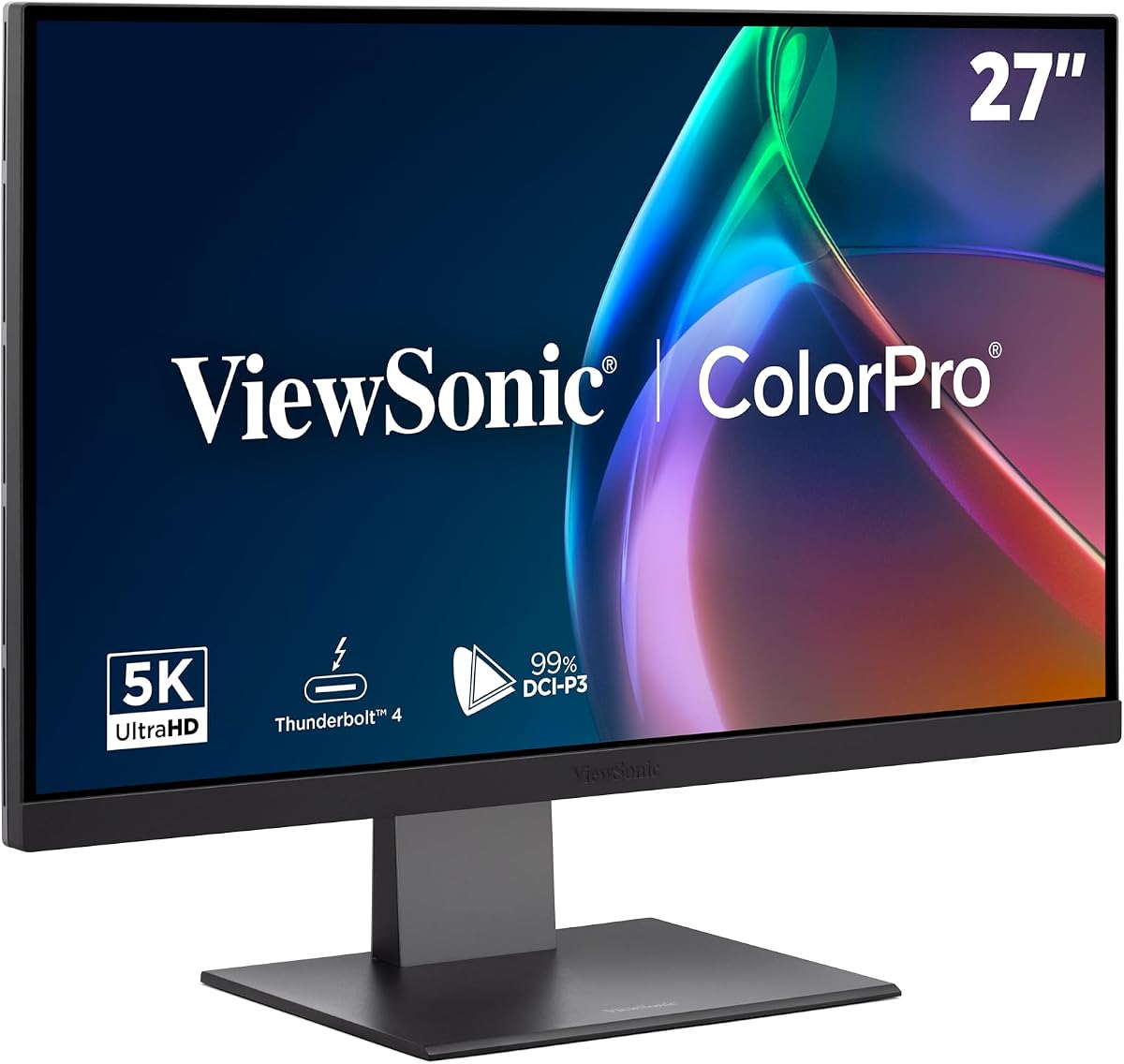
The ViewSonic VP2788-5K is a professional-grade display tailored for Mac workflows. With a 3.7 rating it emphasizes color precision and daisy chain capabilities for multi-monitor creative setups.
We may earn a commission when you buy through this link, at no additional cost to you.
Pantone Validated color precision ensures deep contrast and accuracy for creative editing tasks. Thunderbolt 4 delivers up to 100W of power and supports daisy chaining up to two 5K monitors.
Flexible connectivity includes Thunderbolt 4, USB-C, HDMI, and DisplayPort for modern hardware. The fully adjustable stand provides personalized comfort with tilt swivel rotate and height adjustments.
This monitor is best for designers and editors who need a seamless Mac-compatible experience. If you value color standards and expandability the ViewSonic VP2788-5K is a strong option.
Pantone validation ensures that your colors match industry standards for professional outputs.
Daisy chain support allows you to connect multiple high-resolution screens without extra docks.
We may earn a commission when you buy through this link, at no additional cost to you.
Selecting the right 27 inch 5K monitor involves balancing resolution color accuracy and connectivity with your specific workflow needs.
27 inch 5K monitors offer 5120 by 2880 pixels with around 218 PPI. This provides sharp text and detailed visuals for design and coding work.
Look for at least 218 PPI to ensure the 5K resolution feels native and crisp.
Color professionals need accurate reproduction. Look for 99% DCI-P3 and 100% sRGB coverage along with Delta E less than 2.
Factory calibration and Pantone validation help ensure your work translates correctly across devices.
USB-C and Thunderbolt 4 are essential for Mac users to deliver video data and power via one cable.
Ensure your monitor supports at least 65W power delivery to charge laptops while connected.
Gaming and multimedia require higher refresh rates and fast response times to avoid motion blur.
Look for models with dual mode support that let you switch between 5K at 60Hz and QHD at 120Hz or higher.
IPS panels provide wide viewing angles and accurate colors suitable for most users.
Higher brightness and HDR support like HDR400 or HDR1000 enhance contrast for media consumption.
An adjustable stand that supports height tilt and swivel helps reduce neck strain during long sessions.
Look for eye care features like flicker-free and low blue light filters for extended comfort.
Mac users should prioritize monitors with Thunderbolt 4 and daisy chaining support for multi-monitor setups.
Ensure the display matches Mac color standards to avoid calibration issues with professional apps.
A longer warranty period and responsive customer service can save you from repair costs down the line.
Check for extended warranty options and registration requirements to maintain coverage.
Start by connecting the monitor to a high-speed USB-C or Thunderbolt 4 cable to unlock full resolution and power delivery. Adjust your display settings to match the native 5120×2880 resolution for the best visual quality.
Clean the screen gently with a microfiber cloth and avoid using harsh chemicals or spraying liquids directly on the panel. This helps maintain the clarity of the 5K display over time.
Calibrate your color settings periodically using built-in tools or third-party software to keep visuals accurate. This ensures that your work remains consistent across different platforms and devices.
Yes if you need high pixel density for design coding or video editing. The extra detail improves workflow efficiency and clarity.
Use a high-speed USB-C Thunderbolt 4 or DisplayPort 1.4 with DSC cable. Standard HDMI cables may not support full 5K at 60Hz.
Yes Macs support 5K natively but ensure the monitor has Thunderbolt 4 or USB-C with high power delivery for full performance.
High resolution displays can increase power usage. If using USB-C power delivery make sure your laptop supports the wattage offered by the monitor.
Dual mode lets you switch between 5K resolution for clarity and lower QHD for higher refresh rates. This is great for gaming and productivity needs.
Use built-in calibration tools or external colorimeters. For professional work look for factory pre-calibrated options with Delta E less than 2.
The ASUS ProArt PA27JCV LG 27GM950B-B and KTC 5K Monitor 27 Inch offer strong options for different needs ranging from professional color accuracy to premium gaming performance.
Prioritize color precision and connectivity if you work in design or creative fields. For gaming focus on refresh rate and response time to ensure smooth action.
Always check current listings and compare specs before purchasing to ensure the monitor meets your specific requirements for performance and compatibility.