
California JOS GPU Support Bracket
4.7Editor score
Durable all-aluminum build
Height adjustable universal fit
Secure base stability
Protecting your valuable graphics card from physical stress is essential for any modern PC build. GPU support brackets prevent sagging, ensuring your hardware remains aligned and secure over time.
We evaluated ten leading models based on build quality, adjustability, and installation ease. Each option offers unique features to match different chassis configurations and user preferences effectively.
Our reviews highlight key strengths and potential trade-offs for every product. Prices and availability may change, so verify details before purchasing to ensure you get the best value.
4.7Editor score

4.8Editor score
4.7Editor score
As an Amazon Associate we earn from qualifying purchases.
This side-by-side comparison highlights the core specifications and design features of each bracket to help you find the perfect match for your system.
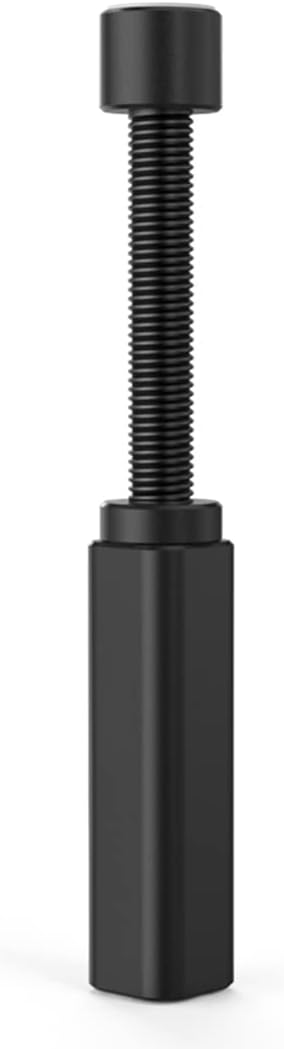
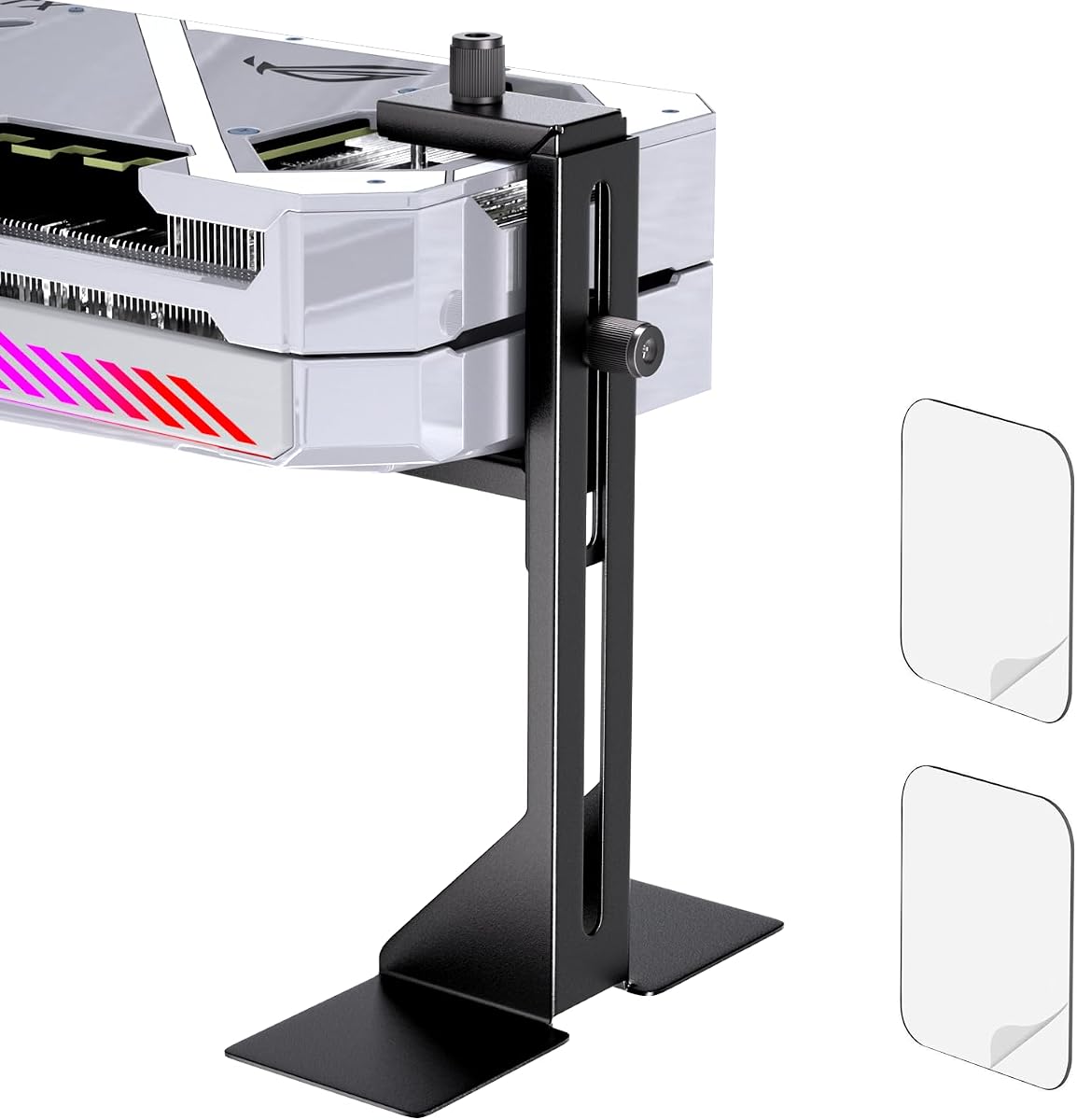


This GPU brace support ranks first due to its robust all-aluminum construction and versatile design. With a rating of 4.7, it delivers reliable support for most modern graphics cards.
We may earn a commission when you buy through this link, at no additional cost to you.
Its screw adjustment design allows compatibility with various chassis configurations, ensuring a perfect fit. The hidden magnet in the base provides stable standing without wobbling during use.
While highly durable, the installation might require careful alignment to maximize the magnet's effectiveness. The detailed workmanship ensures longevity but adds slight complexity compared to basic options.
Buyers seeking a long-term solution for heavy GPUs will appreciate its build quality and adjustability. It stands out as a top choice for those prioritizing durability and stability.
The all-aluminum metal material avoids aging issues common with plastic, ensuring lasting performance over years.
The hidden magnet design in the base offers easy installation and secure standing within the chassis.
We may earn a commission when you buy through this link, at no additional cost to you.
With a 4.8 rating, this acer bracket offers exceptional adjustability and build quality. Its aluminum alloy construction ensures durability and resistance to rust for long-term use.
We may earn a commission when you buy through this link, at no additional cost to you.
The detachable design features precise 0.5mm increments, allowing perfect height adjustments for various cases. The powerful magnet ensures the support stays firmly 'welded' to the chassis.
While the magnet is strong, users without a steel chassis might need adhesive alternatives. The price reflects premium materials and an extended warranty, which may be a barrier for budget builds.
Enthusiasts who value precision and warranty coverage will find this model ideal. It balances aesthetics and function effectively for demanding gaming setups.
The 0.5mm increments allow exact fit customization, reducing stress on the GPU slots during installation.
An 18+18-month warranty provides peace of mind, backed by responsive customer support within hours.
We may earn a commission when you buy through this link, at no additional cost to you.
This California JOS model offers a strong balance of affordability and performance with a 4.7 rating. It prevents GPU sagging effectively while protecting your motherboard from long-term damage.
We may earn a commission when you buy through this link, at no additional cost to you.
Its all-aluminum build ensures strength and resistance to wear, outperforming plastic alternatives. The height-adjustable design makes it compatible with most ATX, M-ATX, and ITX cases easily.
The lack of advanced features like magnets may limit stability in some chassis. However, its low cost and US packaging make it a reliable choice for budget-conscious builders.
Users seeking a no-frills, effective brace should consider this option. It provides essential protection without unnecessary complexity or cost.
Compatible with most ATX and ITX cases, this bracket ensures a universal fit for diverse PC builds.
QC checked and packaged in the USA, it meets high standards for reliability and customer satisfaction.
We may earn a commission when you buy through this link, at no additional cost to you.
Rated 4.6, this bracket offers unique versatility with horizontal and vertical mounting options. The strong double-sided adhesive ensures secure attachment to the chassis effectively.
We may earn a commission when you buy through this link, at no additional cost to you.
It supports GPUs up to 75mm thickness, accommodating large cards like the 4090. The adhesive leaves minimal residue, making cleanup and reuse easier than permanent mounts.
Adhesive strength depends on surface preparation, which may limit use on textured cases. Its fixed height adjustment range also offers less flexibility compared to screw-based designs.
This option suits users with specific orientation needs or non-steel cases. It provides a reliable solution where magnetic or screw options fail.
The strong double-sided adhesive provides a secure attachment, preventing wobbling and ensuring system stability.
Supporting up to 75mm thickness, it handles heavy cards without compromising the PCIe slot integrity.
We may earn a commission when you buy through this link, at no additional cost to you.
This model combines aluminum durability with a magnetic base, earning a 4.6 rating for stability. The anti-scratch pads protect your GPU while providing cushioning support.
We may earn a commission when you buy through this link, at no additional cost to you.
Its screw adjustment design allows compatibility with various chassis configurations effectively. The hidden magnet in the base ensures easy installation and stable standing within the chassis.
The magnet is ineffective on non-metallic cases without modification. The adjustment process may require a level for optimal alignment, adding slight complexity.
Ideal for users with standard steel cases, it balances cost and performance well. The anti-scratch pads add extra care for valuable graphics cards.
The hidden magnet in the base simplifies installation and ensures stable standing without tools.
Cushioning pads prevent damage to the graphics card, offering peace of mind during installation.
We may earn a commission when you buy through this link, at no additional cost to you.
Designed for taller cases, this TEAMOLA model offers adjustable height from 4.53 to 8.27 inches. With a 4.5 rating, it provides reliable support for heavy cards.
We may earn a commission when you buy through this link, at no additional cost to you.
The all-aluminum construction ensures strength and long-lasting performance. The hidden magnet design facilitates easy installation and stable standing in the chassis without tools.
Its wide height range may be excessive for smaller cases, limiting versatility. The magnetic base relies on steel components, which may not be present in all chassis.
This bracket suits users with tall cases needing extra vertical space. It delivers effective support where standard brackets fall short.
Adjusting from 4.53 to 8.27 inches, it fits a wide range of chassis configurations effectively.
Twisting the nut adjusts the height without tools, making setup quick and accessible for everyone.
We may earn a commission when you buy through this link, at no additional cost to you.
Rated 4.6, this stand offers robust support with a clean minimalist design. The secure magnetic base ensures a strong, stable foundation for your graphics card.
We may earn a commission when you buy through this link, at no additional cost to you.
It prevents stress on PCIe slots by eliminating warping risks. The universal compatibility works with major brands like ASUS, MSI, and NVIDIA effectively.
The minimalist aesthetic may clash with vibrant RGB builds. Magnetic surfaces require occasional cleaning to maintain adhesion strength.
Ideal for users prioritizing clean builds and basic functionality, it delivers essential protection without distraction. The magnetic installation ensures stability.
Its discreet matte finish becomes virtually invisible, keeping focus on your clean PC build.
Works with all major brands, providing reliable anti-sag solutions for diverse GPU types.
We may earn a commission when you buy through this link, at no additional cost to you.
This X-Protector model offers simple, tool-free installation with a 4.6 rating. The solid aluminum construction ensures durability while preventing vibrations with rubber pads.
We may earn a commission when you buy through this link, at no additional cost to you.
It adjusts from 2.9 to 5 inches, providing a perfect fit for almost any graphics card without stress on the slot.
The limited height range may not fit taller or larger cases. Its basic design lacks aesthetic appeal for users seeking premium looks.
A solid choice for straightforward support needs, it balances simplicity and reliability. The satisfaction guarantee adds confidence for buyers.
Soft rubber pads prevent vibrations and ensure safe contact with your GPU surface.
Adjust height and place under the card instantly, requiring no tools or complex assembly.
We may earn a commission when you buy through this link, at no additional cost to you.
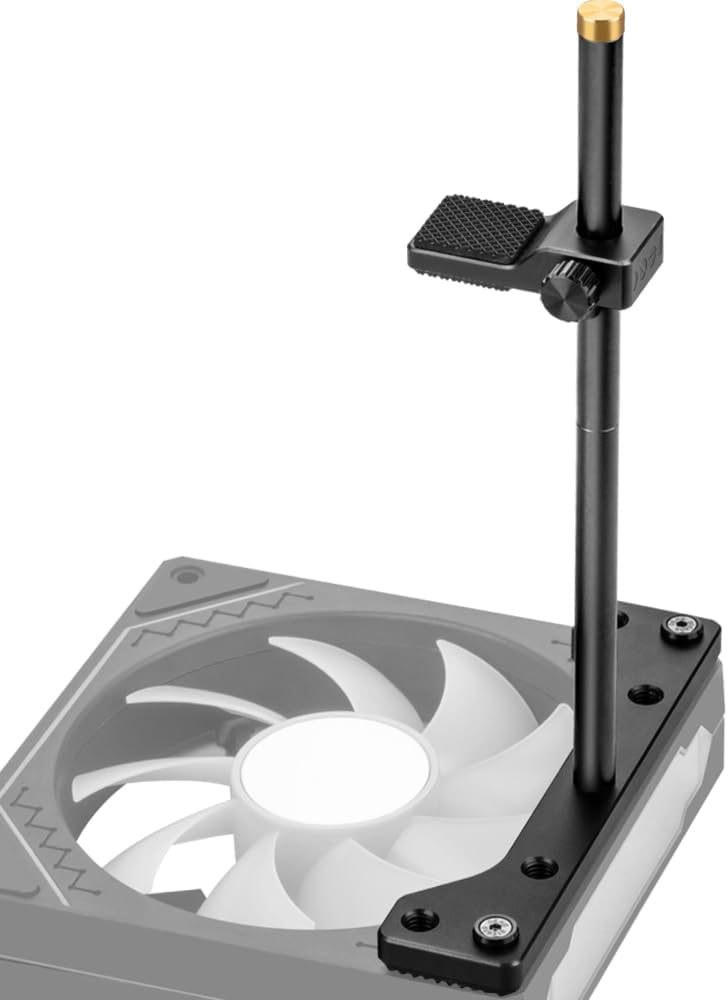
With a 4.7 rating, this model stands out for its fan-mount compatibility and CNC aluminum design. The non-slip rubber pads ensure stability and prevent scratches on the GPU.
We may earn a commission when you buy through this link, at no additional cost to you.
Its height adjustment from 0.63 to 6.3 inches allows flexible placement on bottom or top fans. Detachable parts make installation adaptable to various layouts.
The higher price and assembly complexity may deter casual users. Compatibility checks are necessary before purchase to ensure fit with your case's fan mounts.
This is a premium choice for advanced builders integrating cooling and support. It offers unique functionality beyond basic braces.
Designed for 12cm fan mounts, it integrates cooling and support seamlessly into your build.
Splitting into two parts allows customization for bottom or top fan layouts.
We may earn a commission when you buy through this link, at no additional cost to you.
Rated 4.7, this bracket provides sturdy aluminum support with rubber pads for secure grip. Its magnetic base sticks to PSU shrouds effectively for stable standing.
We may earn a commission when you buy through this link, at no additional cost to you.
The adjustable height design fits most chassis configurations without tools. Its unobtrusive appearance avoids detracting from your computer's aesthetics.
Magnetic stability depends on the presence of steel components, limiting some use cases. The height range has fixed limits that must be checked before purchase.
An ideal choice for users seeking basic, effective protection with good grip. It balances simplicity with essential features well.
Rubber pads add a nice grip, preventing slippage and protecting the GPU surface.
Compatible with ATX, M-ATX, and ITX structures, it meets various user hosts effectively.
We may earn a commission when you buy through this link, at no additional cost to you.
Selecting the right GPU support requires understanding materials, adjustability, and compatibility with your case and card.
High-quality aluminum alloys offer durability and resistance to rust or bending over time. Plastic options may degrade faster under heavy loads.
Choose aluminum for long-term stability and a premium look.
Ensure the bracket's height range matches your GPU and case dimensions. Fixed-height models may not fit all configurations.
Check adjustable limits to confirm compatibility before purchasing.
Magnetic bases require steel surfaces, while adhesive or screw options work on non-metal cases. Consider your chassis material before selecting.
Match the installation method to your case's construction for best results.
Some brackets specify maximum GPU thickness, often up to 75mm. Verify this matches your card to avoid interference.
Always measure your GPU thickness to ensure a snug fit.
Anodized or CNC finishes enhance aesthetics and durability. A clean design complements modern PC builds effectively.
Select finishes that match your system's color scheme.
Look for warranties and responsive support teams. Extended warranties reduce risk and indicate manufacturer confidence.
Prioritize brands offering clear support policies for peace of mind.
Begin by measuring your GPU's height to determine the correct bracket setting. Ensure your case has compatible mounting points for the chosen installation type.
Install the bracket by placing it under the GPU's front edge, adjusting height until snug. Secure magnets or adhesive firmly for maximum stability.
Regularly check the bracket for movement and clean magnetic surfaces. Ensure the rubber pads stay intact to avoid scratches on your hardware.
No, they prevent physical sagging which protects the PCIe slot. This ensures stable electrical contact and avoids damage that could degrade performance.
Yes, most have rubber pads to prevent scratches and damage. They are safe as long as the chassis material supports magnet adhesion.
Many models are compatible with ITX cases. Always check the product's height and mounting specs to confirm fit for compact builds.
Heavier, triple-fan cards benefit most from support. Lighter cards may not require it, but it's a preventive measure for longevity.
Wipe with a dry cloth to remove dust. Avoid water to prevent corrosion or damage to the magnetic components.
Premium models often offer better materials and adjustability. However, budget options can provide effective protection if they match your needs.
Our top picks include the acer Support Bracket for adjustability, the California JOS model for value, and the Fan Mount version for specialized setups.
Prioritize material quality and mounting type to match your specific build needs for optimal stability.
Always verify current prices and compatibility before purchasing to ensure you select the right solution for your graphics card.