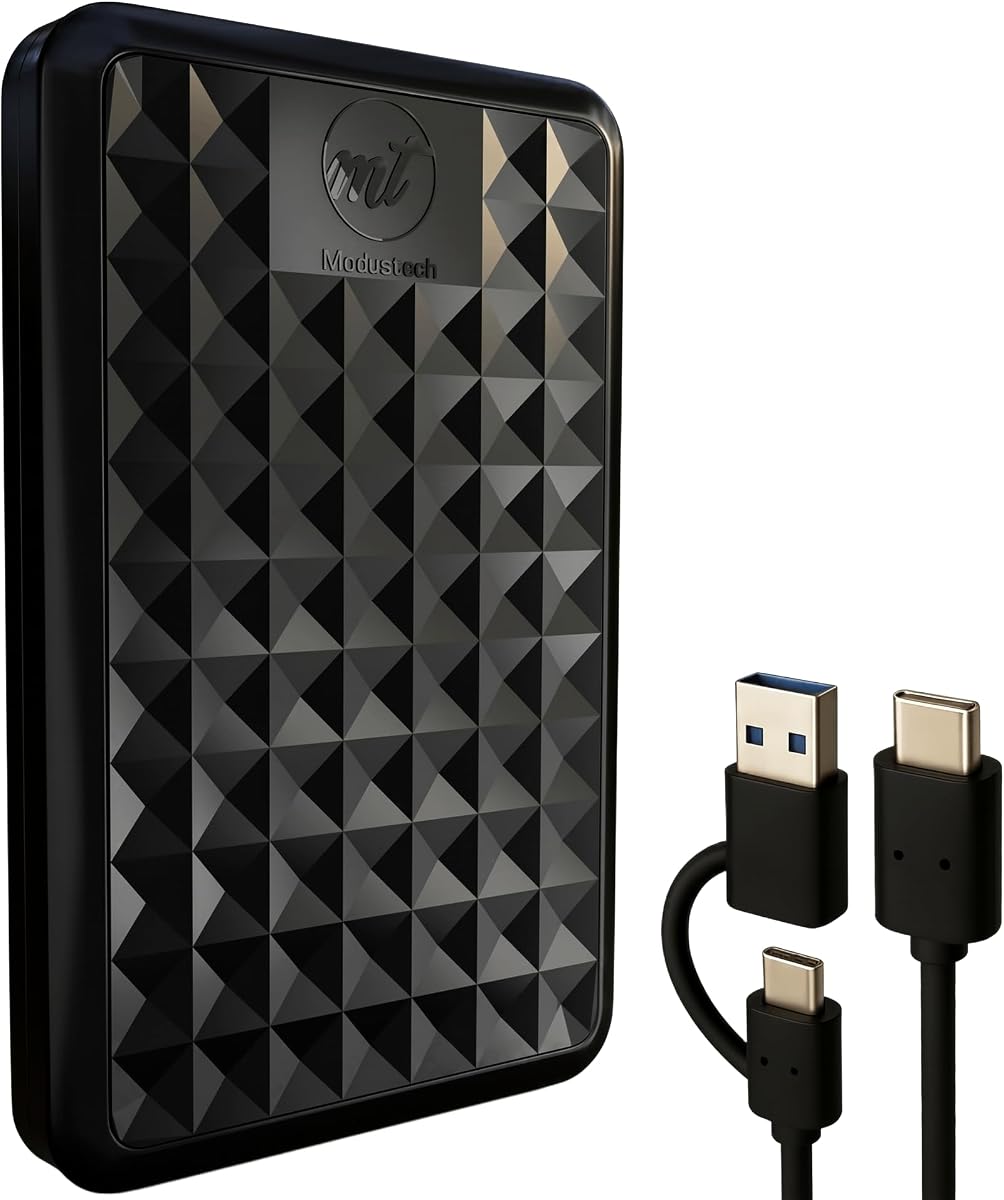
Facet 500GB External
4.1Editor score
USB-C connectivity
Slim portable design
Preformatted exFAT
Discover the top external hard drives for Chromebook. Compare storage, speed, and compatibility to find the perfect portable drive for your Chromebook needs.
Chromebooks offer great portability but often lack internal storage. An external hard drive solves this by providing ample space for files, media, and backups without cluttering your device.
We evaluated ten top models based on compatibility, transfer speeds, build quality, and ease of use. Each option was chosen to ensure seamless integration with Chrome OS and various user scenarios.
Every selection highlights specific strengths like speed, capacity, or value. Prices fluctuate regularly, so check current listings before purchasing to ensure you get the best deal available today.
4.1Editor score

4.7Editor score

4.6Editor score
This side-by-side comparison highlights key specifications across all ten selected drives. Use this table to quickly identify capacity, connectivity, and design differences.


The WD Elements Portable 2TB stands out as a top choice for Chromebook users needing substantial storage. With a 4.7 rating, it delivers reliable performance and easy setup without extra software.
We may earn a commission when you buy through this link, at no additional cost to you.
Its SuperSpeed USB 3.2 Gen 1 interface ensures fast file transfers, making it ideal for backing up photos, videos, and documents quickly. The lightweight design fits easily into bags or pockets.
While it uses a standard USB-A connection, most Chromebooks still support this or include adapters. The lack of bundled software is acceptable given the drive focuses on core functionality.
This drive is perfect for students or professionals who need ample space for projects and media. It offers a balanced mix of capacity, speed, and portability for daily use.
USB 3.2 Gen 1 technology ensures quick data access and transfer speeds suitable for large files.
No driver installation is required; simply connect the drive to your Chromebook to start using it immediately.
We may earn a commission when you buy through this link, at no additional cost to you.
Maxone offers a solid 1TB external drive at a competitive price. Its aluminum body provides durability while maintaining a slim profile that fits comfortably in any bag.
We may earn a commission when you buy through this link, at no additional cost to you.
The USB 3.0 interface delivers transfer speeds up to 5Gbps, which is significantly faster than older USB 2.0 models. This ensures quick backups and file access for everyday tasks.
One limitation is that some newer Chromebooks use USB-C ports exclusively, so an adapter may be needed. However, the included cable and warranty add value to the package.
Ideal for casual users or students needing extra space without breaking the bank. It balances performance and cost effectively for general storage needs.
The all-aluminum chassis offers protection against scratches and helps dissipate heat during operation.
A three-year manufacturer warranty provides peace of mind and free technical support service.
We may earn a commission when you buy through this link, at no additional cost to you.
Seagate is a well-known name in storage, and this 2TB portable drive delivers on its promise of reliability. It features automatic recognition, making setup effortless for any user.
We may earn a commission when you buy through this link, at no additional cost to you.
The included 18-inch USB 3.0 cable offers flexibility in connecting to your Chromebook. It supports both Windows and Mac systems, which is helpful for cross-platform file sharing.
Users should note that Mac users may need to reformat the drive for optimal compatibility. Despite this minor step, the drive offers robust storage for large media libraries.
This drive is best for those who prioritize brand trust and capacity over ultra-slim designs. It serves well as a dedicated backup solution for important files and media.
Designed to work seamlessly with both Windows and Mac operating systems right out of the box.
No software installation is required; the drive is ready to use immediately after connection.
We may earn a commission when you buy through this link, at no additional cost to you.
For users needing a small, affordable drive, this 500GB model fits the bill. It weighs only 0.35 lbs, making it incredibly easy to carry around for daily tasks.
We may earn a commission when you buy through this link, at no additional cost to you.
It supports USB 3.0 for fast transfers and is compatible with various systems including gaming consoles. This versatility makes it useful beyond just Chromebook storage needs.
The main drawback is the limited capacity compared to 1TB or 2TB options. However, for storing essential documents or small media collections, it suffices well.
This drive is ideal for occasional users or as a secondary backup device. Its low price and portability make it a practical choice for basic storage expansion.
Weighing just 0.35 lbs, this drive slips easily into pockets or small bags without adding bulk.
Compatible with Windows, Mac, Linux, and gaming consoles for versatile use across devices.
We may earn a commission when you buy through this link, at no additional cost to you.
Aiolo Innovation offers a compact solution with a notable inclusion of a USB-C adapter. This bridges the gap for Chromebooks that lack USB-A ports entirely.
We may earn a commission when you buy through this link, at no additional cost to you.
The drive runs silently and quickly, thanks to its noise-free motherboard solution. It fits easily into pockets, ensuring you never leave storage capacity behind when traveling.
While the 500GB limit might not suit large media collectors, it is sufficient for document backups. The 3-year warranty adds significant value to this budget option.
Ideal for students or travelers who need a reliable, silent drive. The included adapter makes it more convenient than similar drives without extra accessories.
Works out of the box with modern Chromebooks that use USB-C ports exclusively.
Advanced motherboard design ensures quiet performance even during heavy data transfer tasks.
We may earn a commission when you buy through this link, at no additional cost to you.
This Facet drive stands out with native USB-C connectivity, eliminating the need for dongles on modern Chromebooks. It ships preformatted in exFAT for universal compatibility.
We may earn a commission when you buy through this link, at no additional cost to you.
The included 2-in-1 cable allows connection to both USB-C and USB-A ports. This flexibility makes it a practical choice for households with mixed device types.
At 160g, it is incredibly light and fits in a jacket pocket. Its shock-resistant casing protects data during travel, which is vital for mobile professionals.
Best for users who want plug-and-play convenience without extra adapters. It balances modern connectivity with everyday durability for seamless backups.
Preformatted for immediate use across Windows, Mac, and Chrome OS without any setup steps.
Slim and shock-resistant casing ensures protection against bumps and drops during transit.
We may earn a commission when you buy through this link, at no additional cost to you.
This 1TB portable drive is designed to fit comfortably in your palm. It includes a USB-C adapter, ensuring compatibility with newer Chromebook models effectively.
We may earn a commission when you buy through this link, at no additional cost to you.
Its slim style and lightweight build make it easy to carry daily. The USB 3.0 interface provides fast data transfer rates for quick backups on the go.
While it lacks special features, it covers essential needs well. The included 3-year warranty offers additional peace of mind for long-term users.
Ideal for anyone needing reliable extra space without complex setup. Its balance of capacity and portability makes it a strong contender for daily use.
The included USB to Type-C adapter ensures seamless connection to modern devices without extra purchases.
Fits comfortably in a pocket or small compartment for easy transport anywhere.
We may earn a commission when you buy through this link, at no additional cost to you.
UnionSine combines style with functionality through its striped non-slip design. The heat dissipation feature ensures stable performance during long data transfers.
We may earn a commission when you buy through this link, at no additional cost to you.
Its motherboard adopts a noise-free solution, creating a quiet working environment. This is ideal for users working in shared spaces or quiet offices.
The drive offers fast read and write speeds suitable for various tasks. Its lightweight profile allows for easy portability in any bag or case.
Best for users valuing aesthetics and quiet performance. The warranty and design make it a reliable choice for professional or personal storage needs.
Noise-free motherboard ensures silent performance during heavy data transfers or backups.
Striped shell design enhances heat dissipation to maintain stable operation during use.
We may earn a commission when you buy through this link, at no additional cost to you.
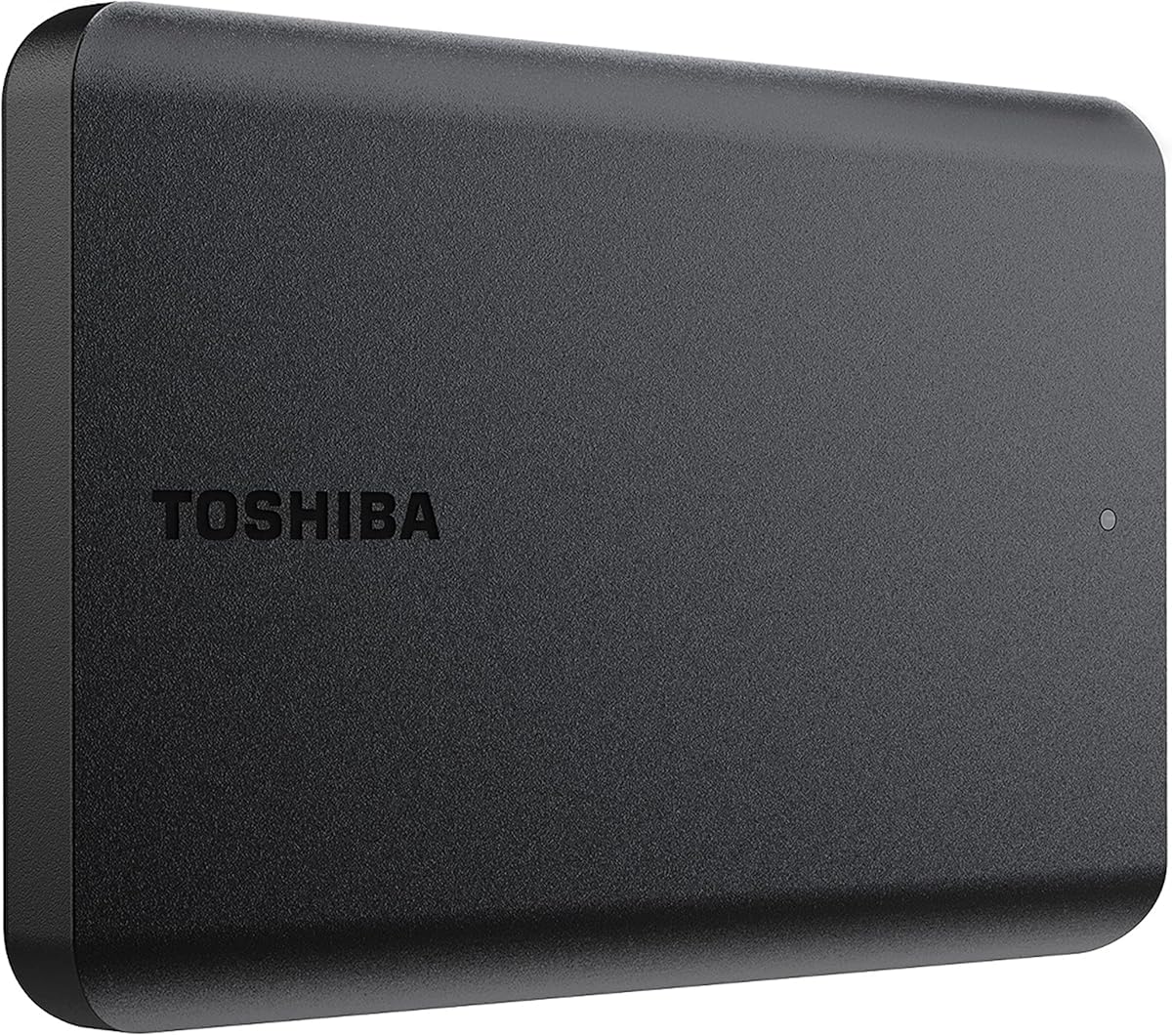
The Canvio Advance stands out with its sleek textured finish and advanced software features. It includes password protection tools to secure sensitive data effectively.
We may earn a commission when you buy through this link, at no additional cost to you.
Automatic backup software helps keep your files safe without manual effort. This adds significant value for users needing automated protection for their important documents.
Note that software features are primarily for Windows, so Chromebook users may need manual backup solutions. Still, the drive itself is compatible and reliable.
Ideal for those who prioritize data security and style. Its design and features make it a robust choice for protecting personal and work files.
Password protection software helps prevent unauthorized access to your stored files and folders.
Compact design with a stylish finish that fits well with modern accessories and laptops.
We may earn a commission when you buy through this link, at no additional cost to you.
This 2TB drive offers ample space for extensive media collections and backups. Its plug-and-play design ensures easy setup for most systems without extra steps.
We may earn a commission when you buy through this link, at no additional cost to you.
The sleek matte profile resists smudges and scratches, keeping it looking clean. It does not require external power, relying solely on USB power for portability.
Users may need to reformat for cross-platform use, but the drive supports various systems. The large capacity makes it ideal for heavy users needing robust storage.
Best for professionals or families needing maximum storage. It provides a balance of capacity, reliability, and ease of use for everyday tasks.
The matte profile design resists smudges and scratches for a clean look over time.
Up to 2TB capacity allows you to store vast amounts of photos, videos, and documents.
We may earn a commission when you buy through this link, at no additional cost to you.
Choosing the right drive involves considering capacity, connectivity, and portability. This guide breaks down the key factors to help you make an informed decision.
Storage capacity determines how many files you can save. For basic document backups, 500GB or 1TB may suffice, while media collections require 2TB or more.
Evaluate your current file usage and estimate future growth to pick a capacity that offers long-term value without excessive cost.
Connectivity type affects compatibility with your Chromebook. Modern models often use USB-C, while older ones rely on USB-A. Ensure the drive matches your port or includes an adapter.
A drive with USB-C support offers faster transfer speeds and eliminates the need for extra dongles when used with modern devices.
Portability is crucial for mobile users. Look for slim, lightweight drives that fit easily into pockets or small compartments for daily travel.
Slim designs reduce bulk without sacrificing capacity, making them ideal for professionals or students who move frequently.
Transfer speeds impact how quickly you can move large files. USB 3.0 and USB 3.2 offer significantly faster speeds than USB 2.0 standards.
Faster speeds save time during backups and file transfers, improving overall productivity when dealing with large datasets.
Durability ensures your drive withstands daily use. Aluminum casings provide better heat dissipation and protection against drops compared to plastic.
A sturdy build protects your data during transit, which is essential for users who frequently carry their drives outside the home.
Software features like password protection or backup tools add value. Check if these are compatible with Chrome OS or if manual methods are needed.
Ensure the drive is preformatted or easily reformattable for Chromebook use to avoid initial setup hurdles.
A solid warranty indicates manufacturer confidence and provides protection against defects. Look for warranties covering at least three years of use.
Free technical support can be helpful if issues arise, adding peace of mind to your purchase decision.
Budget considerations should balance cost with features. Higher capacity drives cost more, but sometimes a smaller drive with better connectivity offers better value.
Focus on long-term needs rather than initial price to ensure you invest in a drive that serves you well over time.
To use the drive, simply plug it into a USB port on your Chromebook. If it uses USB-C and your Chromebook has only USB-A, use the included adapter for connection.
Organize your files into folders to maintain order. Regularly back up important data to the drive to prevent loss from accidental deletion or device failure.
Always safely eject the drive before unplugging it. This prevents data corruption. Store the drive in a cool, dry place away from direct sunlight or magnetic fields.
Yes, Chrome OS supports external hard drives natively. Most drives work out of the box, though formatting may be needed for certain file systems like NTFS. The OS recognizes the drive as a storage volume for easy file management.
Newer Chromebooks often have USB-C ports, while many drives use USB-A. If your drive lacks a USB-C connector, you will need a USB-A to USB-C adapter. Some drives include this adapter in the package for convenience.
Connect the drive to your Chromebook and open the Files app. Select the drive, click the three dots, and choose Format device. Ensure you select a file system compatible with your needs, such as exFAT.
Yes, you can store files permanently on an external drive. However, it is best practice to keep backups in multiple locations to avoid data loss if the drive fails or gets damaged unexpectedly.
For general use like documents and photos, 500GB or 1TB is sufficient. If you handle large videos or multiple projects, consider a 2TB drive for ample space without frequent management.
Portable hard drives with USB 3.0 are fast enough for most tasks. They offer transfer speeds up to 5Gbps, which is significantly faster than older standards and suitable for everyday backups.
Most portable drives draw power from the USB port, requiring no extra adapter. This makes them ideal for Chromebooks which may have limited power outlets compared to desktop PCs.
Yes, you can use external drives for Chrome OS backups. You can save specific folders or files manually. Note that full system recovery images may require specific formats or tools depending on the method.
The top picks highlight the best options across capacity, speed, and value. WD Elements leads in reliability, while Facet offers modern USB-C connectivity for a lower budget.
When choosing, prioritize connectivity compatibility and storage capacity to meet your specific needs. Ensure the drive fits your workflow and provides the necessary protection for your data.
Prices fluctuate regularly, so check current listings before purchasing. This ensures you get the best deal available today for the right storage solution for your Chromebook.